
20 Prompts for an AI Carousel Generator (Copy and Paste)
A good prompt gets you a good carousel. A vague prompt gets you a vague one. Here are 20 prompts for an AI carousel generator that you can copy and paste, plus simple tips to make them work for your topic.
How to Write a Good Carousel Prompt
A strong prompt has four parts:
- The topic. What is the carousel about?
- The audience. Who is it for?
- The format. List, steps, story, or myth buster?
- The goal. Saves, comments, or followers?
Example: "5 mistakes new founders make with pricing, for early-stage SaaS founders, as a list, to get saves."
Replace the words in [brackets] below with your own topic.
Prompts for How-To and Educational Carousels
- "5 steps to [achieve result] for [audience]. Keep each slide under 30 words."
- "A beginner's guide to [topic] in 7 slides, with one simple example on each slide."
- "The checklist I use before I [do task]. Make it easy to save."
- "How to [result] in [time], step by step, for people who are new to it."
- "[Number] free tools for [job] and one reason to use each."
Prompts for Story and Personal Carousels
- "A short story about how I [achievement or failure], with the problem, the turning point, and 3 lessons."
- "What I learned after [number] [posts, clients, months] of [activity]."
- "My biggest mistake in [field] and how I fixed it."
- "A day in my life as a [role], with 6 short moments."
- "How I went from [starting point] to [result], in 7 slides."
Prompts for Opinion and Myth-Busting Carousels
- "Myth: [common belief]. Show why it is wrong and what to do instead."
- "[Number] things most people get wrong about [topic]."
- "An unpopular opinion about [topic], with 4 reasons."
- "[Option A] vs [Option B]: which is better for [audience] and why?"
- "Stop doing [habit]. Do this instead."
Prompts for Business and Sales Carousels
- "Why customers choose [product or service], in 5 simple reasons."
- "A case study: how [client or I] got [result] with [method]."
- "[Number] questions to ask before you hire a [role or service]."
- "Our process for [service], from first call to final result, in 6 steps."
- "Turn this blog post into a carousel: [paste text or link]. Keep the 5 key points."
Tips to Get Better Results From Any Prompt
- Add numbers. "7 steps" is clearer than "some steps."
- Name the audience. "For busy founders" gives the AI a voice to aim for.
- Say what you want to avoid. For example, "no jargon" or "no long paragraphs."
- Give a real example or fact. The AI can then build around it.
- Edit the draft. Add your voice and double-check facts and numbers.
- Try the same prompt twice. You may get a better hook the second time.
Use These Prompts in Slidecraft
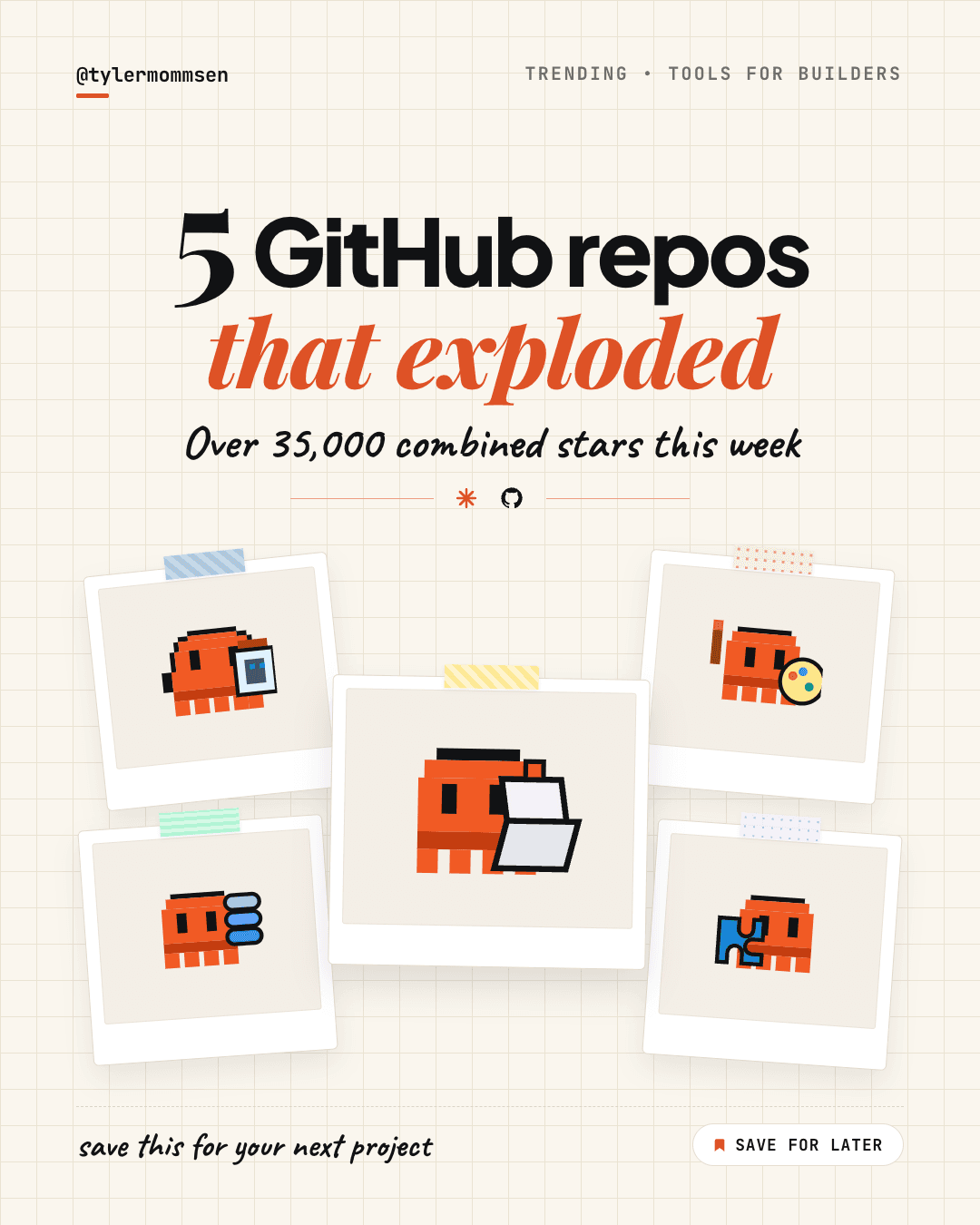
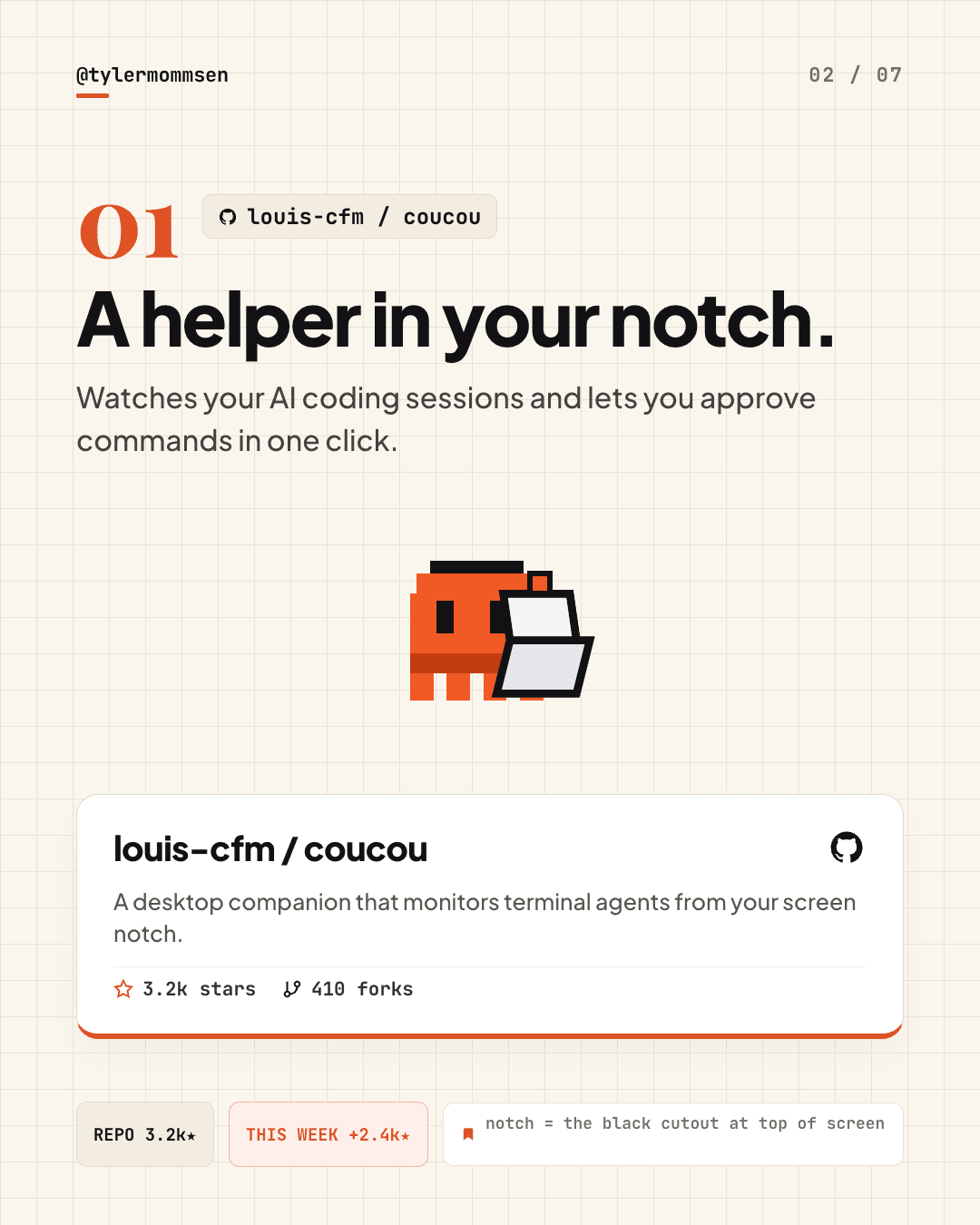
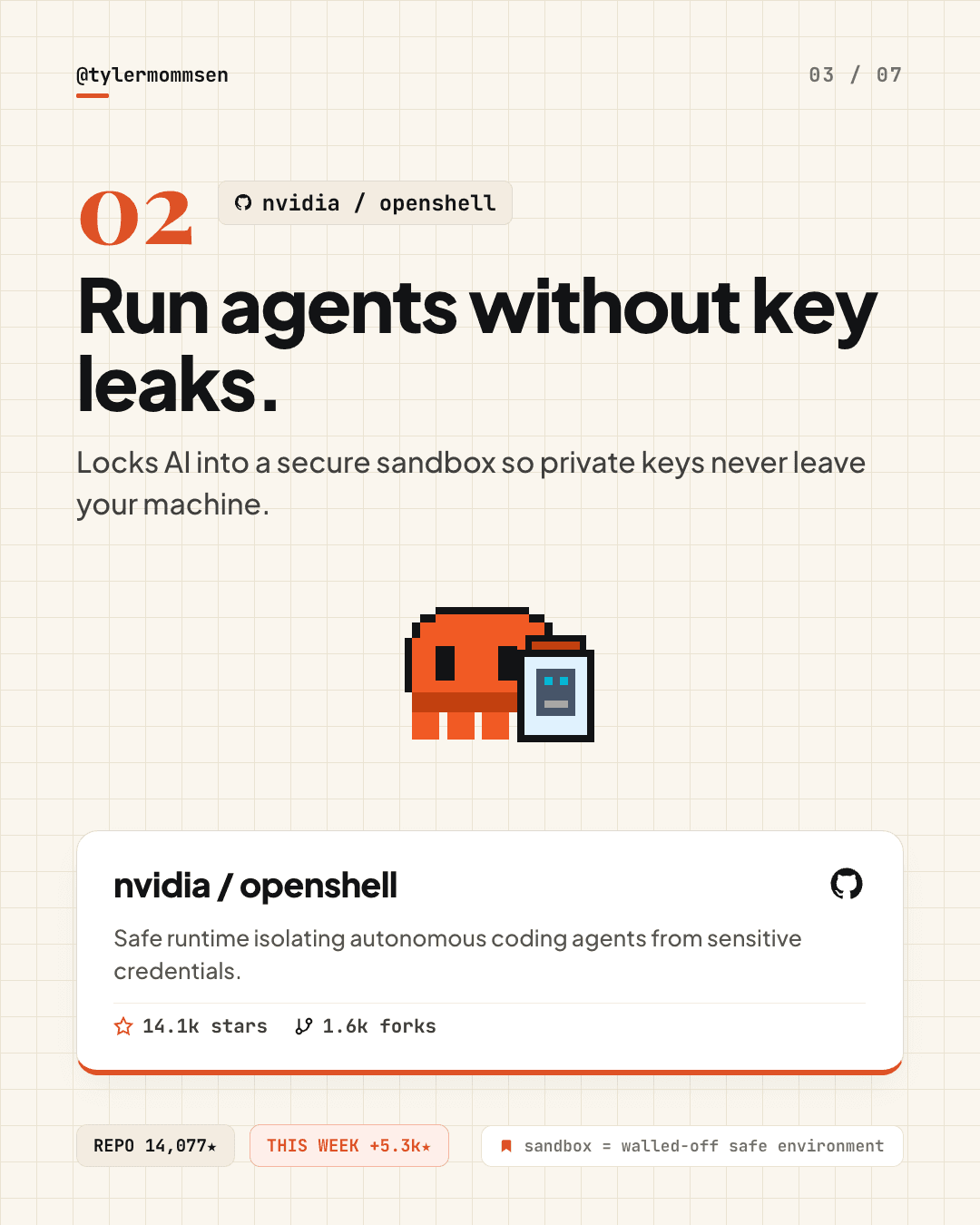
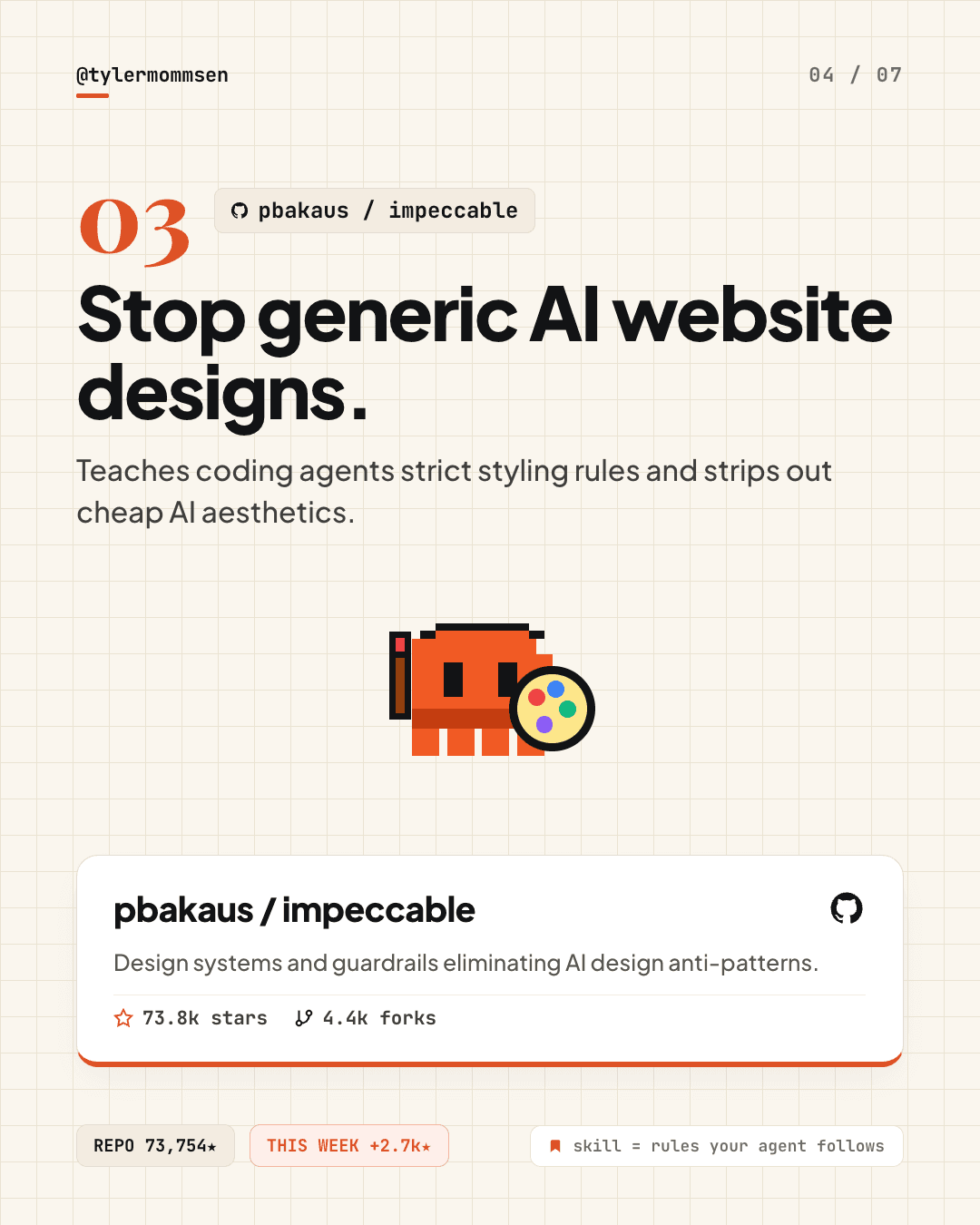
Paste any of these prompts into the Slidecraft prompt box. It writes the hook, builds 5 to 10 slides in 1080×1350 portrait size, and exports a LinkedIn PDF or Instagram PNG files in about 90 seconds. You can also paste an Instagram post link to copy the look of a carousel you like. Try it with free credits and no credit card.
See How Slidecraft Generates a 7-Slide Carousel From One Prompt
No blank canvas. No manual kerning. Watch raw notes transform into publish-ready slides with viral hook psychology.

No credit card required · Free instant test on homepage
Common Questions About AI & Tools Carousels
What should I put in an AI carousel prompt?
Include the topic, the audience, the format (list, steps, story), and the goal. The more clear you are, the better the result.
How long should a carousel prompt be?
One or two sentences is enough. Add more detail if you want a certain tone or example.
Can I paste a blog post as a prompt?
Yes. Many AI carousel generators let you paste text or notes and turn them into slides. Ask for the 5 key points to keep it short.
Do I need to edit the AI carousel?
Yes. Check facts, add your own stories, and make sure the voice sounds like you before you post.