
Slidecraft vs Canva: Which Carousel Maker Is Better for Creators?
If you create content for LinkedIn or Instagram, you already know the truth: carousels deliver 3x to 5x higher engagement and save rates than static images. But spending 45 minutes wrestling with text boxes in Canva is exhausting. Here is an honest, creator-tested breakdown of Slidecraft vs Canva.
Quick Verdict: At a Glance
Where Slidecraft Wins:
- 90-second prompt-to-carousel creation
- Built-in Claude intelligence that writes hooks & copy
- Native 1080×1350 (4:5) & LinkedIn PDF export
- Flawless typography hierarchy without manual alignment
Where Competitor Wins:
- •Broad multi-format tool (flyers, banners, video editing)
- •Huge stock photo & element library
- •Team real-time collaboration canvas
Bottom Line: Canva is a general-purpose design studio. Slidecraft is a precision weapon built exclusively for high-converting social media carousels.

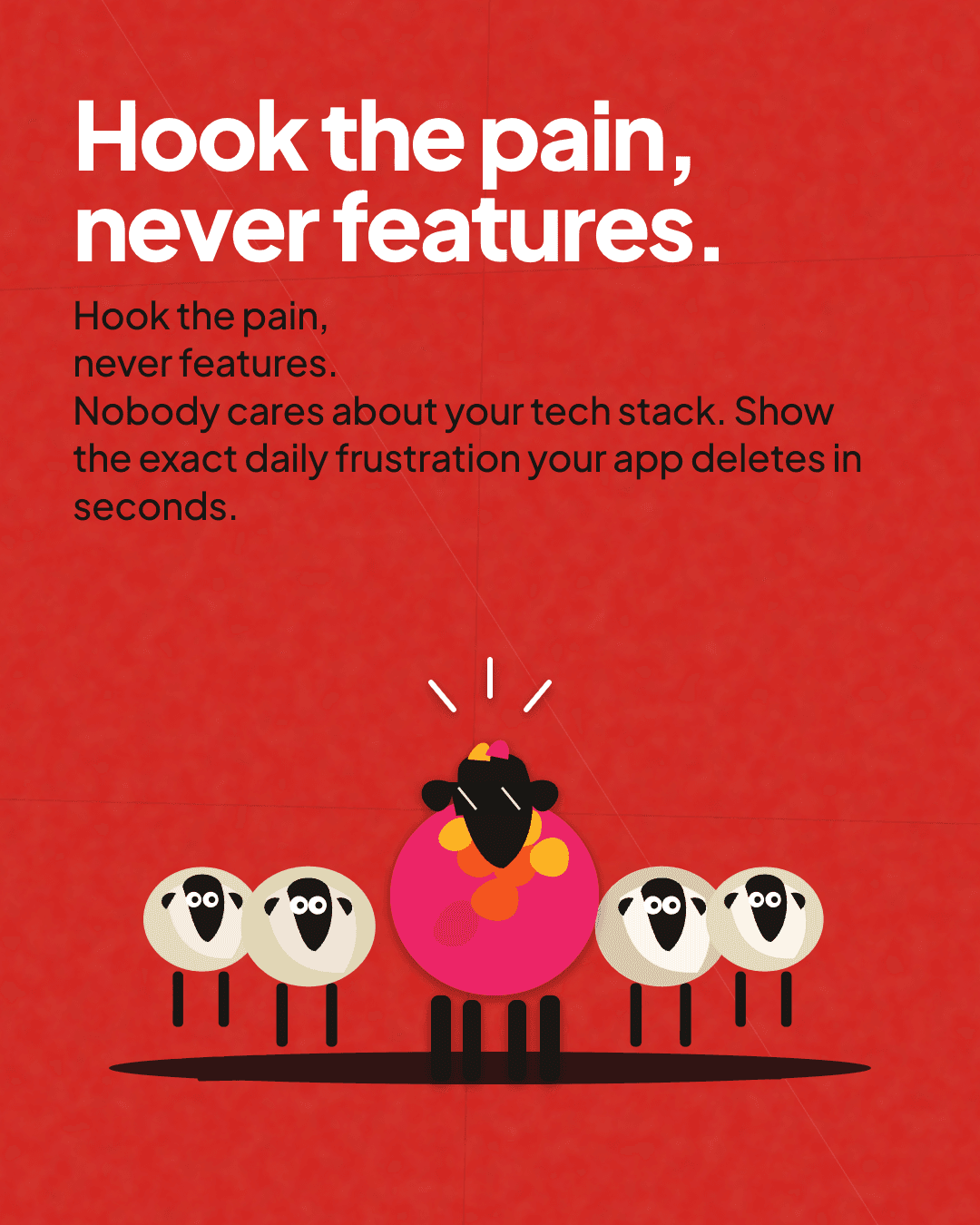
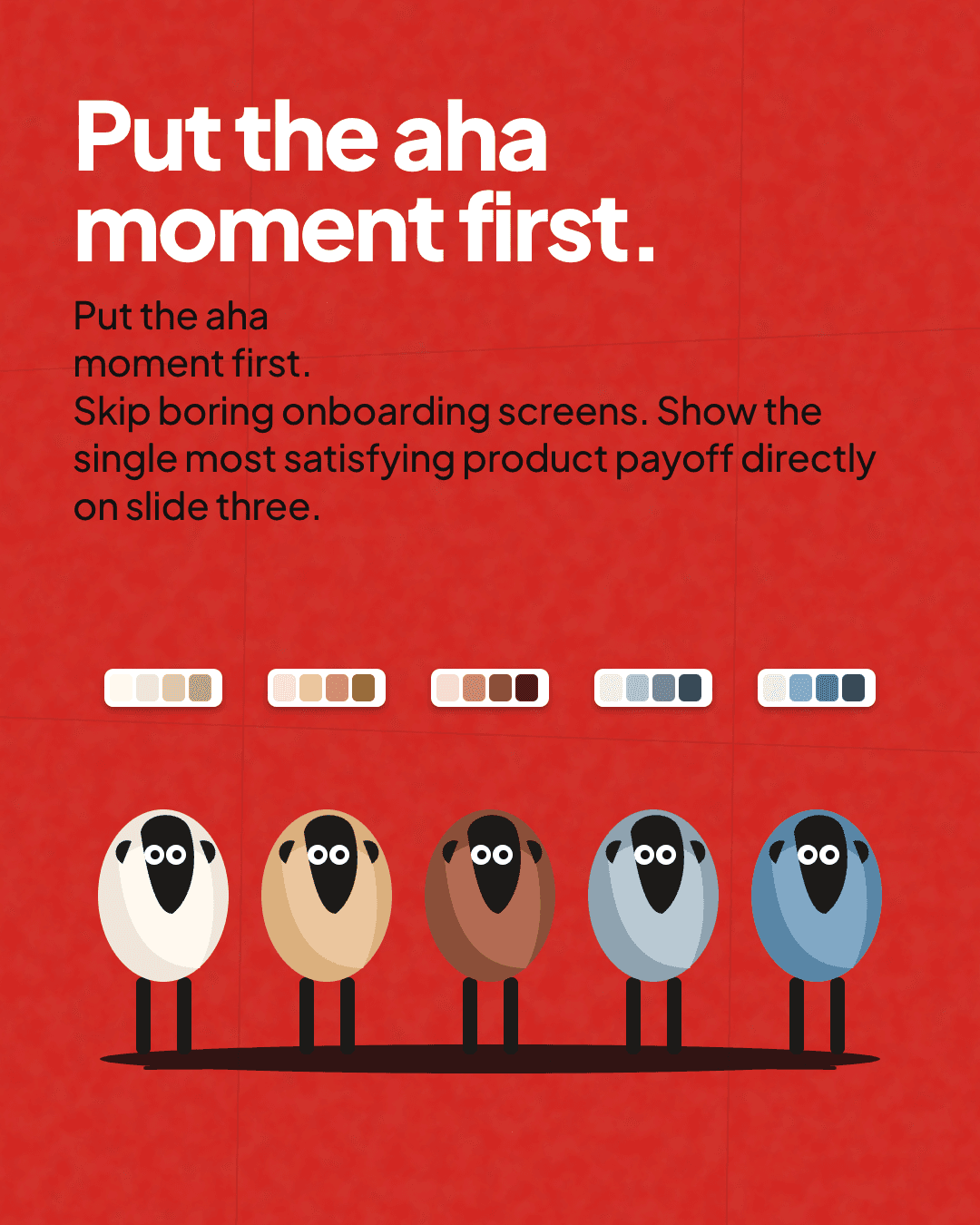
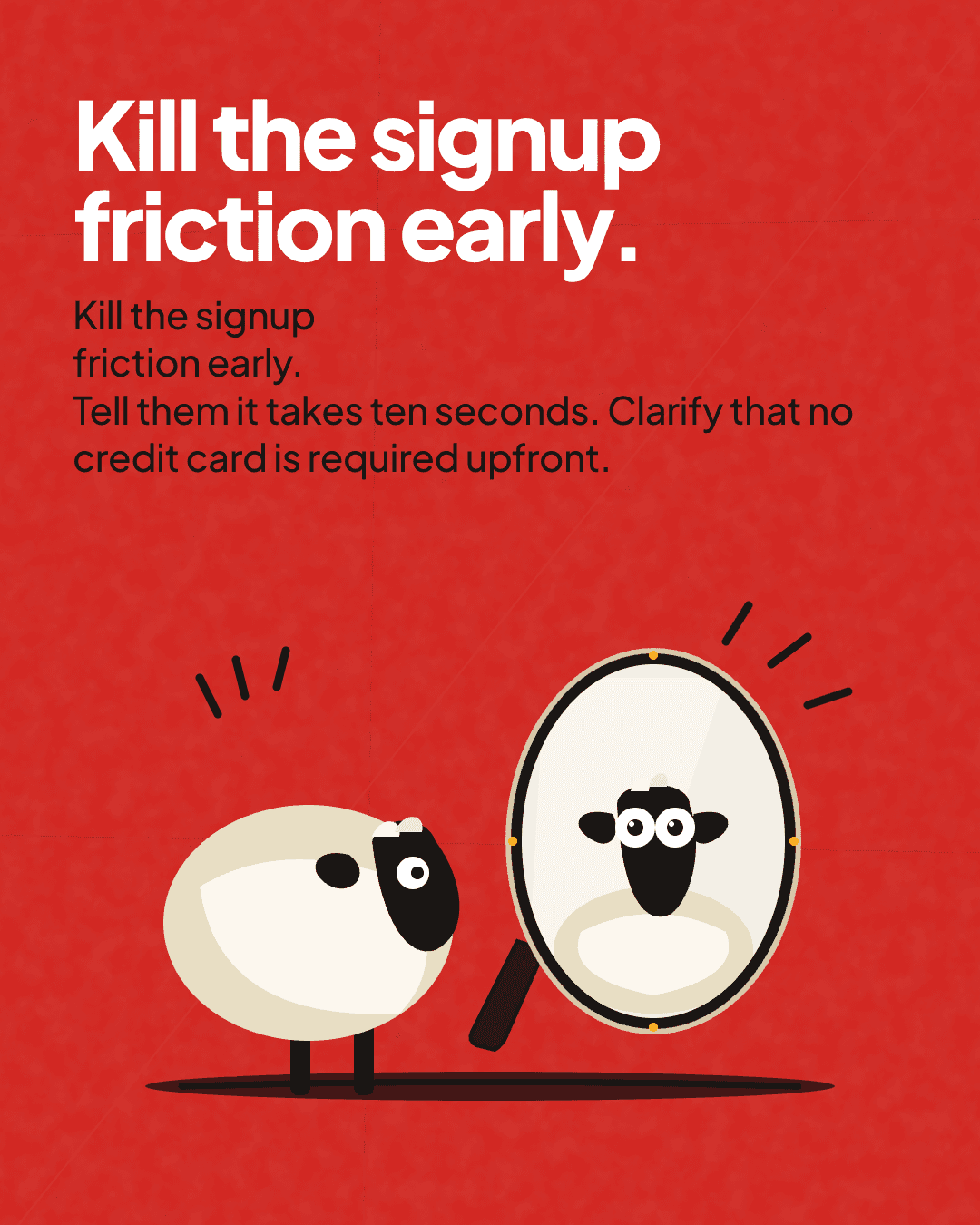
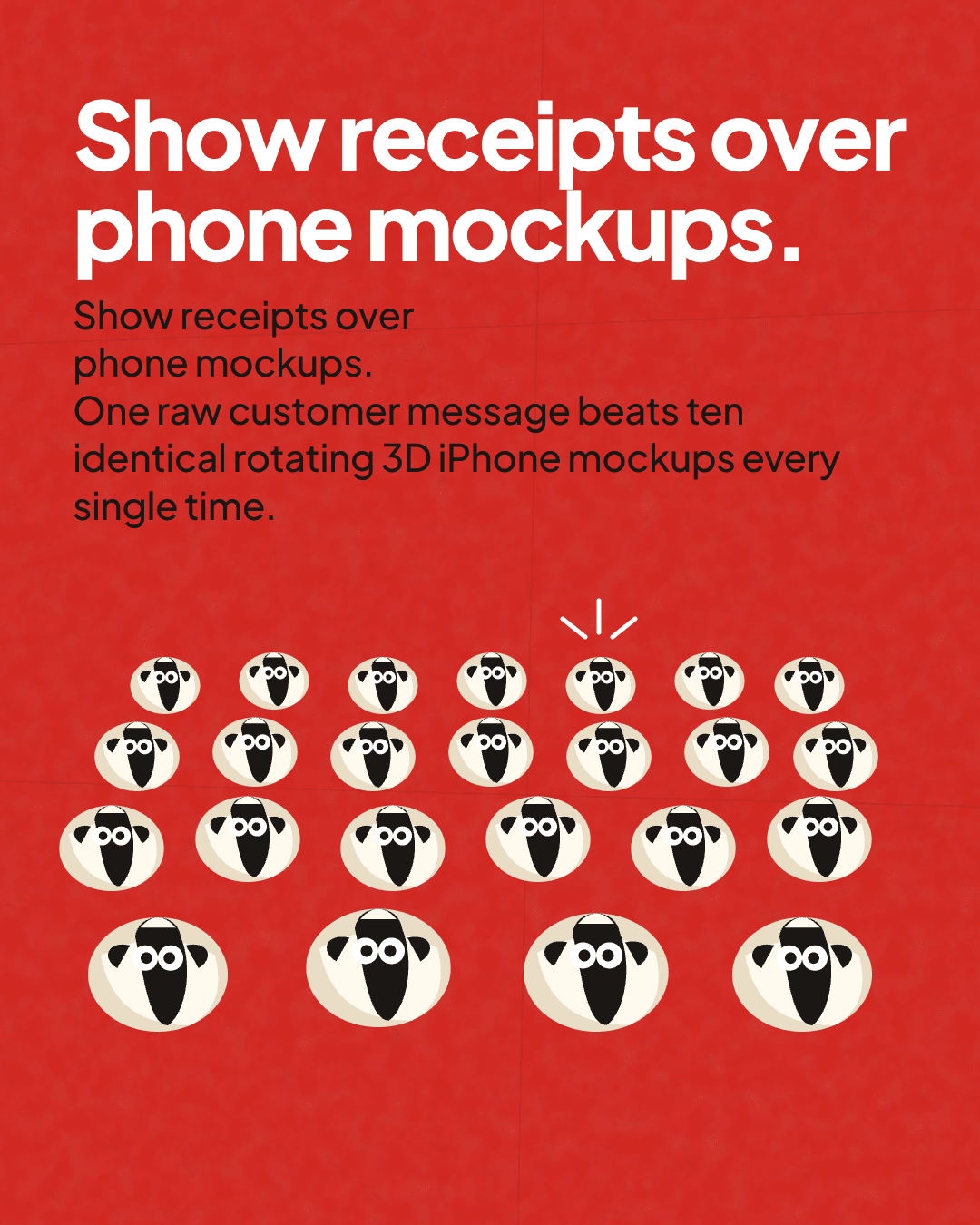
The Core Problem with Canva for Carousels
Canva is fantastic software for designing wedding invitations, YouTube thumbnails, and church flyers. But when you need to publish three high-performing carousels every week to build your personal brand on LinkedIn or Instagram, Canva becomes a bottleneck.
In Canva, each slide is an isolated white rectangle. You have to manually duplicate pages, reposition headlines, re-adjust line breaks, and hope that slide 4 has the same visual weight as slide 2. Even worse, Canva doesn't write the content for you. You have to write the draft in Notion or ChatGPT, copy-paste paragraph by paragraph into individual text boxes, and manually resize every single font.
Creators don't churn on carousels because they lack ideas; they churn because the assembly line in Canva takes 45 minutes per post.
How Slidecraft Solves the Carousel Bottleneck
Slidecraft was designed with a single goal: convert one raw idea into a swipe-ready, beautifully typeset carousel in under 90 seconds.
Instead of starting with a blank canvas, you give Slidecraft a prompt (e.g. "7 lessons from scaling a SaaS to $10k MRR" or an Instagram post URL to reference).
- Step 1: The Hook Engine: Slidecraft uses fine-tuned Claude intelligence to craft an irresistible slide-1 headline using proven viral patterns (curiosity gaps, counter-intuitive truths, numbers).
- Step 2: Story Architecture: It paces the argument across 5 to 10 slides, balancing punchy one-liners with digestible breakdown slides.
- Step 3: Typographic Systems: It applies curated font pairings (like Geist, Anton, DM Serif Display) with strict typographic math so text never overflows or feels crowded.
- Step 4: Multi-Format Export: Download high-res PNGs for Instagram or a crisp PDF document ready for LinkedIn's document carousel player.
Head-to-Head Comparison: 4 Key Areas
1. Speed & Workflow Efficiency
In our benchmark test, creating a 7-slide educational carousel from an article outline took 42 minutes in Canva Pro (selecting template, pasting text, finding icons, tweaking alignment). In Slidecraft, typing the prompt and generating the full deck took 78 seconds. That is a 30x difference in production velocity.
2. Copywriting & Hook Quality
Canva Magic Write generates generic bulleted lists that read like a textbook. Slidecraft's copywriting engine is specifically trained on top 1% creator carousels. It crafts sharp slide transitions, micro-hooks, and memorable summaries that maximize swipe-through rate.
3. Aesthetic Consistency
Canva templates look great on slide 1, but maintaining rhythm across 8 slides is tough. Slidecraft enforces continuous design grammar across every slide: consistent margins, harmonious contrast, and cohesive callout badges.
4. Pricing and ROI
Canva Pro costs $15/month for general graphic tools. Slidecraft starts at $9/month for Seed, $19/month for Creator, and $49/month for Pro Creator. If you value your time at $50/hour, saving 3 hours each week makes Slidecraft pay for itself in the first 24 hours.
Which One Should You Choose?
Choose Canva if:
- You need a general-purpose graphic design suite for posters, zoom backgrounds, brochures, or video reels.
- You have a full-time graphic designer who prefers dragging shapes pixel-by-pixel.
- You don't mind spending 30-60 minutes on layout adjustments per post.
Choose Slidecraft if:
- You are a founder, creator, consultant, or ghostwriter building an audience on LinkedIn or Instagram.
- You want to turn rough notes, blog articles, or voice memos into published carousels in 90 seconds.
- You want higher engagement, more comments, and faster follower growth without hiring an expensive agency.
See How Slidecraft Generates a 7-Slide Carousel From One Prompt
No blank canvas. No manual kerning. Watch raw notes transform into publish-ready slides with viral hook psychology.
No credit card required · Free instant test on homepage
Common Questions About Comparison Carousels
Can Slidecraft export directly as a LinkedIn PDF document?
Yes. Slidecraft generates 1080×1350 portrait PDF files optimized for LinkedIn's document viewer, ensuring your text is razor sharp on mobile and desktop.
Can I customize the colors and fonts after generation?
Yes. In the Slidecraft studio viewer, you can cycle through curated design styles, adjust slide counts, edit text inline, and regenerate specific slides instantly.
Does Slidecraft work for Instagram carousels?
Yes. Slidecraft exports high-resolution PNG zip files formatted in the optimal 4:5 portrait ratio (1080×1350) which occupies the maximum vertical screen space on Instagram feeds.
How does Slidecraft's free trial work?
You can test Slidecraft with complimentary credits right from the homepage prompt box without entering a credit card.