
LinkedIn Carousel Size, Format and Specs in 2026
A LinkedIn carousel is not a normal image post. It is a PDF document that people flip through. That means the size, format, and file rules are a little different. Here is everything you need to know for 2026.

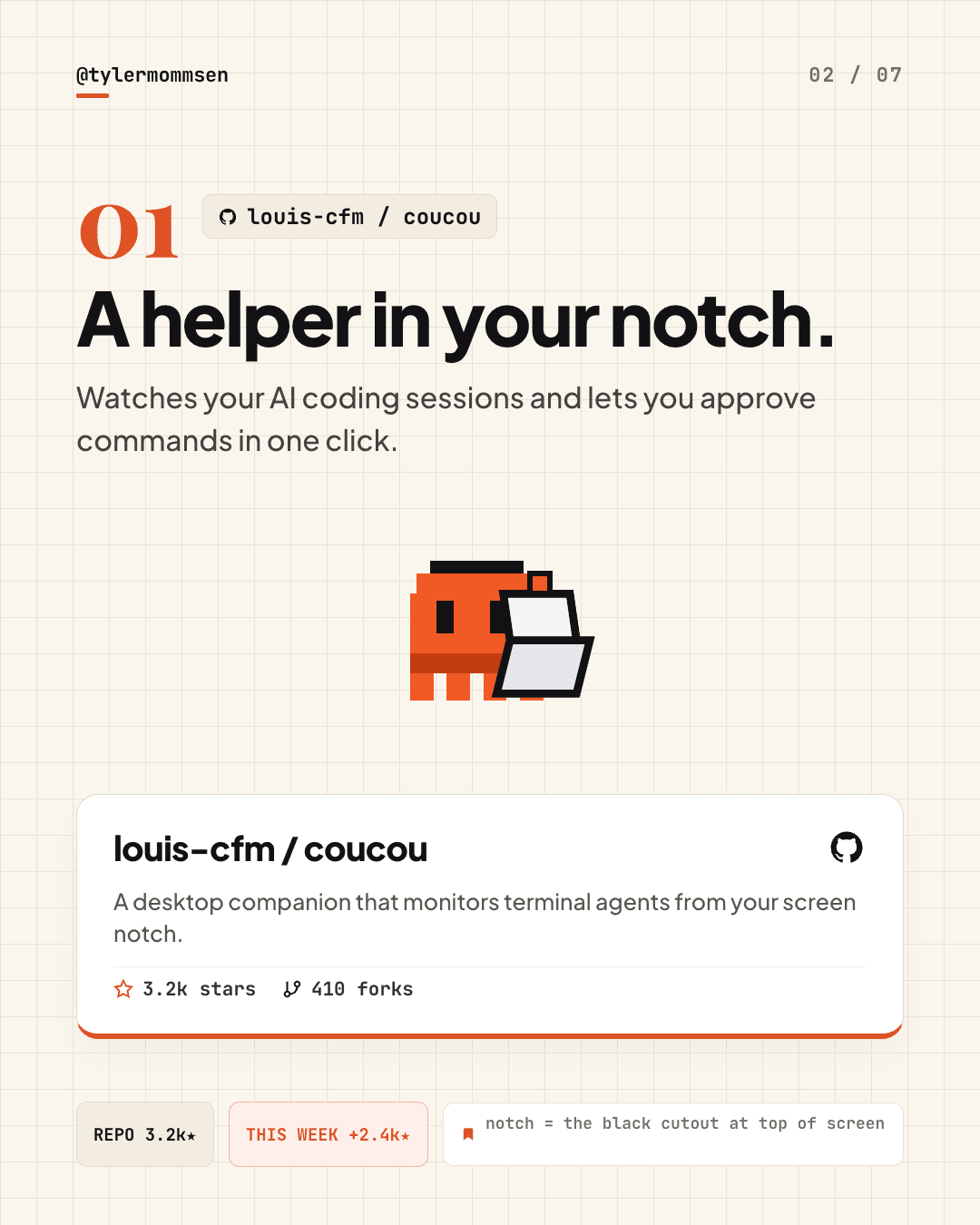


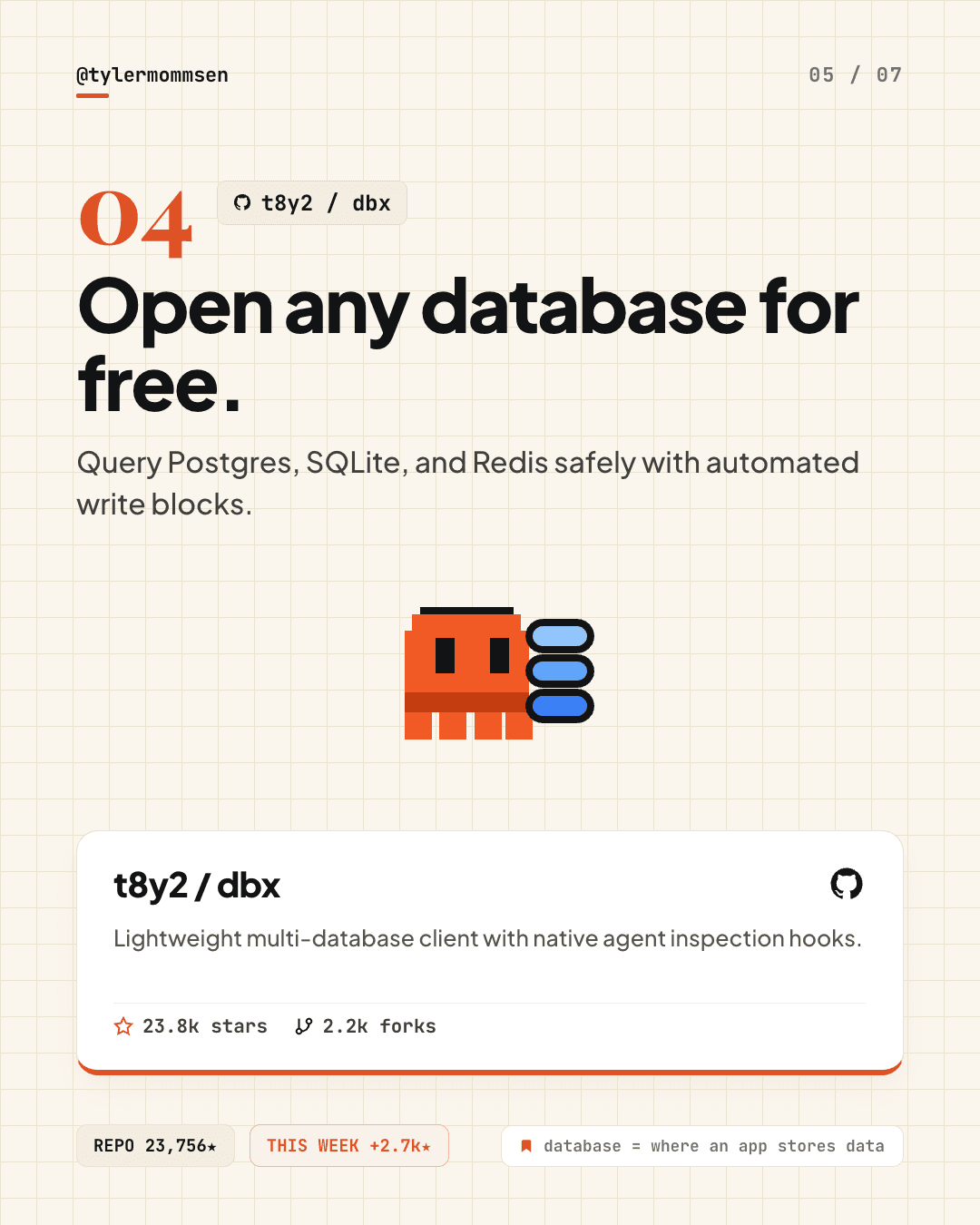
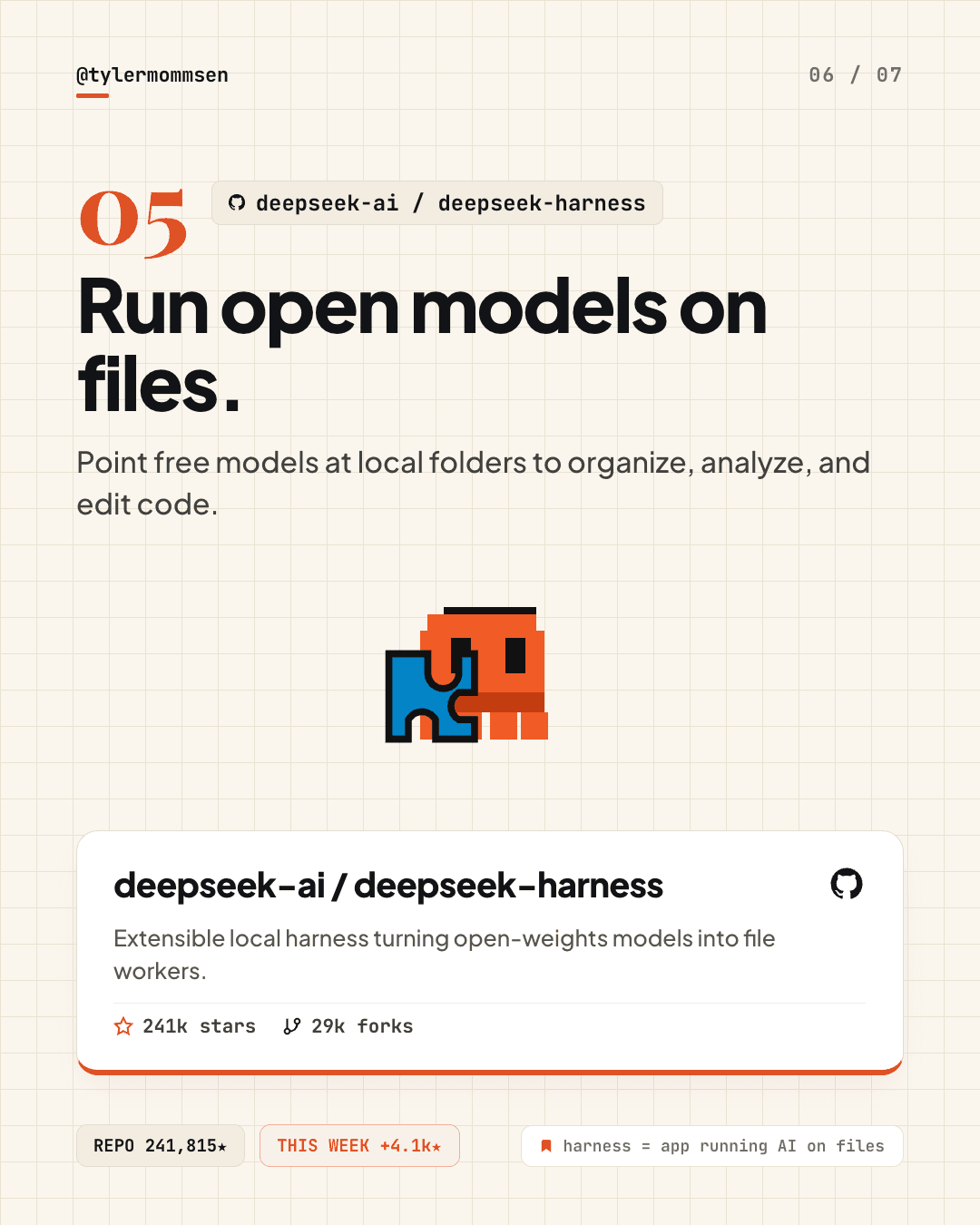
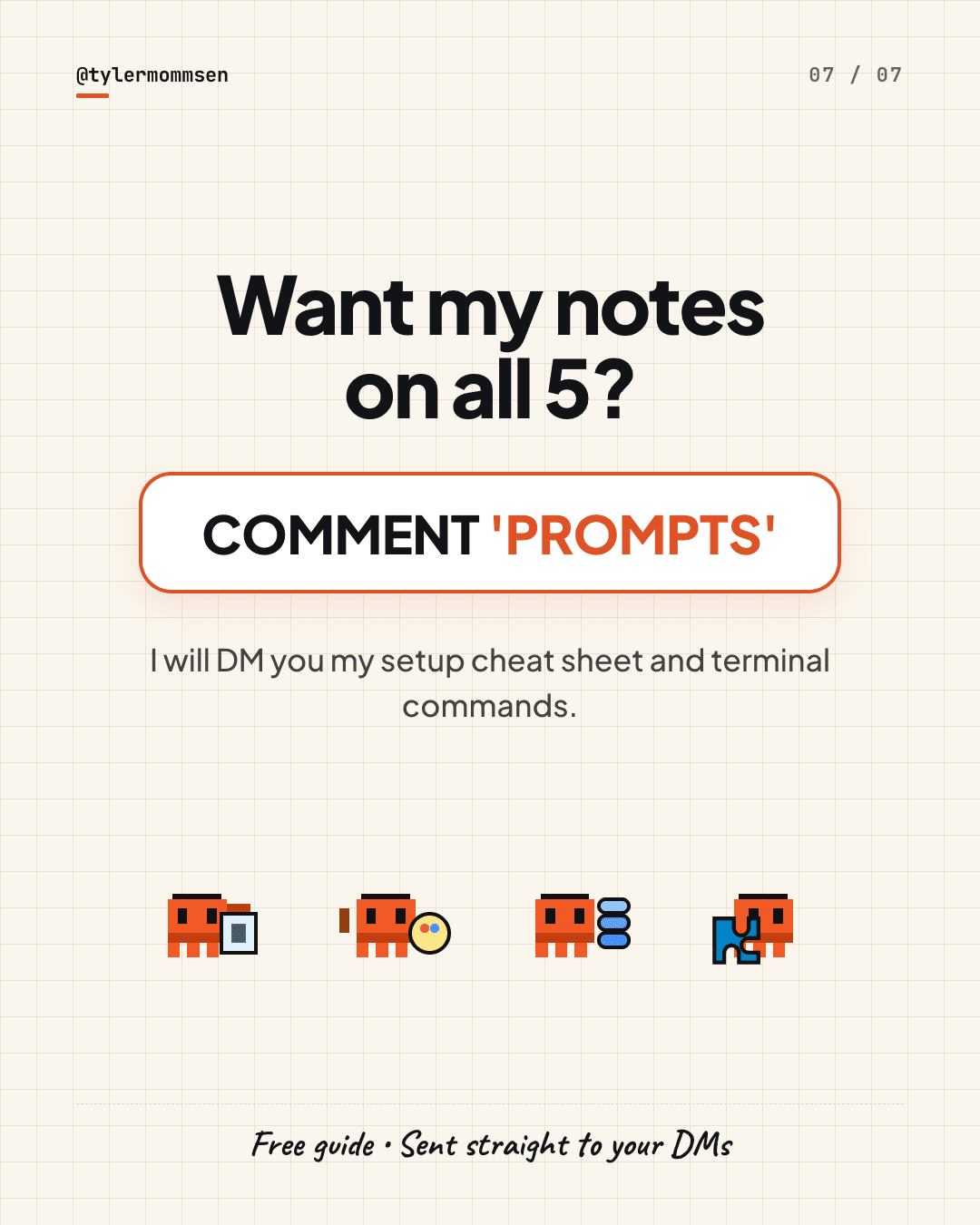
Quick Answer: LinkedIn Carousel Size and Format
- Best size: 1080×1350 px (4:5 portrait)
- Other good sizes: 1080×1080 px (square) or 1920×1080 px (landscape)
- File format: PDF (LinkedIn calls this a "document" post)
- Max file size: 100 MB
- Max pages: 300 (but 5 to 12 works best)
Portrait 4:5 is the best choice because most people read LinkedIn on their phones.
How LinkedIn Carousels Work
LinkedIn does not have a "carousel" button like Instagram. Instead, you upload a PDF, and LinkedIn shows each page as a slide. People swipe or click to move through the pages.
So the process is: design your slides, export them as a single PDF, then upload the PDF as a document in a new post.
LinkedIn Carousel Size Options
Portrait 1080×1350 (4:5)
Best for mobile. It takes up more of the screen and text looks bigger. This is the size we recommend.
Square 1080×1080 (1:1)
A safe choice that works on phone and desktop. Slightly less space than portrait.
Landscape 1920×1080 (16:9)
Looks like a classic slide deck. It works on desktop but looks small on phones, so text must be very large.
Design Rules for Easy Reading
- Use big text. Headlines should be at least 60 px. Body text should be at least 36 px at 1080 px wide.
- Keep it short. Aim for under 30 words per slide.
- Leave margins. Keep text at least 60 px from the edges.
- Use strong contrast. Dark text on light, or light text on dark.
- Use 1 or 2 fonts. Clean fonts are easier to read.
- Keep 5 to 12 pages. Long carousels lose readers.
How to Export a LinkedIn Carousel PDF
Many design tools need several steps to create a clean PDF. With Slidecraft, you click once to export a crisp 1080×1350 PDF made for LinkedIn. Then go to LinkedIn, click Start a post, choose Add a document, upload your PDF, add a title, and post.
See How Slidecraft Generates a 7-Slide Carousel From One Prompt
No blank canvas. No manual kerning. Watch raw notes transform into publish-ready slides with viral hook psychology.

No credit card required · Free instant test on homepage
Common Questions About LinkedIn Carousels
What is the best size for a LinkedIn carousel?
1080×1350 px (4:5 portrait) in PDF format is the best choice for mobile readers.
Can I upload images instead of a PDF?
LinkedIn carousels are uploaded as PDF documents. You can combine your image slides into one PDF first.
How many slides should a LinkedIn carousel have?
Between 5 and 12 pages works best for most posts.
Is there a file size limit?
Yes. LinkedIn allows PDFs up to 100 MB, but smaller files upload faster.