
What Is a Carousel Post? Meaning, Examples and Why It Works
You have seen them in your feed: a post with a small row of dots, and you swipe to see more. That is a carousel post. This guide explains what a carousel post is, shows real examples, and tells you why this format works so well on Instagram and LinkedIn.


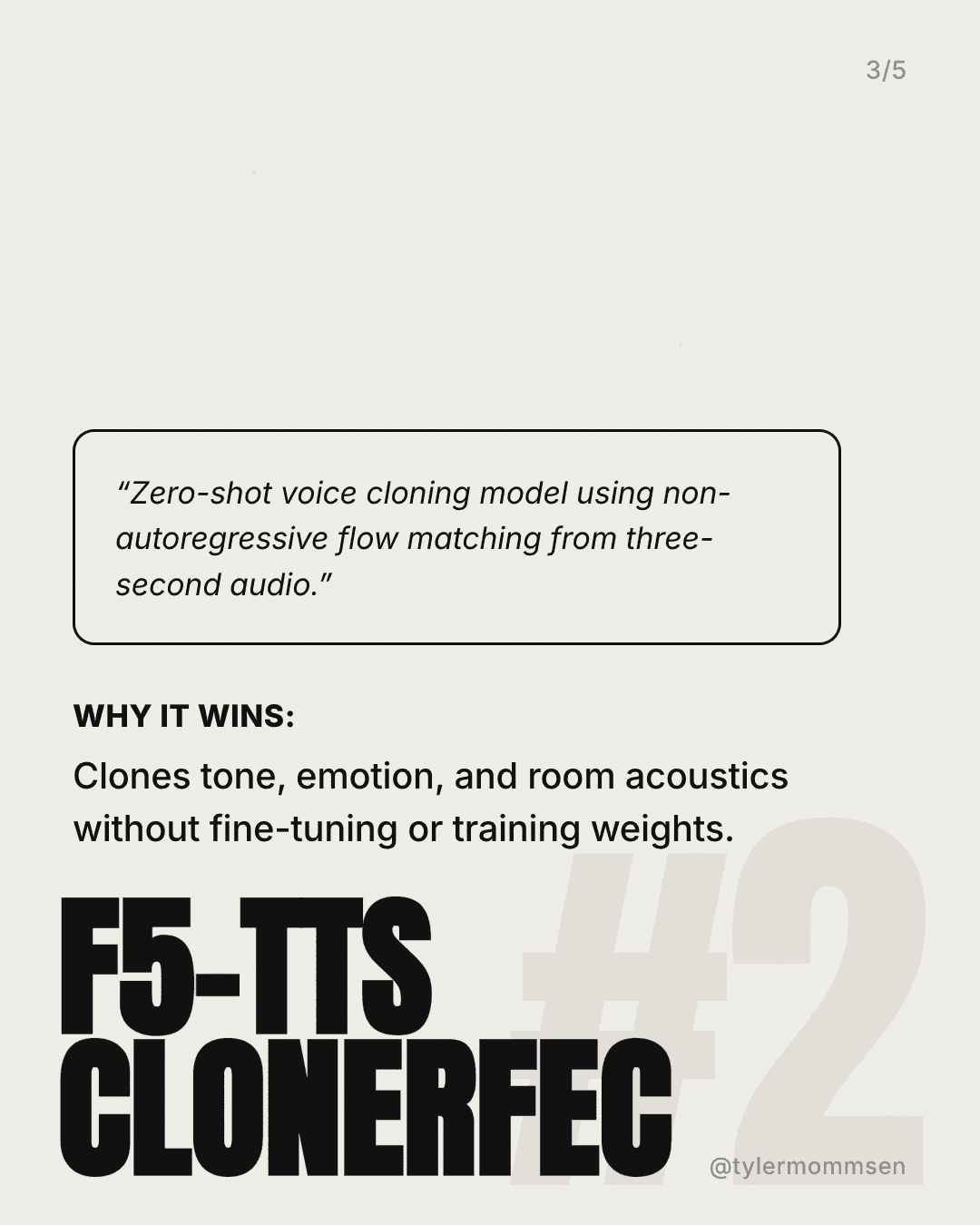
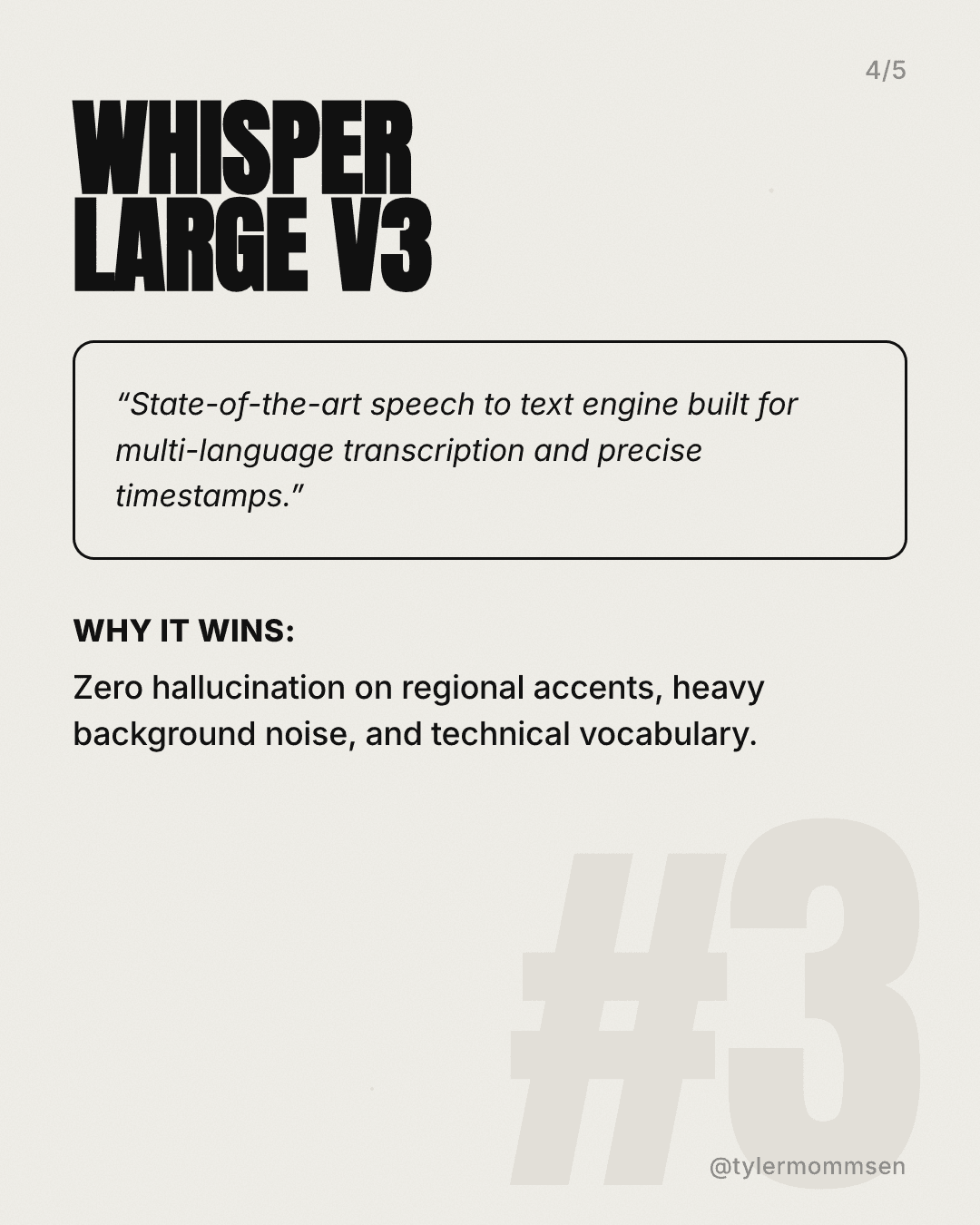
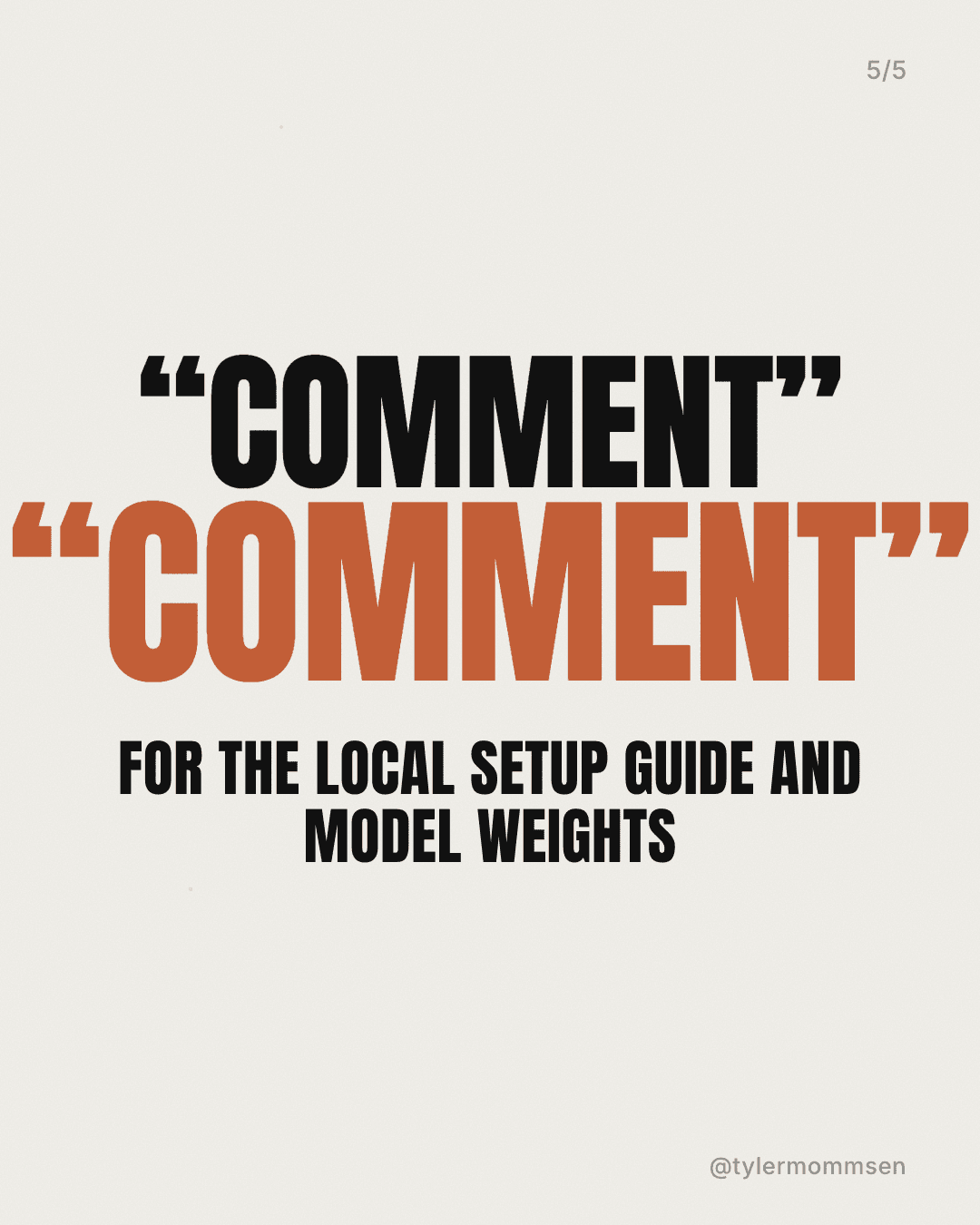
What Is a Carousel Post?
A carousel post is one post that holds many slides. The reader swipes left (or taps next) to move from one slide to the next. Each slide can have a photo, text, a graphic, or all three.
Think of it like a short slideshow inside your feed. You can use it to teach, tell a story, share tips, or show a product from different sides.
Carousels work on many apps:
- Instagram: up to 20 photos or videos in one post.
- LinkedIn: a PDF "document" post that people flip through.
- Facebook: a post or ad with many cards.
- TikTok: photo mode with swipeable images.
Why Carousel Posts Work So Well
Carousels often beat single images and even short videos for saves and shares. Here is why.
- People spend more time on them. Every swipe is a small action. More time on your post tells the app your content is worth showing to others.
- They give real value. A single image can only say so much. A carousel has room for steps, lists, and tips that people want to save.
- They are easy to read. One idea per slide is easy to follow on a phone.
- They get a second chance. On Instagram, if someone skips your carousel, the app can show it again starting at a later slide. That gives you extra views.
- They build trust. When you teach something useful slide by slide, people start to see you as an expert.
6 Simple Carousel Post Examples
1. The how-to carousel
Slide 1 states the result ("How to write a hook in 5 minutes"). Slides 2 to 6 give one step each. The last slide asks people to save the post.
2. The list carousel
"7 tools every freelancer needs." Each slide shows one tool and one reason. Lists are easy to make and easy to share.
3. The story carousel
Tell a short story over 6 to 8 slides: the problem, what went wrong, the turning point, and the lesson.
4. The myth-busting carousel
Start with a common belief, then show why it is wrong and what to do instead.
5. The photo carousel
Share a trip, an event, or a product from many angles. Put your best photo first.
6. The before-and-after carousel
Show the old way and the new way, side by side or slide by slide. Great for design, fitness, and business results.
How to Make a Carousel Post
You do not need to be a designer. Follow these steps:
- Pick one idea. One post should teach one thing.
- Write a strong first slide. This is your hook. It decides if people swipe.
- Keep each slide short. Aim for under 30 words per slide.
- Use big, clear text. Most people read on a phone.
- End with a call to action. Ask people to save, share, comment, or follow.
The fastest way is to use an AI carousel generator like Slidecraft. Type your idea, and it writes the hook, builds the slides, and exports them in the right size for Instagram and LinkedIn in about 90 seconds.
Common Carousel Mistakes to Avoid
- Too much text. If a slide looks like a wall of words, people will leave.
- A weak first slide. If slide 1 is boring, nobody sees slide 2.
- Mixed styles. Keep the same fonts, colors, and spacing on every slide.
- No ending. Always tell the reader what to do next.
- Wrong size. Use 1080×1350 (4:5) so your post fills the screen.
See How Slidecraft Generates a 7-Slide Carousel From One Prompt
No blank canvas. No manual kerning. Watch raw notes transform into publish-ready slides with viral hook psychology.

No credit card required · Free instant test on homepage
Common Questions About Carousel Basics Carousels
What does carousel post mean?
A carousel post is a single social media post with many slides that people swipe through. It can include photos, text slides, graphics, or video.
How many slides should a carousel have?
Most good carousels have 5 to 10 slides. Use only as many as your idea needs. Short and clear beats long and boring.
Do carousels get more reach than single images?
In many accounts, yes. Carousels often get more saves and longer view time, which can help your post reach more people. Results vary by account.
What is the easiest way to make a carousel?
Use a carousel maker with AI. With Slidecraft you type one idea and get a full, designed carousel in about 90 seconds.