
Instagram Carousel Size and Dimensions in 2026 (4:5, 1:1, 1.91:1)
Using the wrong size makes your carousel look blurry or cropped. This quick guide gives you the best Instagram carousel size in 2026, plus every other size you can use, and tips to keep your text safe.
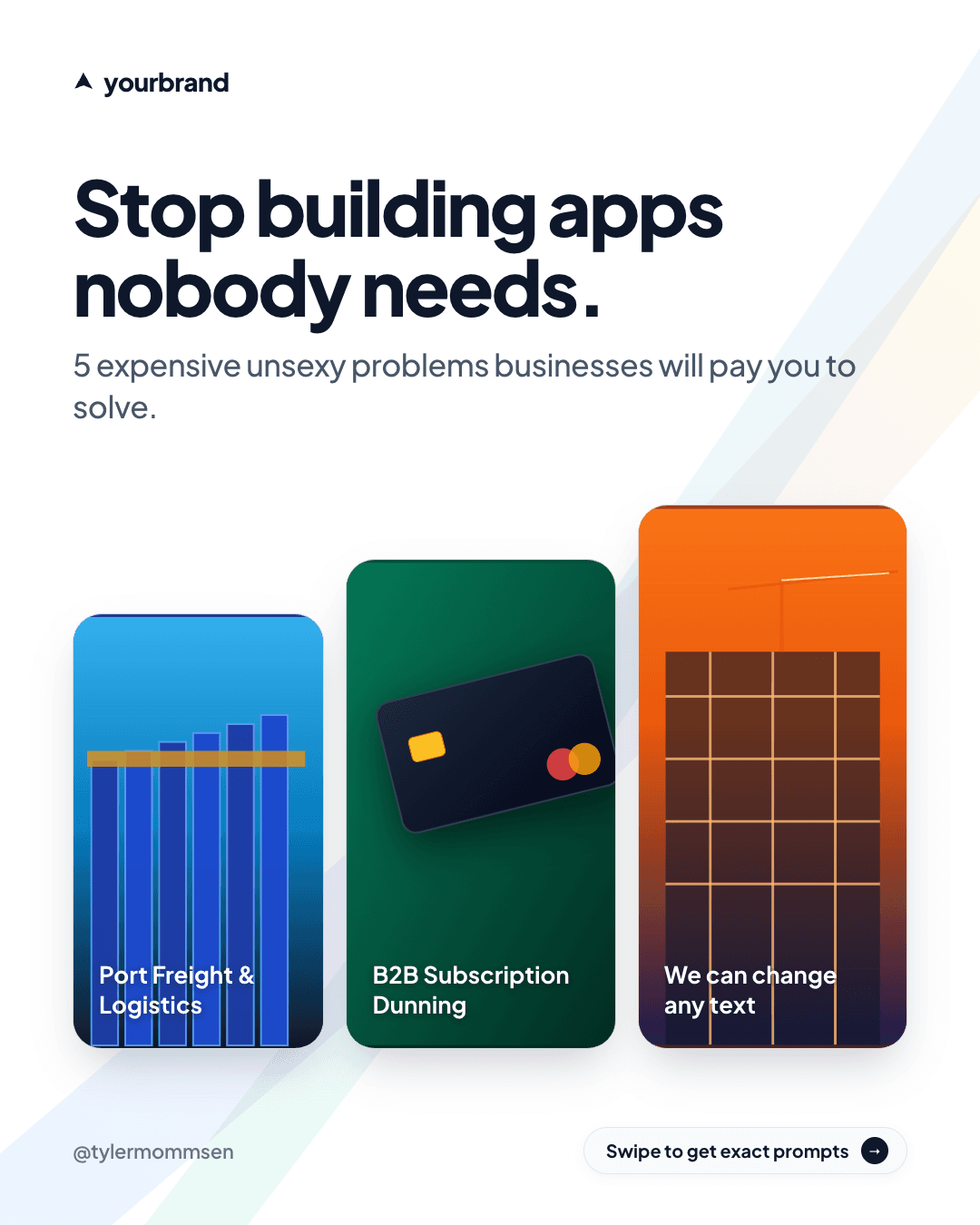


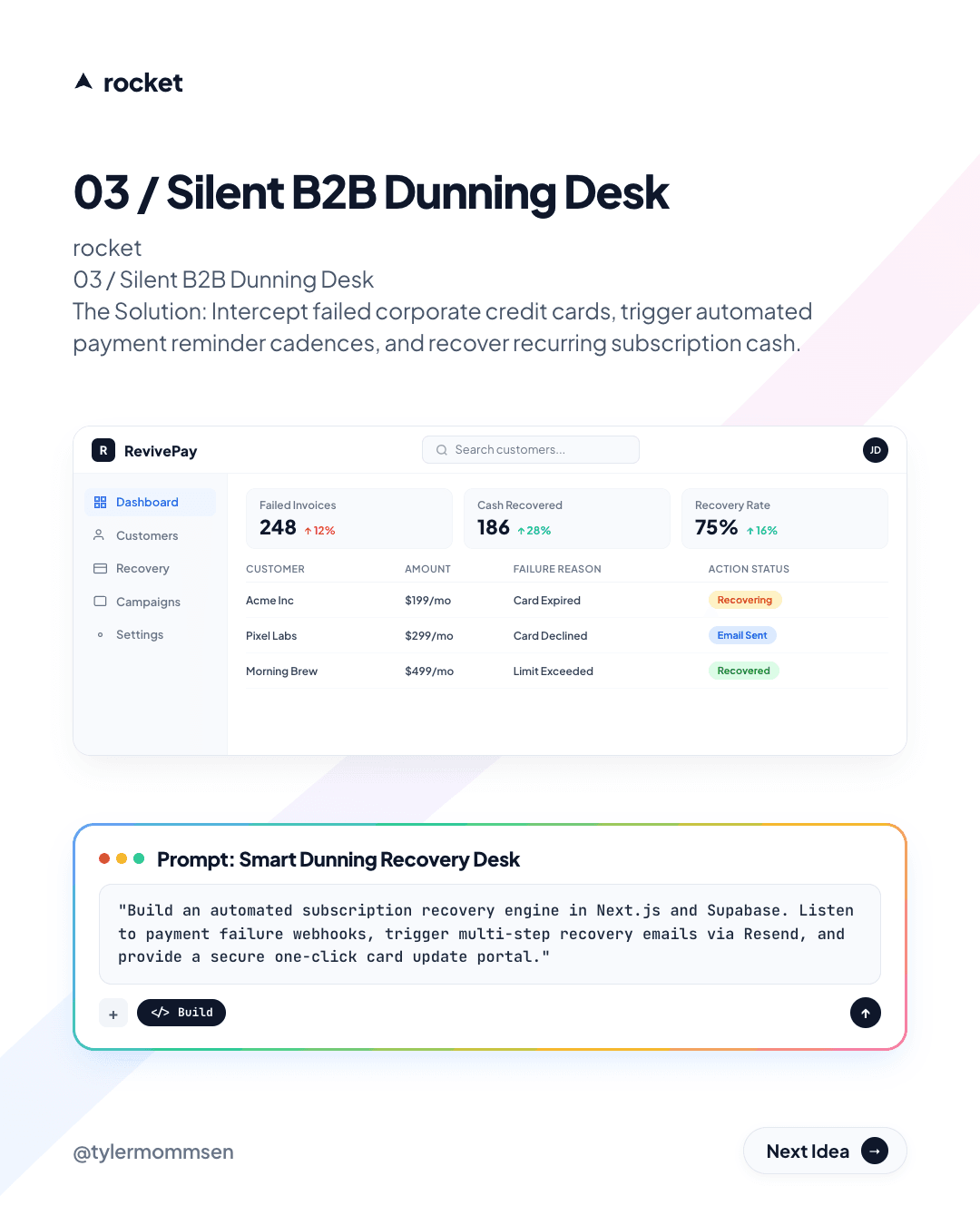
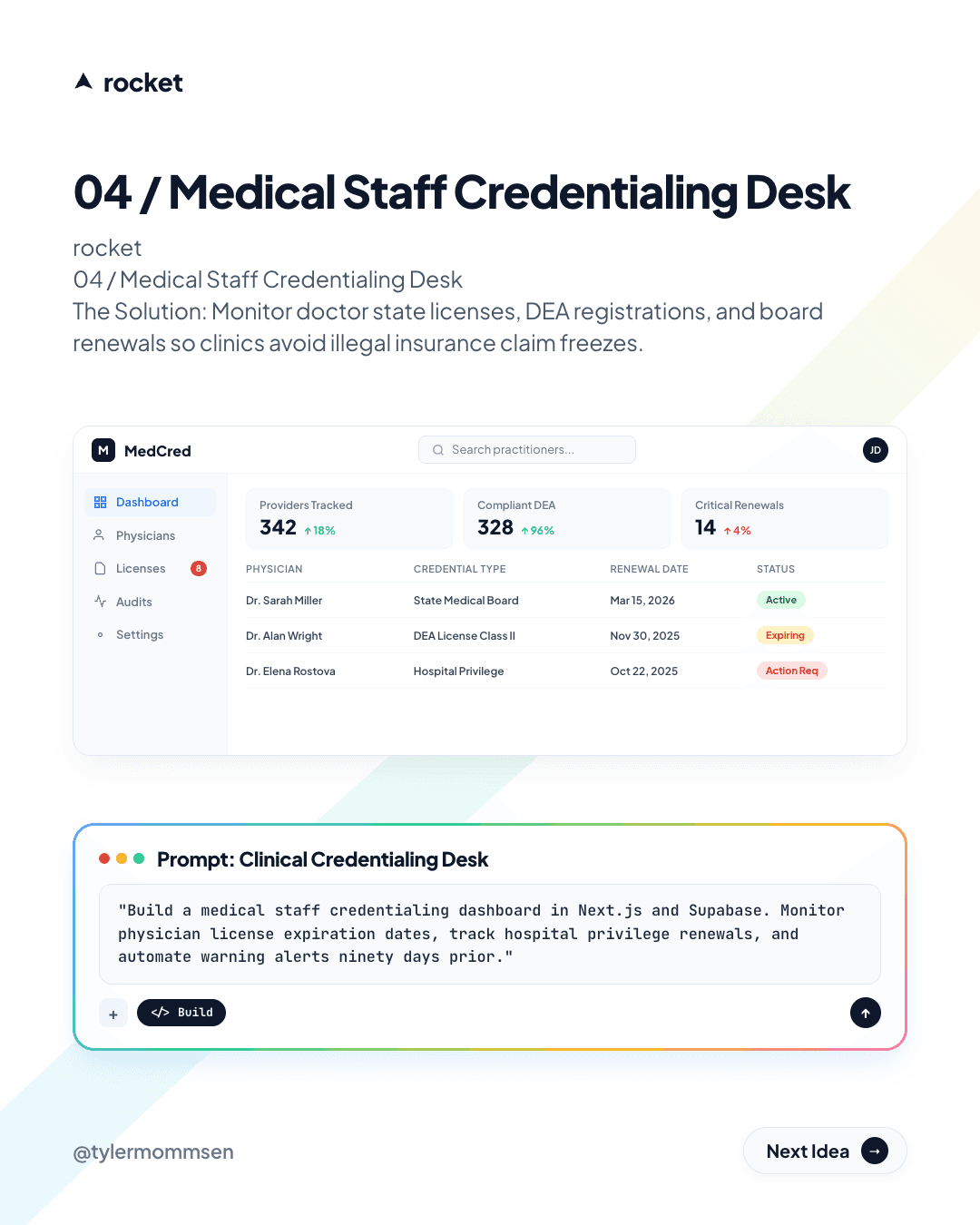


Quick Answer: The Best Instagram Carousel Size
The best size for an Instagram carousel is 1080×1350 pixels (4:5 portrait). It takes up the most room on a phone screen, so your post stands out and your text is easier to read.
All Instagram Carousel Sizes
| Format | Size | Ratio | Best for |
|---|---|---|---|
| Portrait | 1080×1350 px | 4:5 | Most carousels (recommended) |
| Square | 1080×1080 px | 1:1 | Photos, simple graphics |
| Landscape | 1080×566 px | 1.91:1 | Wide photos (takes less space) |
Important: Instagram uses the same ratio for the whole carousel. The first slide sets the ratio, and other slides are cropped to match. Keep all slides the same size.
Other Instagram Carousel Specs
- Number of slides: up to 20 per post.
- File types: JPG and PNG for images. MP4 for video.
- Width: 1080 px is the best width. Larger files get shrunk.
- Keep files small: Smaller, well-compressed files upload faster and avoid quality loss.
- Mixed media: You can mix photos and videos in one carousel.
Safe Zone Tips: Keep Your Text From Getting Cropped
Instagram can show your post in the feed, on your profile grid, and in previews. The grid view may crop the edges of a slide. To stay safe:
- Keep important text at least 60 to 80 px away from every edge.
- Put key words in the center of the slide, especially on slide 1.
- Avoid placing small details in the corners.
- Check the preview before you post.
The Easy Way to Get the Right Size
Setting up a custom size each time is slow. Slidecraft uses 1080×1350 (4:5) by default, so every carousel is the right size from the start. You can download PNG files for Instagram or a PDF for LinkedIn in one click.
See How Slidecraft Generates a 7-Slide Carousel From One Prompt
No blank canvas. No manual kerning. Watch raw notes transform into publish-ready slides with viral hook psychology.

No credit card required · Free instant test on homepage
Common Questions About Instagram Carousels
What is the best size for an Instagram carousel?
1080×1350 px (4:5) is the best size in 2026. It gives you the most screen space.
Can I use different sizes in one carousel?
No. Instagram crops all slides to match the first slide's ratio, so use one size for every slide.
How many slides can I post?
You can add up to 20 slides in one Instagram carousel.
Is 1080×1080 still okay?
Yes. Square works, but portrait 4:5 shows more of your post on a phone screen.