
Use CaseFormat: Landing-style article
AI Carousel Generator for LinkedIn: Turn One Idea Into a Full Deck
LinkedIn document carousels earn 3x to 5x more impressions than standard text posts. But designing a multi-slide PDF every week is time-consuming. Here is how an AI carousel generator turns one idea into a published LinkedIn deck in 90 seconds.
2026-10-017 min read
Target KW:ai carousel generator for linkedin
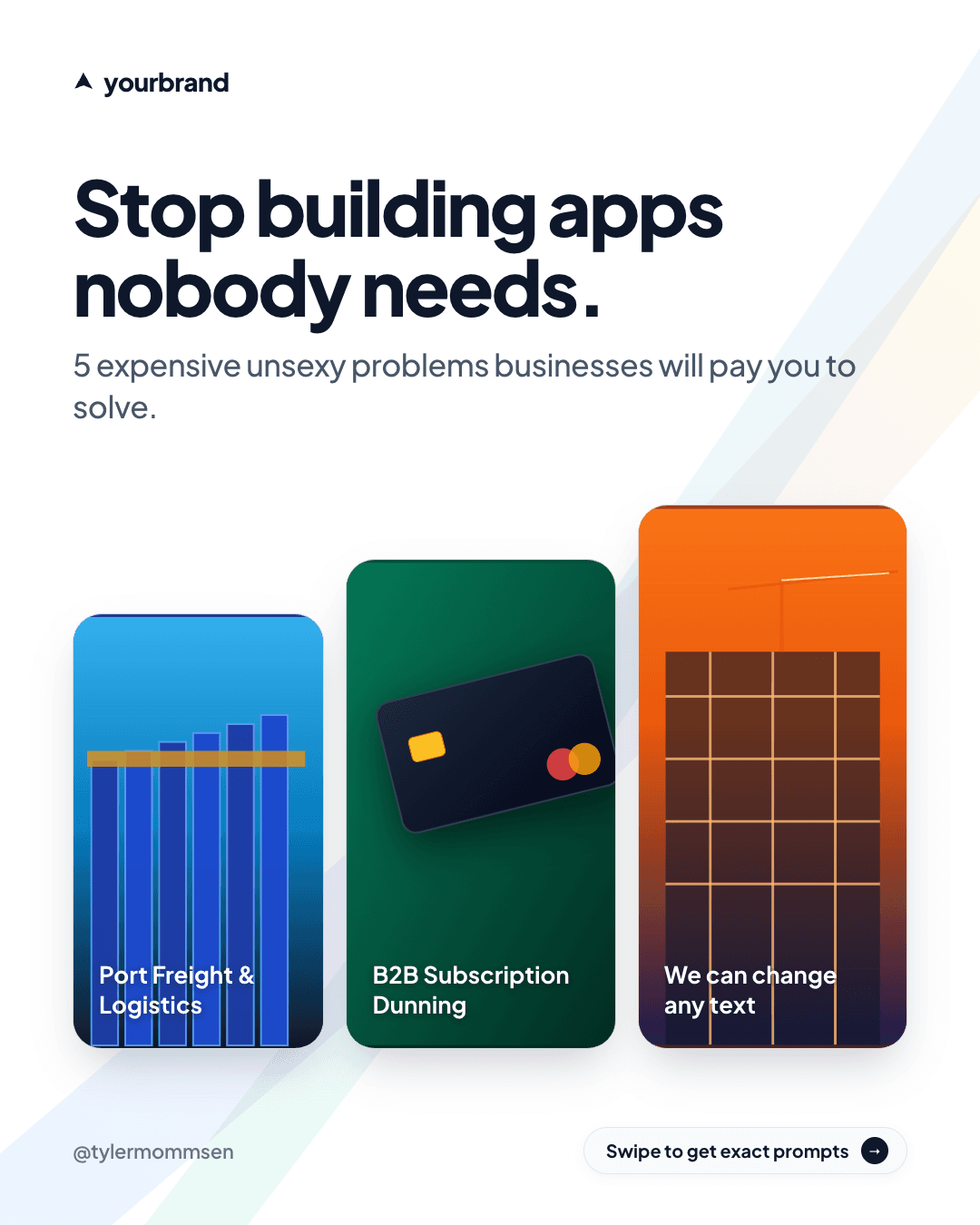
Slide 1/7
Click to expand
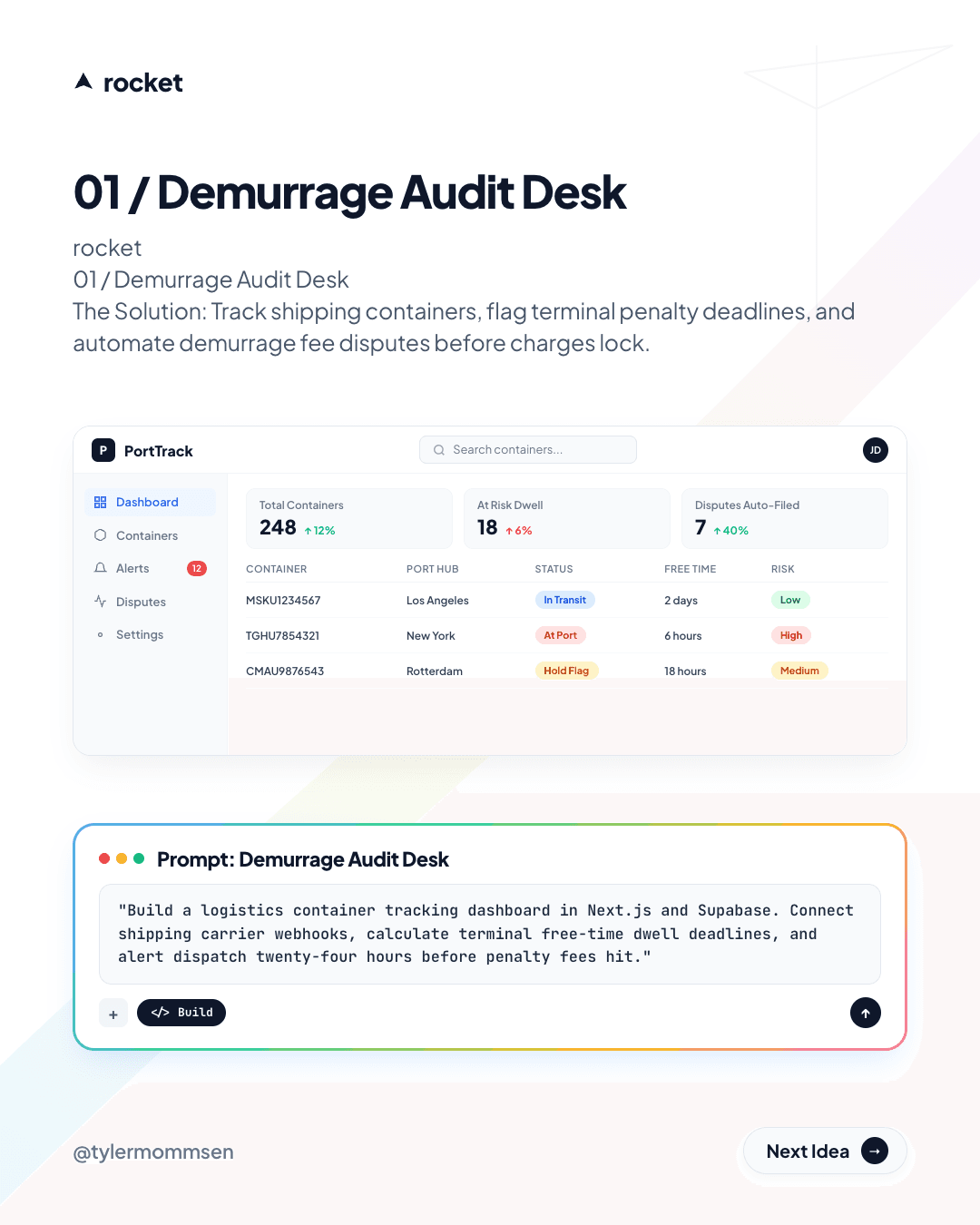
Slide 2/7
Click to expand
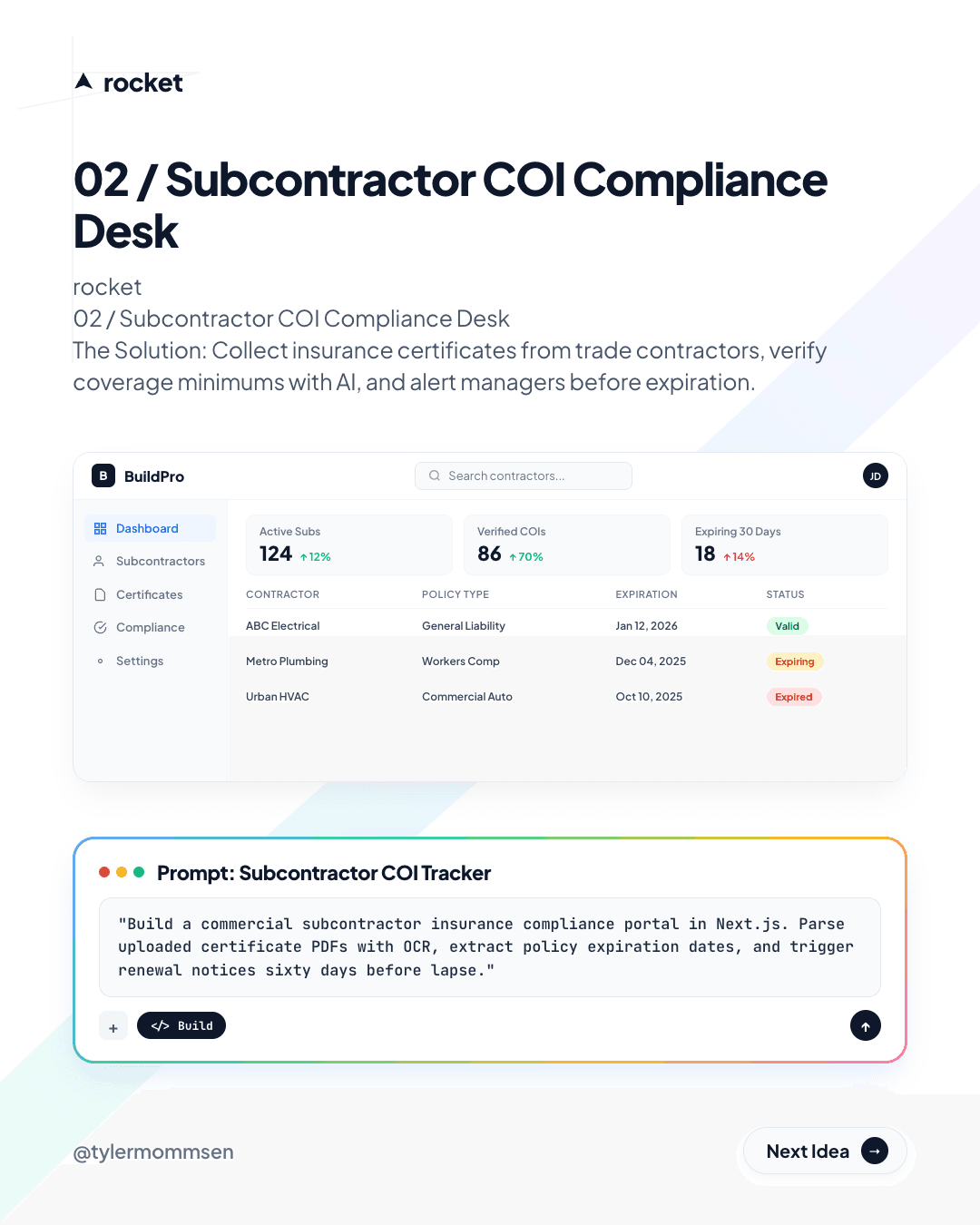
Slide 3/7
Click to expand
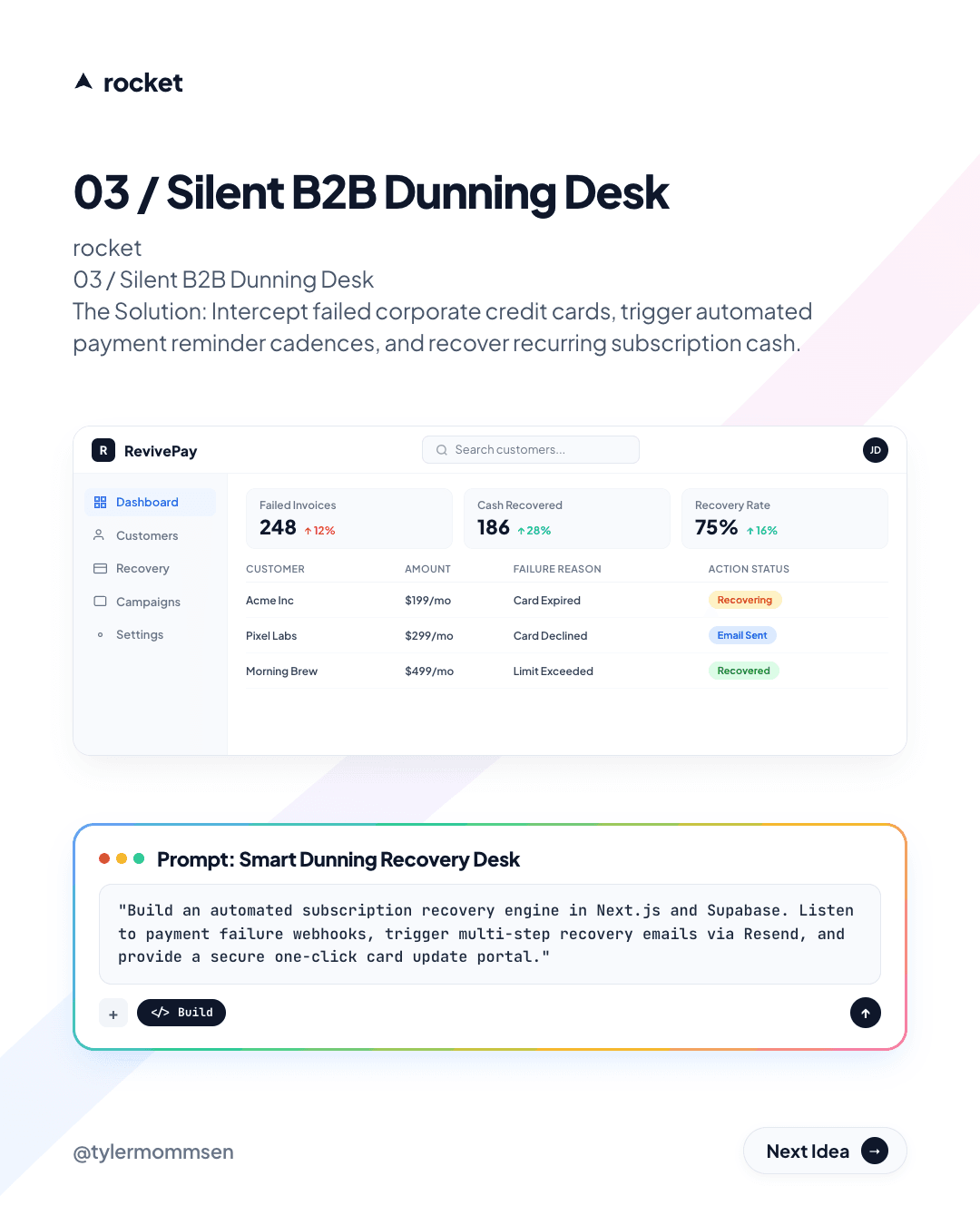
Slide 4/7
Click to expand
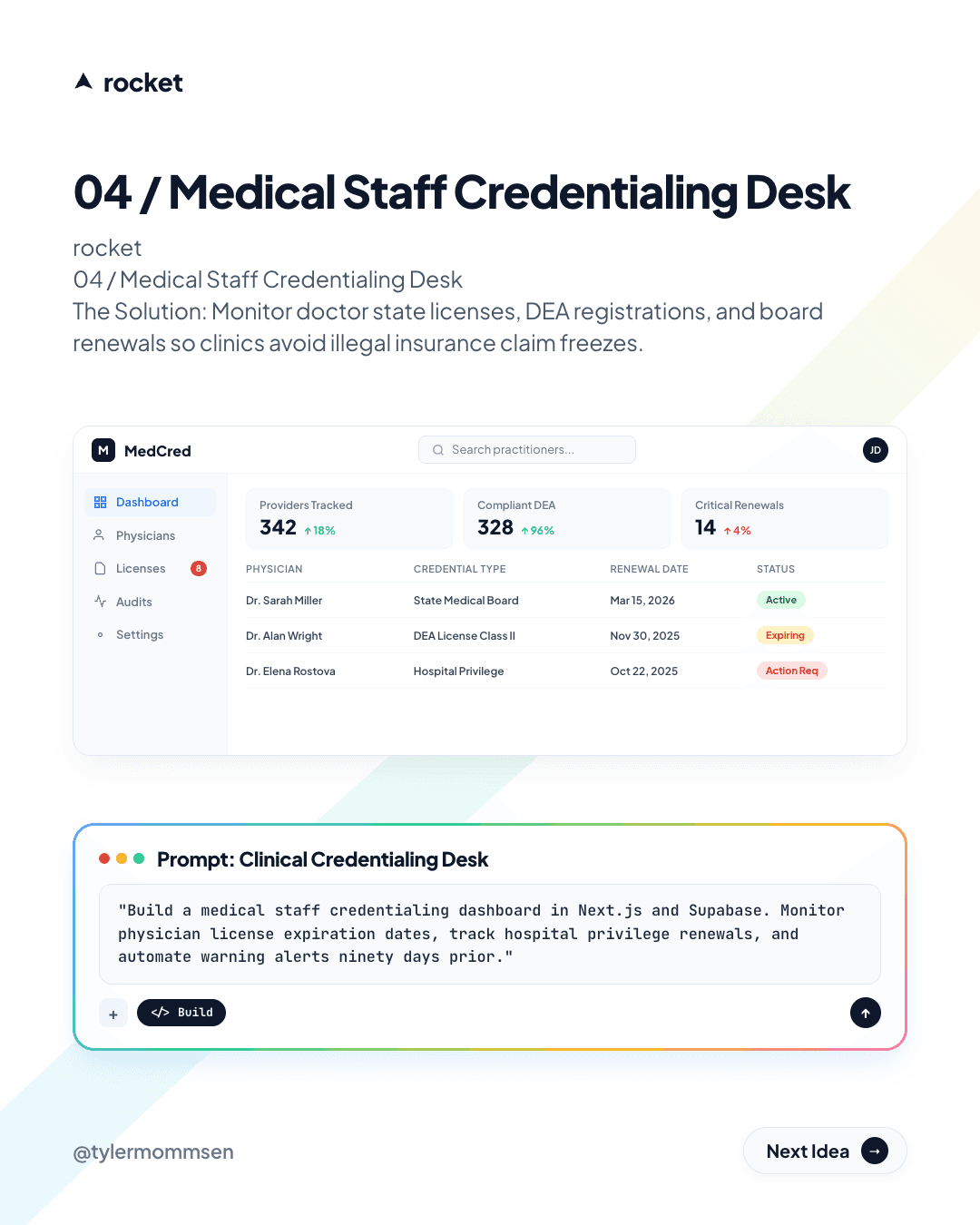
Slide 5/7
Click to expand
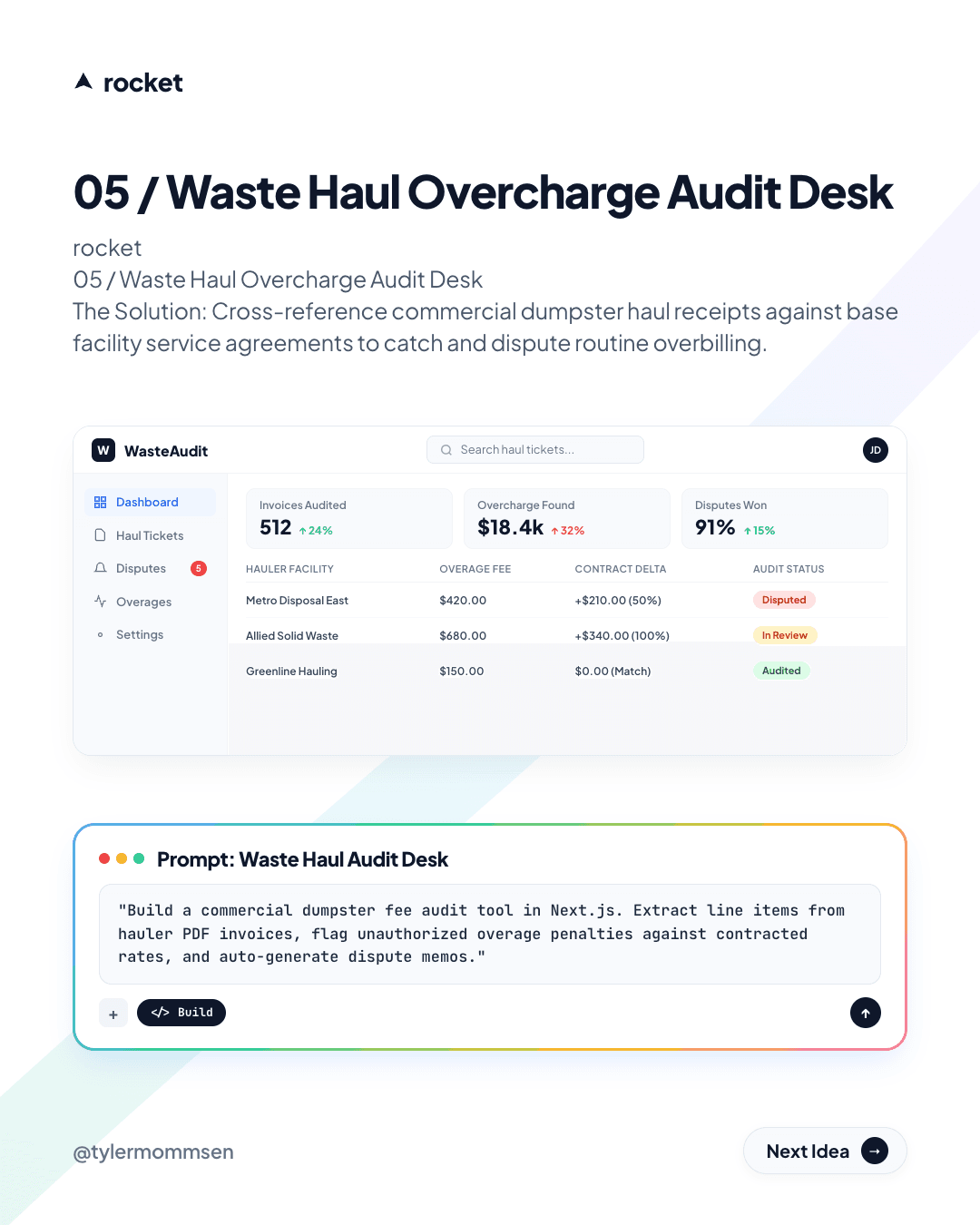
Slide 6/7
Click to expand
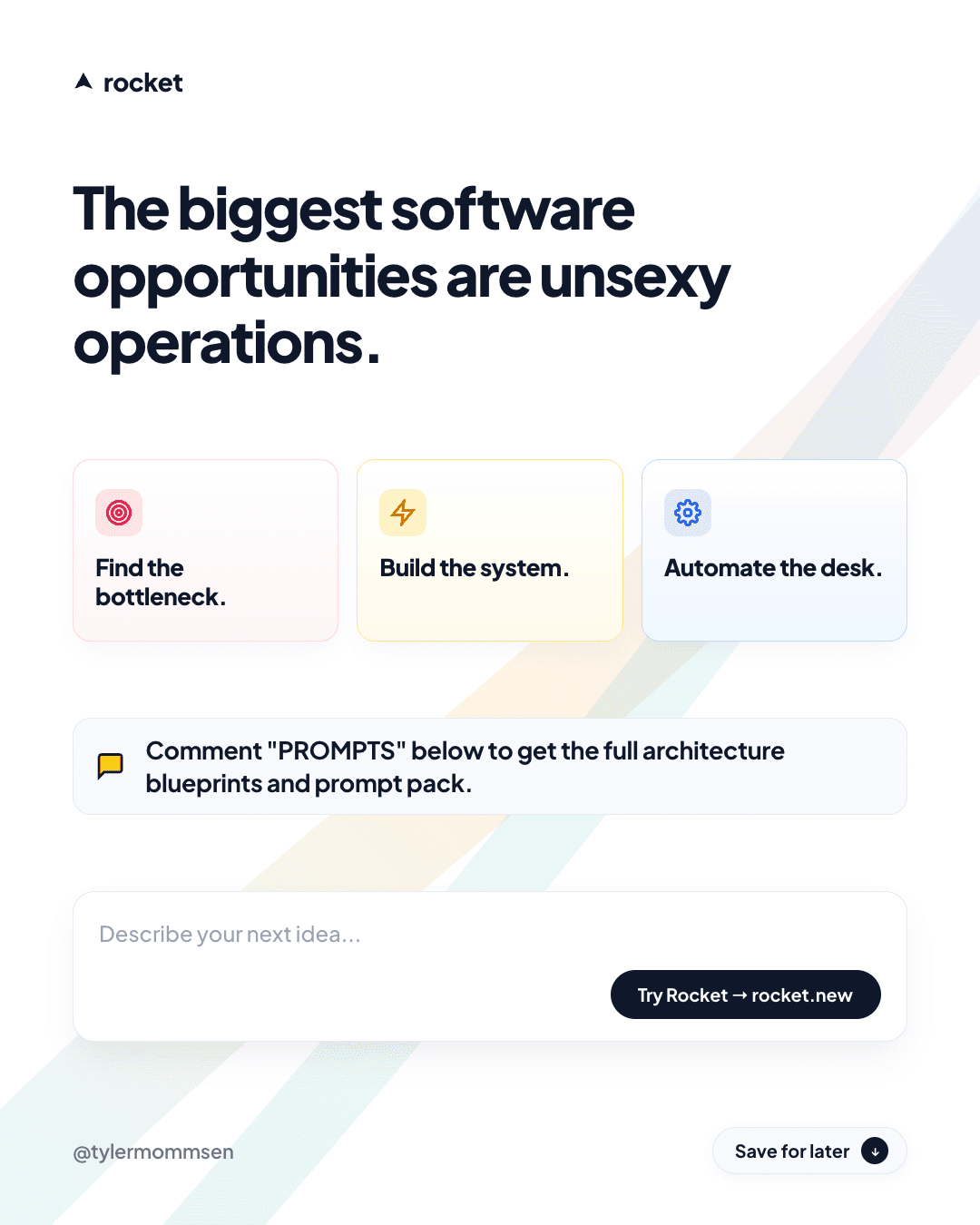
Slide 7/7
Click to expand
Slide 1/7
Click to expand
Slide 2/7
Click to expand
Slide 3/7
Click to expand
Slide 4/7
Click to expand
Slide 5/7
Click to expand
Slide 6/7
Click to expand
Slide 7/7
Click to expand
Slide 1/7
Click to expand
Slide 2/7
Click to expand
Slide 3/7
Click to expand
Slide 4/7
Click to expand
Slide 5/7
Click to expand
Slide 6/7
Click to expand
Slide 7/7
Click to expand
Slide 1/7
Click to expand
Slide 2/7
Click to expand
Slide 3/7
Click to expand
Slide 4/7
Click to expand
Slide 5/7
Click to expand
Slide 6/7
Click to expand
Slide 7/7
Click to expand
Native 1080×1350 (4:5) format · Continuous loop on scroll · Click any slide to inspectGenerate from $9/mo
The 4-Step Prompt-to-LinkedIn Workflow
- Type your topic: Enter an idea like "5 ways to improve sales team onboarding".
- Review the AI hook: Slidecraft crafts an opening slide using numbers and curiosity gaps.
- Customize your slides: Adjust typography presets or tweak slide copy in the live preview.
- Export as PDF: Download a vector-sharp 1080×1350 PDF ready to upload as a LinkedIn document.
Why Slidecraft Is Built for LinkedIn Creators
- Vector-sharp text: PDF text stays crisp on retina screens and smartphones.
- Short line length: Under 25 words per slide keeps readers focused.
- Hook engine: Specifically trained on top LinkedIn creator posts.
90-Second Walkthrough
See How Slidecraft Generates a 7-Slide Carousel From One Prompt
No blank canvas. No manual kerning. Watch raw notes transform into publish-ready slides with viral hook psychology.

Demo: Prompt to LinkedIn & IG Deck1080 × 1350 (4:5)
01:30
Claude 3.5 Hook Engine
LinkedIn PDF & IG 4:5 Zip
Starting at $9/month
Generate Your First Carousel Now
No credit card required · Free instant test on homepage
Frequently Asked Questions
Common Questions About Use Case Carousels
How do I upload the PDF to LinkedIn?
Click 'Start a post', choose the document icon, upload your PDF from Slidecraft, name the title, and publish.