
Best Infographic Generators Compared (And When a Carousel Beats One)
Comparing the top infographic makers in 2026. Discover why multi-slide social carousels get 5x more mobile engagement than vertical infographics.

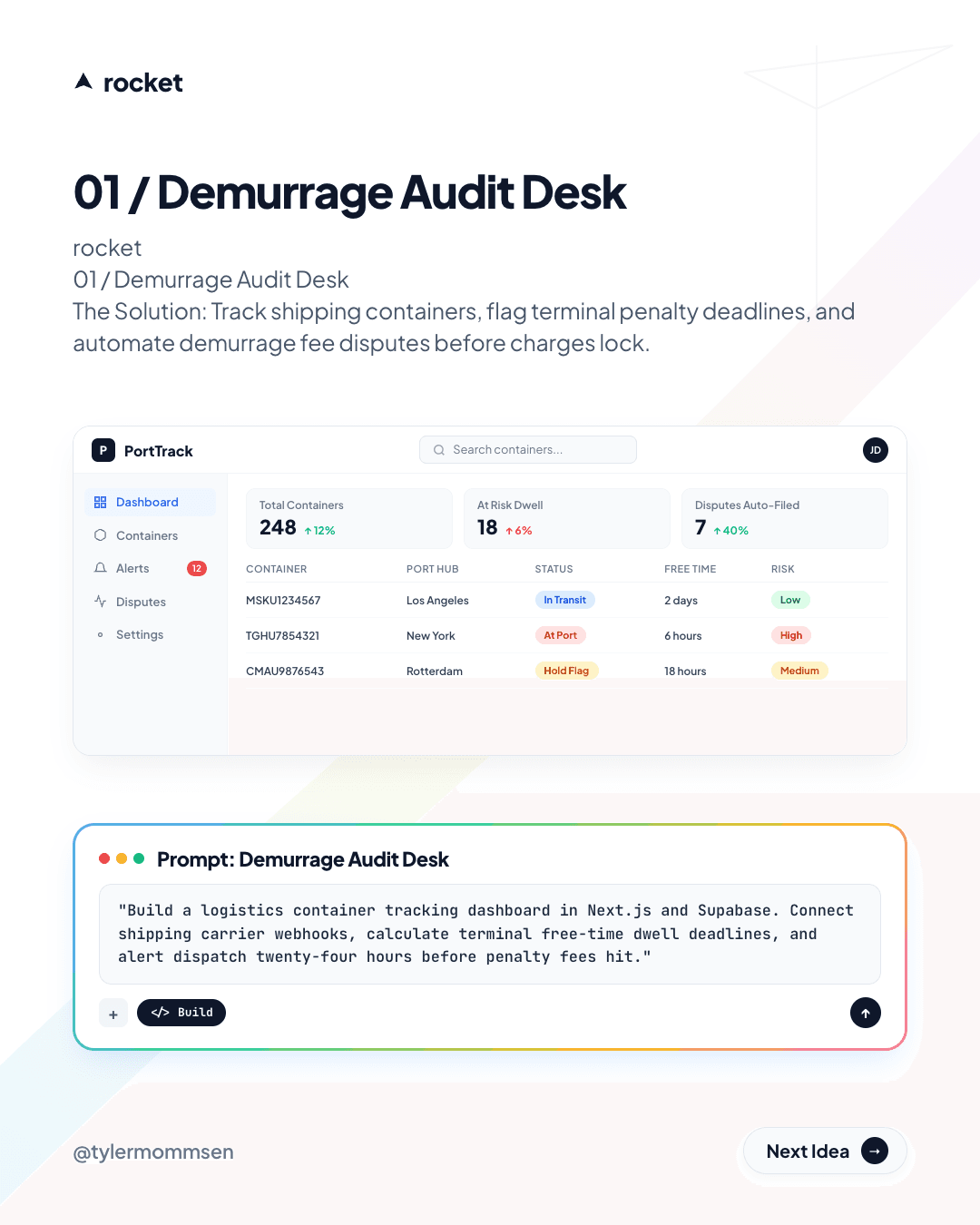
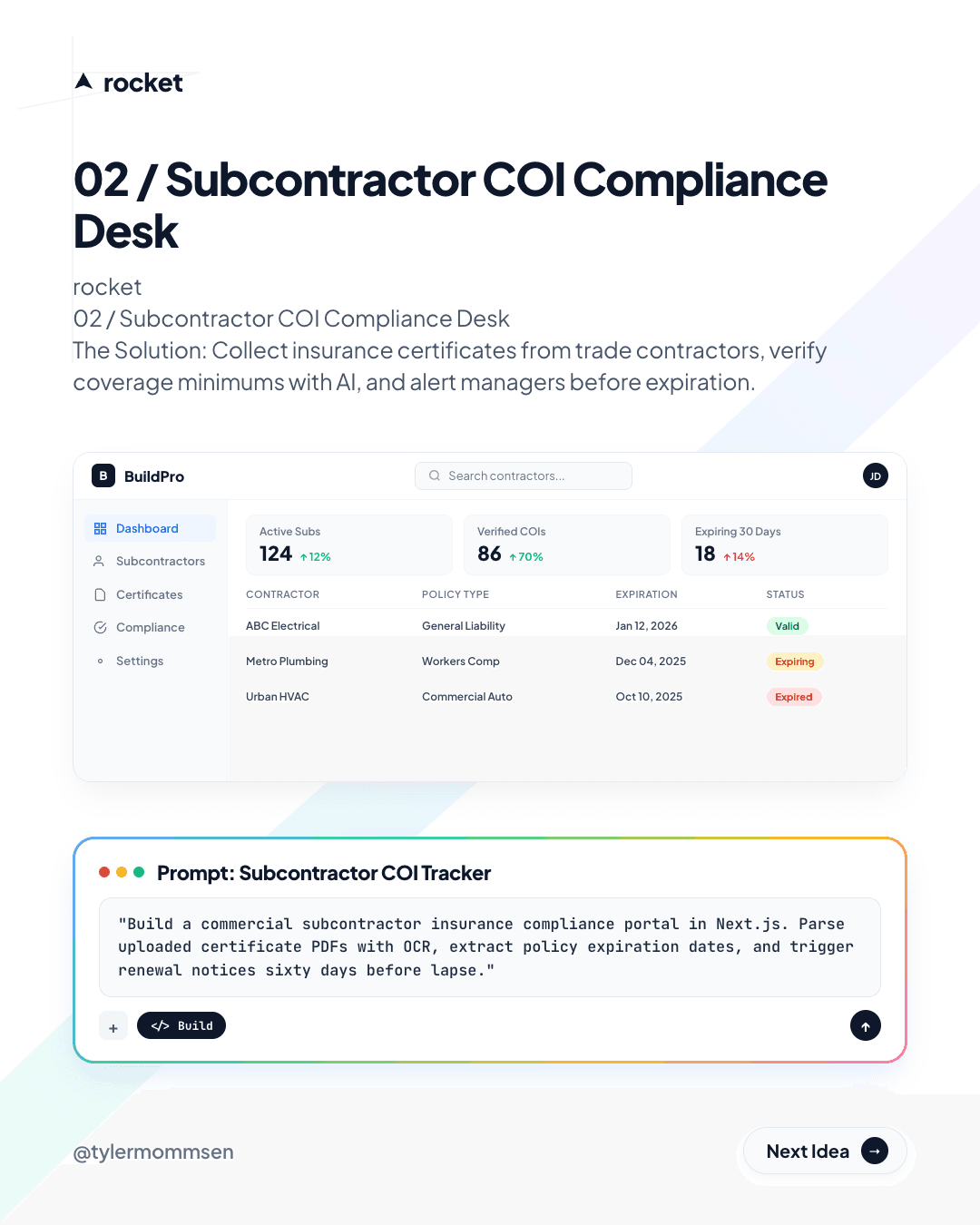
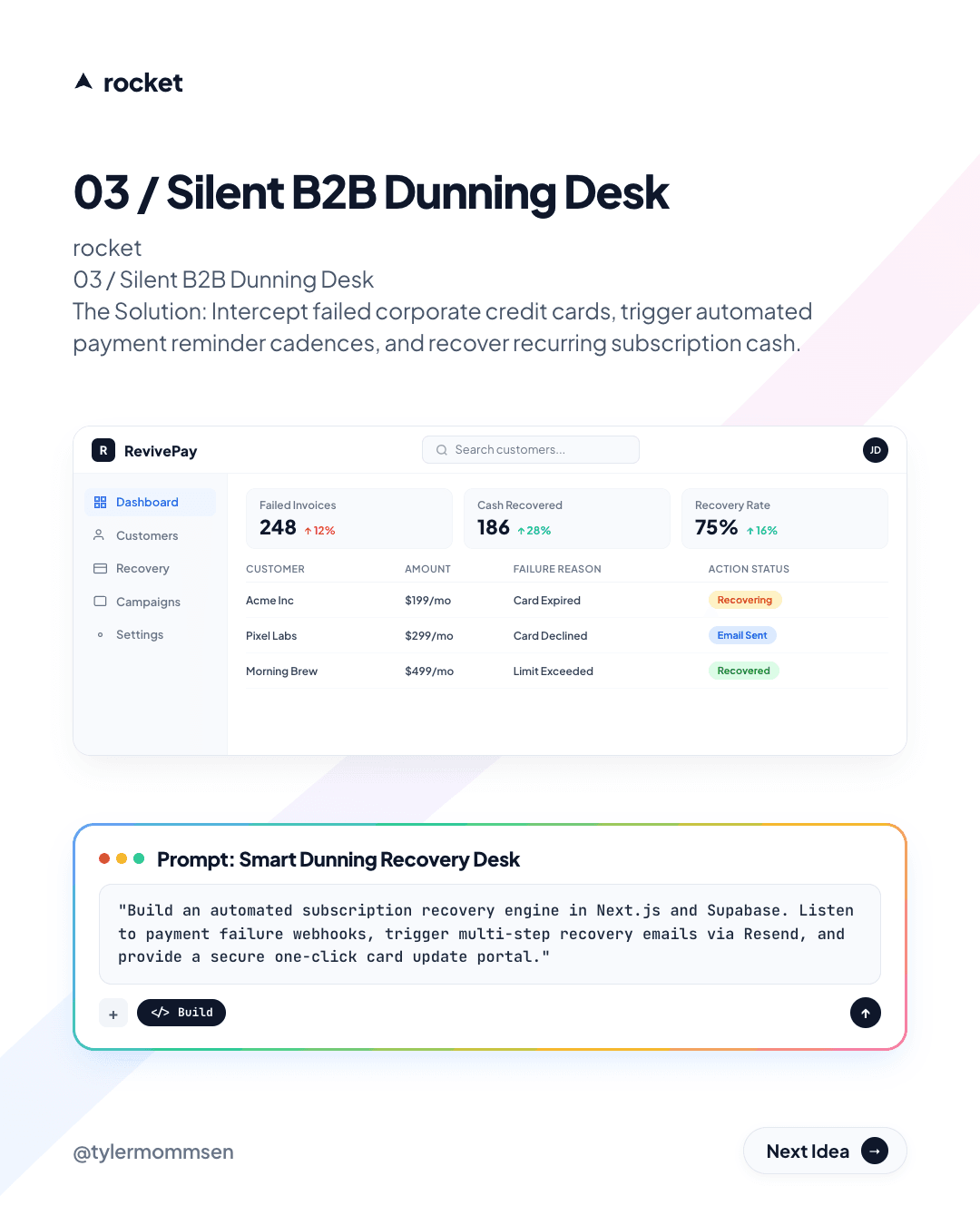
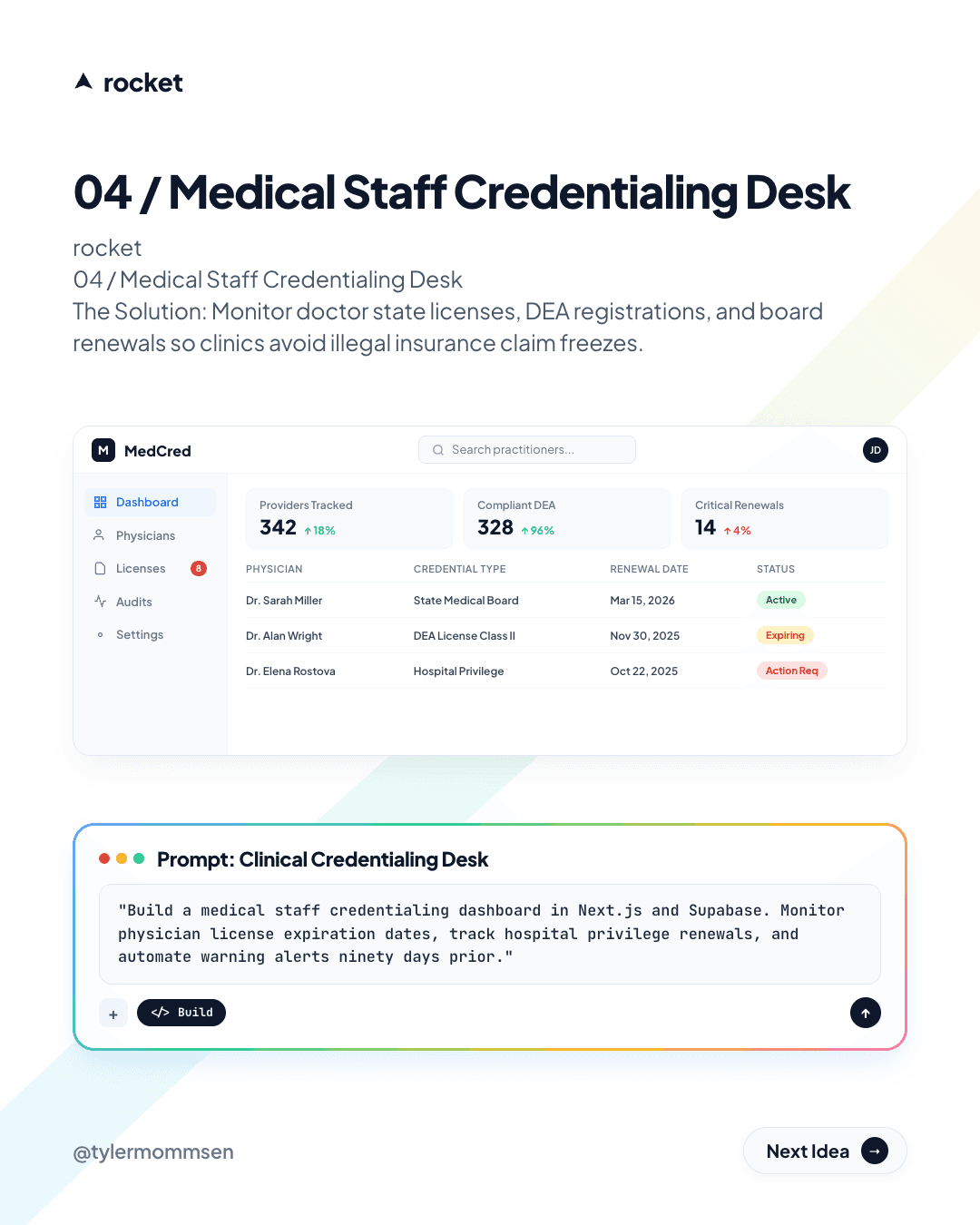
The Death of the Giant Vertical Infographic on Mobile
Ten years ago, giant 800×3000 px vertical infographics were the kings of Pinterest and blogs. But in 2026, over 82% of all social media consumption is mobile.
When a user on a smartphone sees a massive vertical infographic, the text is unreadable unless they pinch-to-zoom. Most users simply scroll past.
The modern replacement is the horizontal swipeable carousel: it breaks complex information into bite-sized, readable cards that fill the screen naturally.
Top Infographic Tools vs. Modern Carousel Makers
| Tool | Best Format | Mobile Readability | AI Generation | Best For |
|---|---|---|---|---|
| Slidecraft | Multi-slide Carousels (4:5 / 1:1) | 100% Mobile Optimized | Full text-to-slide AI | Social feeds & LinkedIn |
| Piktochart | Traditional Infographics | Moderate (Pinch zoom needed) | Outline assistant | Reports and whitepapers |
| Venngage | Corporate infographics | Low on small screens | Light template AI | HR manuals & B2B posters |
| Visme | Interactive presentations | Low on phone feeds | Presentation AI | Web embeds & sales decks |
| Canva | Mixed templates | Varies by design | Magic Studio | General quick visual assets |
How to Turn an Infographic into a Viral Carousel
Have an existing company infographic or data report?
- Take the 5 main data points or charts.
- Feed the bullet points into Slidecraft.
- Generate a 7-slide carousel where each data point gets its own dedicated high-contrast slide.
- Watch your engagement and reposts jump 300% compared to posting the static graphic.
See How Slidecraft Generates a 7-Slide Carousel From One Prompt
No blank canvas. No manual kerning. Watch raw notes transform into publish-ready slides with viral hook psychology.

No credit card required · Free instant test on homepage
Common Questions About Best-Of Carousels
When is a traditional infographic still useful?
In printed materials, downloadable PDF research whitepapers, and embedded on long-form blog articles for desktop readers.
Can Slidecraft handle charts and statistics?
Yes! Slidecraft structures statistical metrics with bold callout figures and descriptive captions optimized for fast scanning.