
InstagramFormat: How-to
How to Arrange a Carousel of Photos for Maximum Swipe-Through
The order of photos in your carousel determines whether people swipe to slide 10 or abandon your post on slide 2. Here is the proven visual pacing framework used by top photographers and creators.
2026-10-086 min read
Target KW:carousel of photos
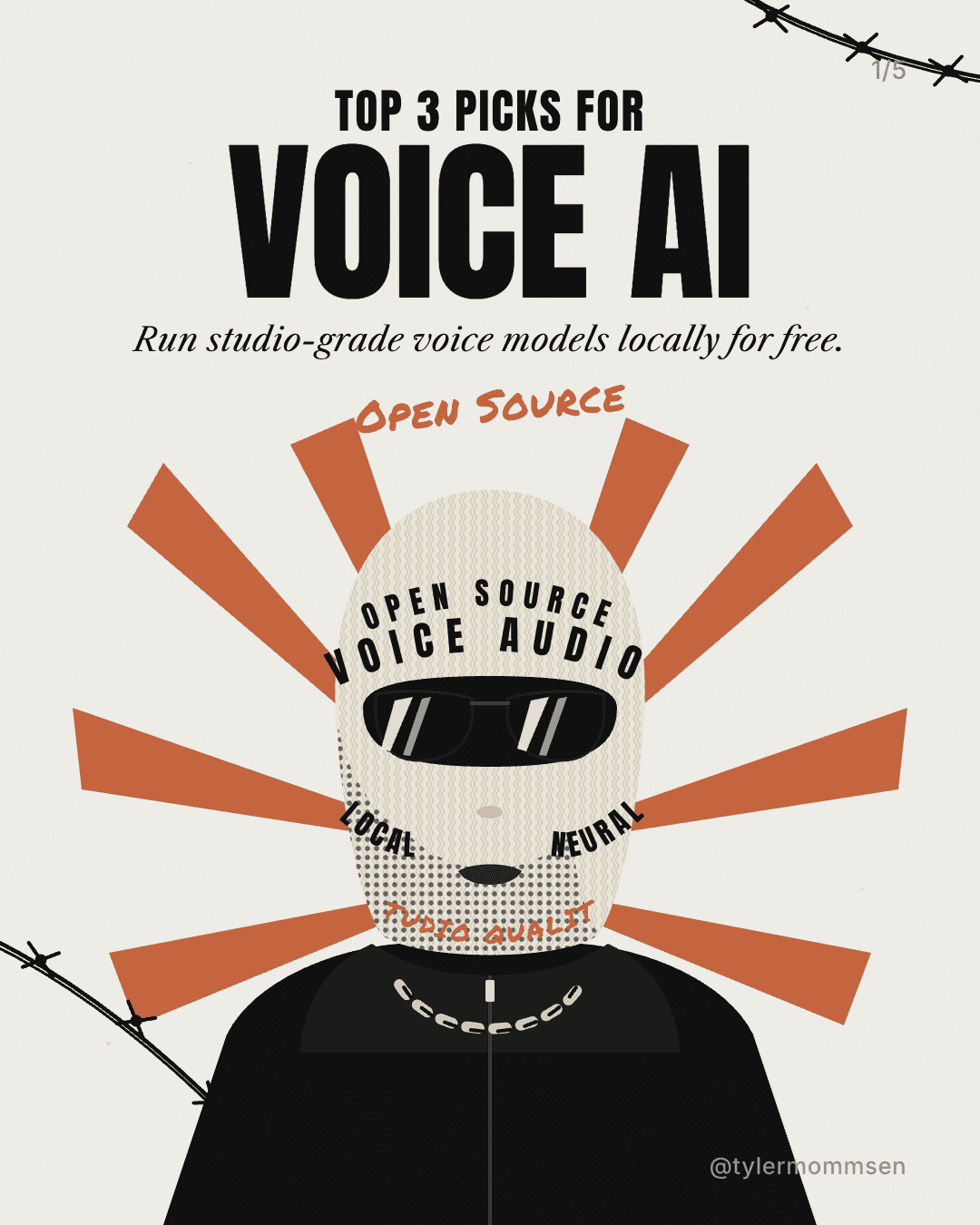
Slide 1/5
Click to expand

Slide 2/5
Click to expand
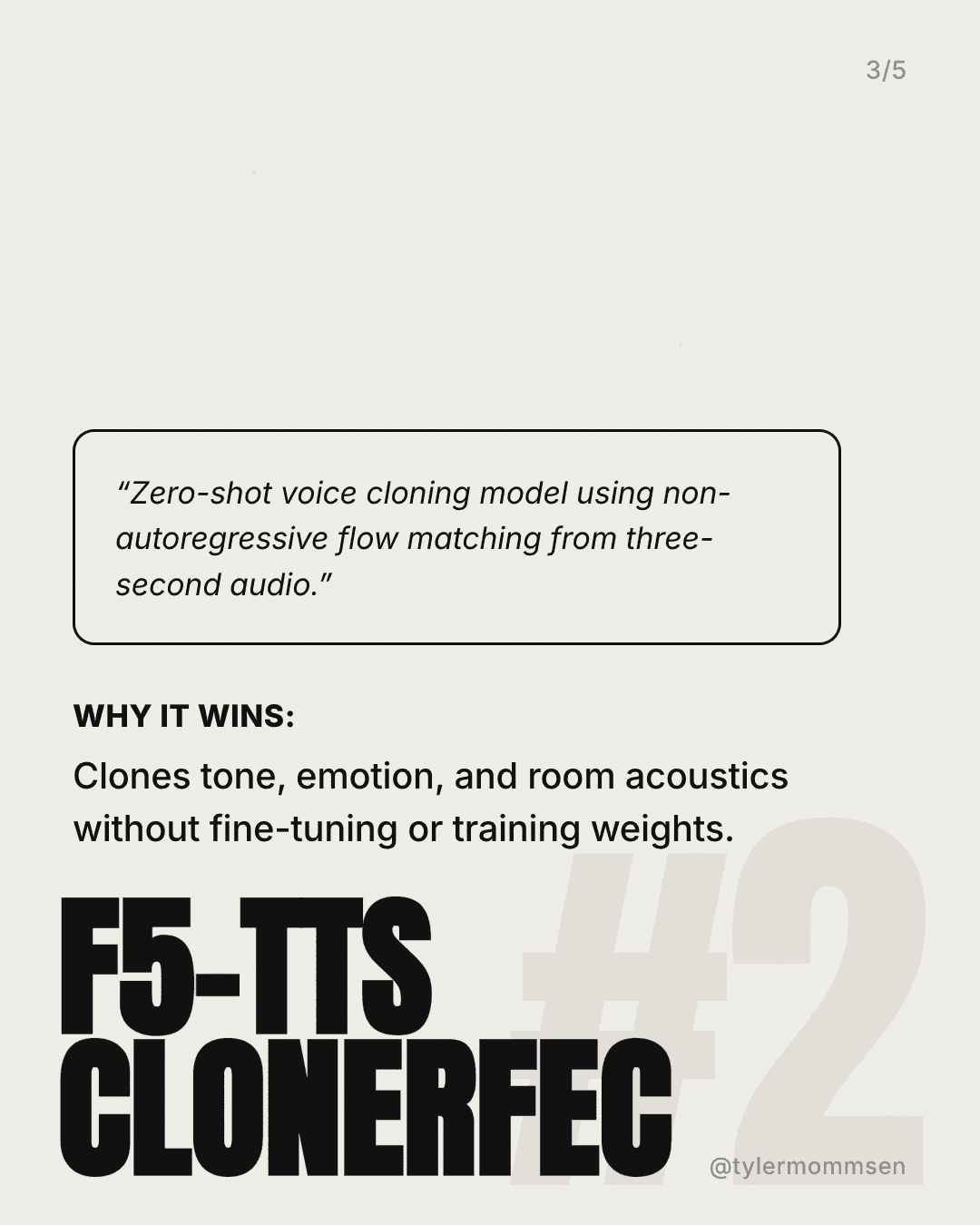
Slide 3/5
Click to expand
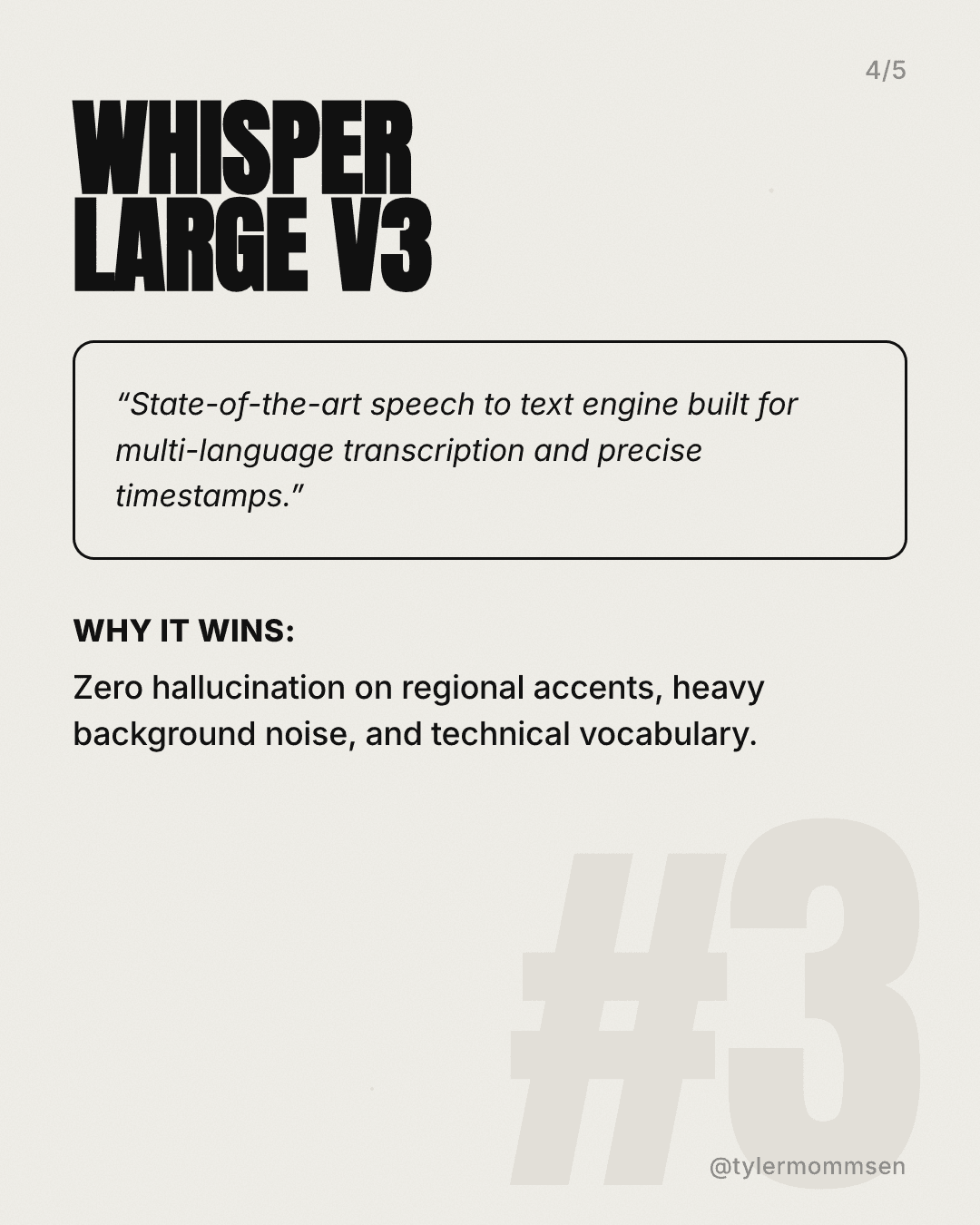
Slide 4/5
Click to expand
Slide 5/5
Click to expand
Slide 1/5
Click to expand
Slide 2/5
Click to expand
Slide 3/5
Click to expand
Slide 4/5
Click to expand
Slide 5/5
Click to expand
Slide 1/5
Click to expand
Slide 2/5
Click to expand
Slide 3/5
Click to expand
Slide 4/5
Click to expand
Slide 5/5
Click to expand
Slide 1/5
Click to expand
Slide 2/5
Click to expand
Slide 3/5
Click to expand
Slide 4/5
Click to expand
Slide 5/5
Click to expand
Native 1080×1350 (4:5) format · Continuous loop on scroll · Click any slide to inspectGenerate from $9/mo
The 5-Stage Visual Pacing Framework
- Slide 1 (The Anchor): The highest-contrast, most visually striking photo. Must provoke curiosity or emotion.
- Slide 2 (The Context): A wider-angle photo establishing the scene or setting.
- Slides 3 to 5 (The Details): Close-ups, textures, and candid moments that reward attentive viewing.
- Slide 6 (The Climax): The most satisfying or surprising moment of the series.
- Final Slide (The Conclusion): A quiet wrap-up photo with a clear caption prompt.
Alternate Between Wide and Close-Up Shots
Never place two identical wide-angle photos back to back. Alternating between wide shots, portraits, and macro close-ups creates visual rhythm that pulls the eye through each swipe.
90-Second Walkthrough
See How Slidecraft Generates a 7-Slide Carousel From One Prompt
No blank canvas. No manual kerning. Watch raw notes transform into publish-ready slides with viral hook psychology.

Demo: Prompt to LinkedIn & IG Deck1080 × 1350 (4:5)
01:30
Claude 3.5 Hook Engine
LinkedIn PDF & IG 4:5 Zip
Starting at $9/month
Generate Your First Carousel Now
No credit card required · Free instant test on homepage
Frequently Asked Questions
Common Questions About Instagram Carousels
Does photo orientation matter in a carousel?
Yes. Always use identical crop ratios for every photo—preferably 4:5 portrait (1080×1350). Mixing square and portrait causes ugly letterboxing.