
Other PlatformsFormat: How-to
How to Turn an Instagram Carousel Into a LinkedIn Carousel
Do not leave reach on the table by posting only to Instagram. Your Instagram carousel can easily become a high-performing LinkedIn document post with a few simple adjustments. Here is how to repurpose your decks.
2026-10-046 min read
Target KW:carousel social media

Slide 1/5
Click to expand

Slide 2/5
Click to expand
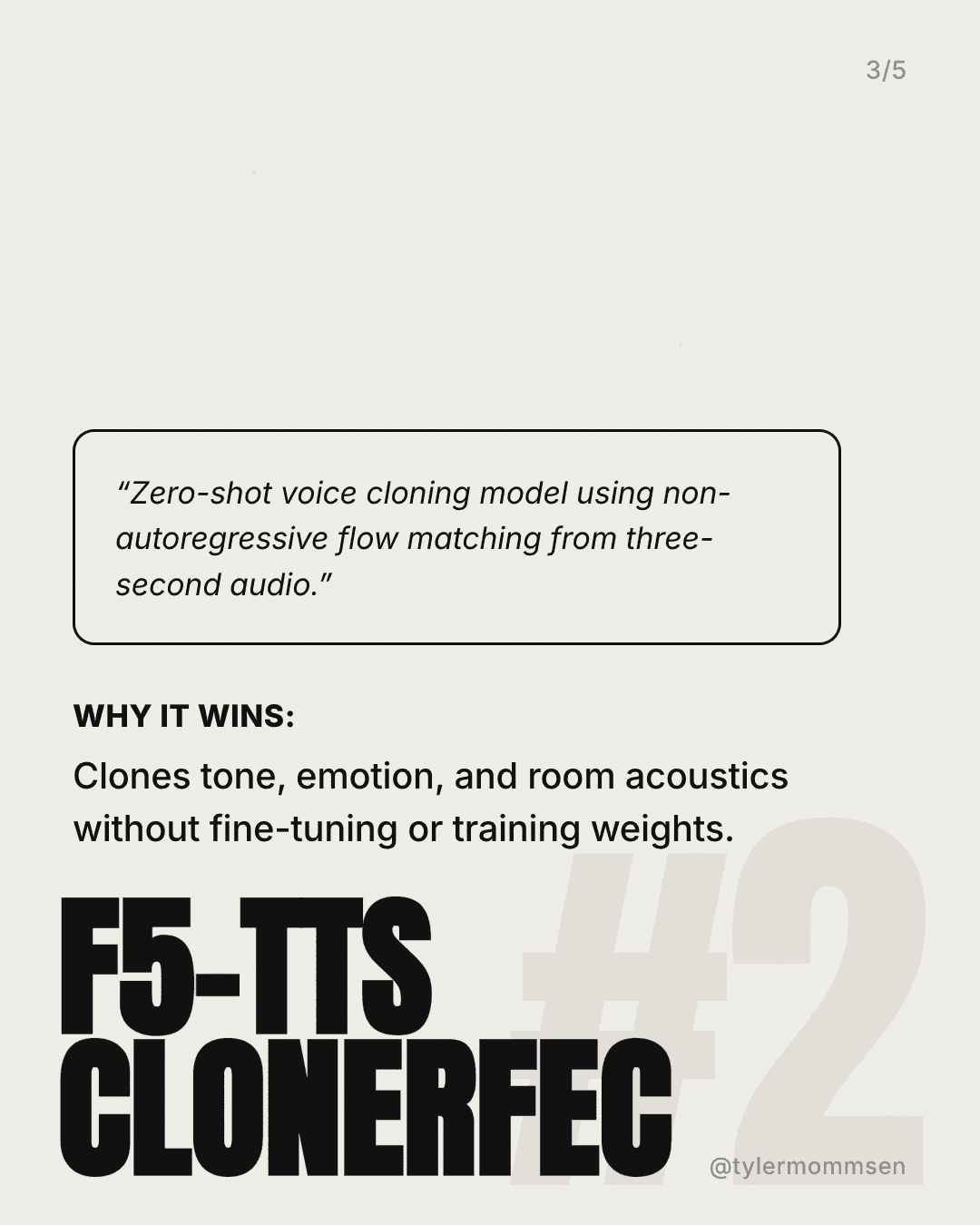
Slide 3/5
Click to expand
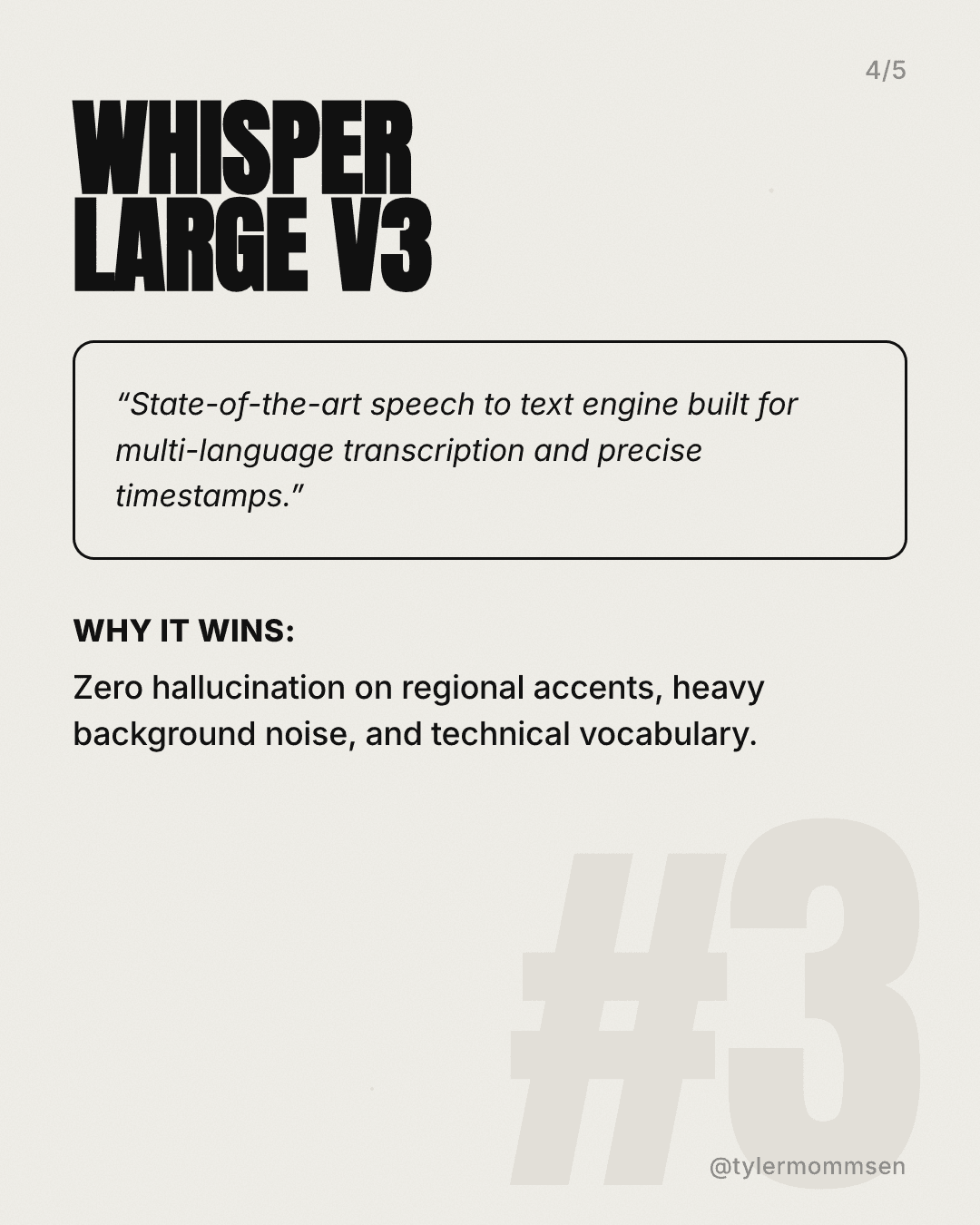
Slide 4/5
Click to expand
Slide 5/5
Click to expand
Slide 1/5
Click to expand
Slide 2/5
Click to expand
Slide 3/5
Click to expand
Slide 4/5
Click to expand
Slide 5/5
Click to expand
Slide 1/5
Click to expand
Slide 2/5
Click to expand
Slide 3/5
Click to expand
Slide 4/5
Click to expand
Slide 5/5
Click to expand
Slide 1/5
Click to expand
Slide 2/5
Click to expand
Slide 3/5
Click to expand
Slide 4/5
Click to expand
Slide 5/5
Click to expand
Native 1080×1350 (4:5) format · Continuous loop on scroll · Click any slide to inspectGenerate from $9/mo
The 3-Step Repurposing Process
- Combine your images into a single PDF: LinkedIn requires a PDF document, not separate image files.
- Keep the 1080×1350 portrait size: Both Instagram and LinkedIn use 4:5 portrait as their optimal mobile ratio.
- Adjust the companion caption: Instagram captions use hashtags and casual emojis; LinkedIn captions work best with a professional hook and a clear takeaway.
The 1-Click Way with Slidecraft
In Slidecraft, every generated carousel includes both download options on the same screen: click 'Download PNG Zip' for Instagram, then click 'Download PDF' for LinkedIn. Zero conversion tools required.
90-Second Walkthrough
See How Slidecraft Generates a 7-Slide Carousel From One Prompt
No blank canvas. No manual kerning. Watch raw notes transform into publish-ready slides with viral hook psychology.

Demo: Prompt to LinkedIn & IG Deck1080 × 1350 (4:5)
01:30
Claude 3.5 Hook Engine
LinkedIn PDF & IG 4:5 Zip
Starting at $9/month
Generate Your First Carousel Now
No credit card required · Free instant test on homepage
Frequently Asked Questions
Common Questions About Other Platforms Carousels
Can I use the exact same slides on both platforms?
Yes. 1080×1350 portrait slides work perfectly on both Instagram and LinkedIn.