
Slidecraft vs Simplified: Which Carousel Maker Is Better for Creators?
Simplified is an all-in-one AI app for video editing, social scheduling, and graphic design. Slidecraft focuses 100% on carousels. Here is our head-to-head comparison.
Quick Verdict: At a Glance
Where Slidecraft Wins:
- 90-second prompt-to-carousel creation
- Built-in Claude intelligence that writes hooks & copy
- Native 1080×1350 (4:5) & LinkedIn PDF export
- Instagram style cloner: paste a link, copy the look
Where Competitor Wins:
- •All-in-one suite with AI video editing and subtitles
- •Social media post scheduling across platforms
- •Multi-format marketing copy generator
Bottom Line: Choose Simplified if you need video clips and social scheduling in one tool. Choose Slidecraft if your priority is creating visually stunning, high-converting carousels in 90 seconds.
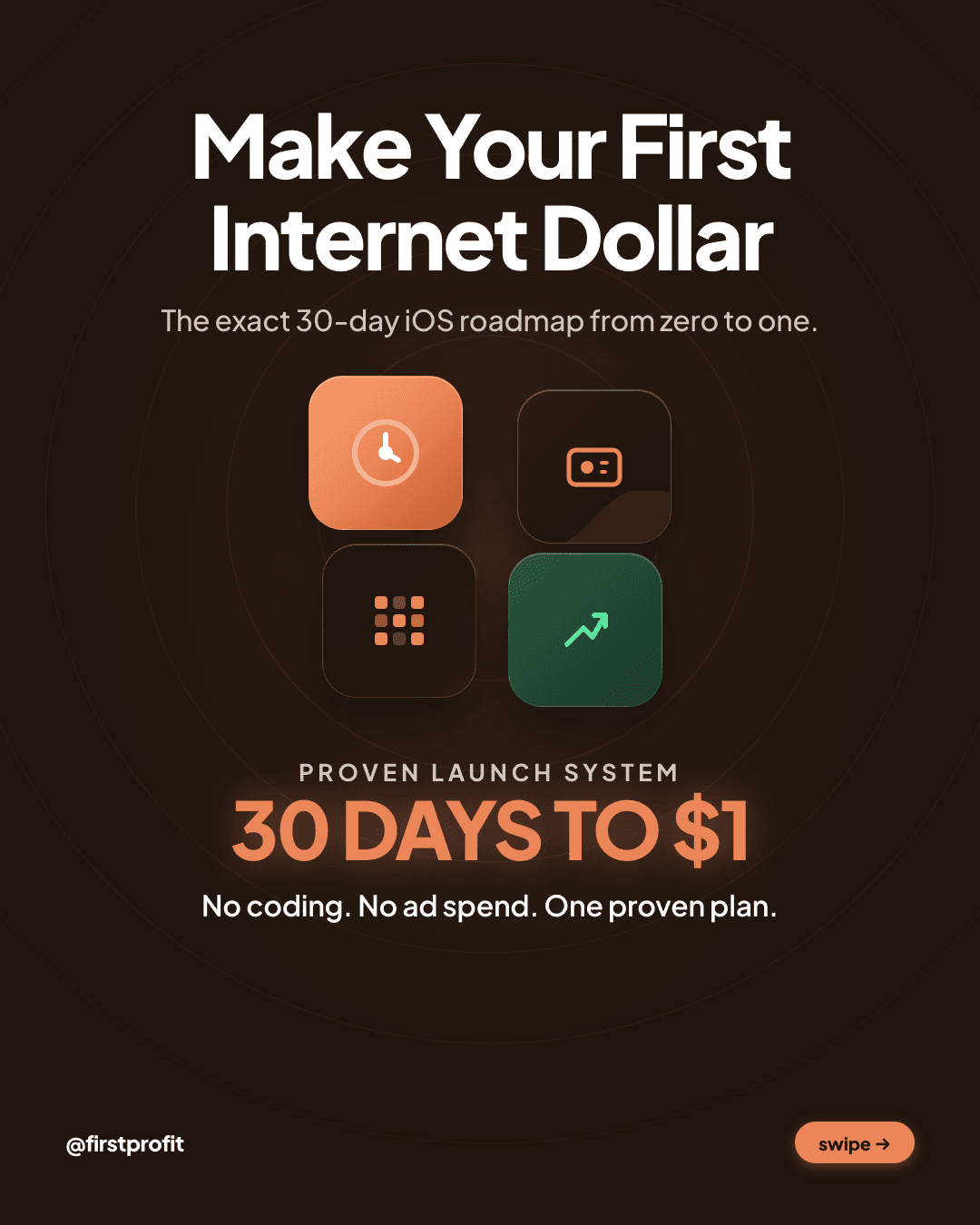
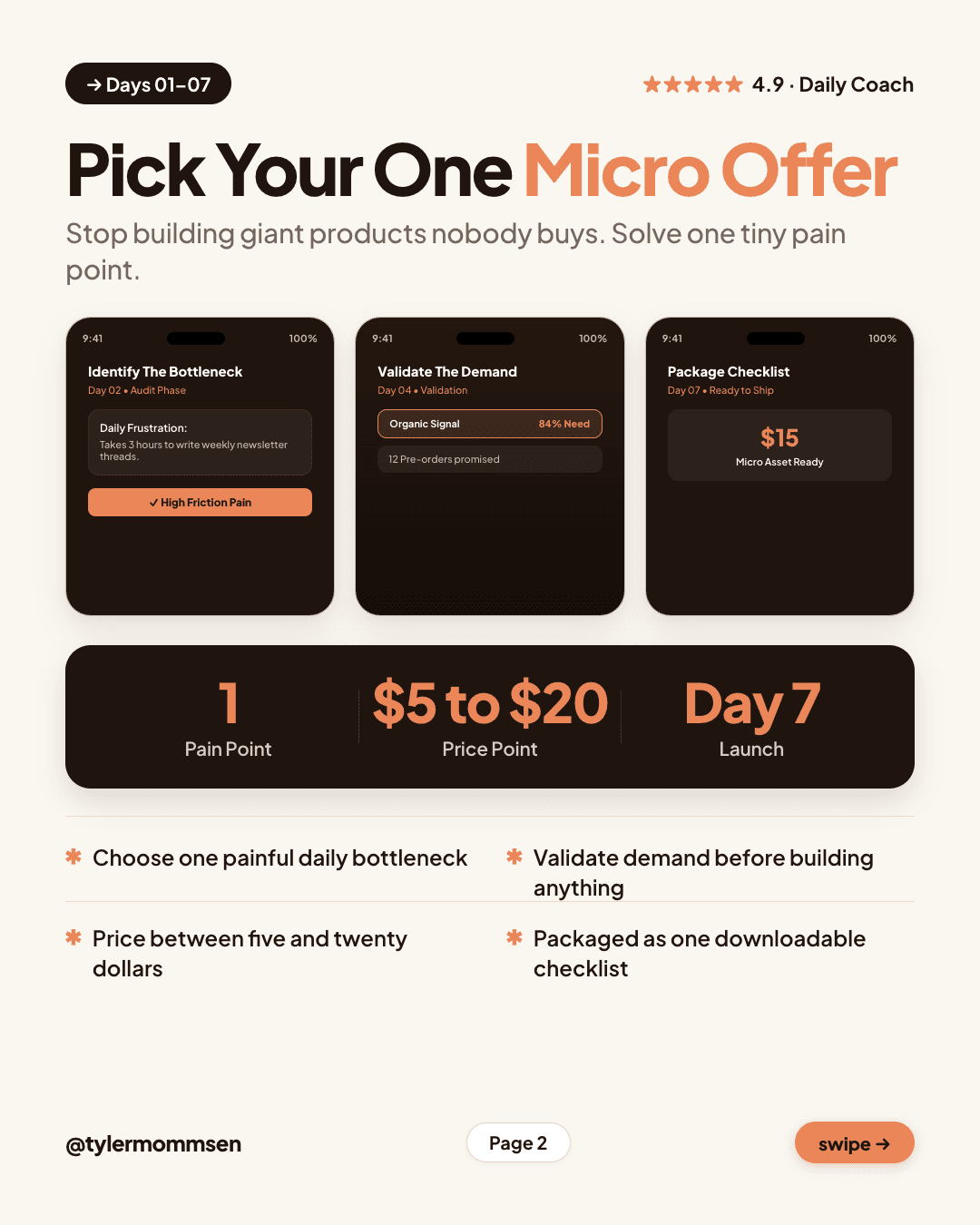
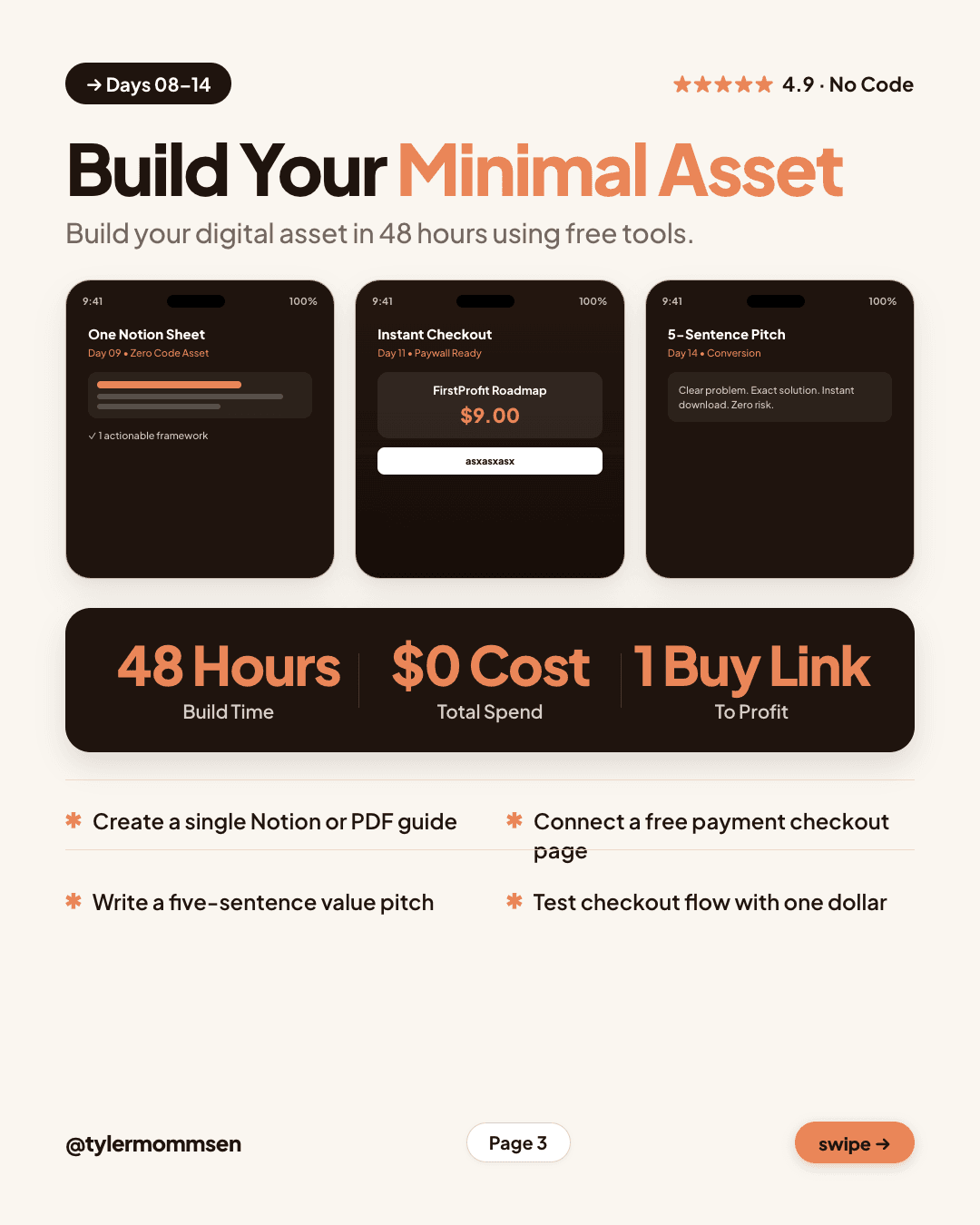
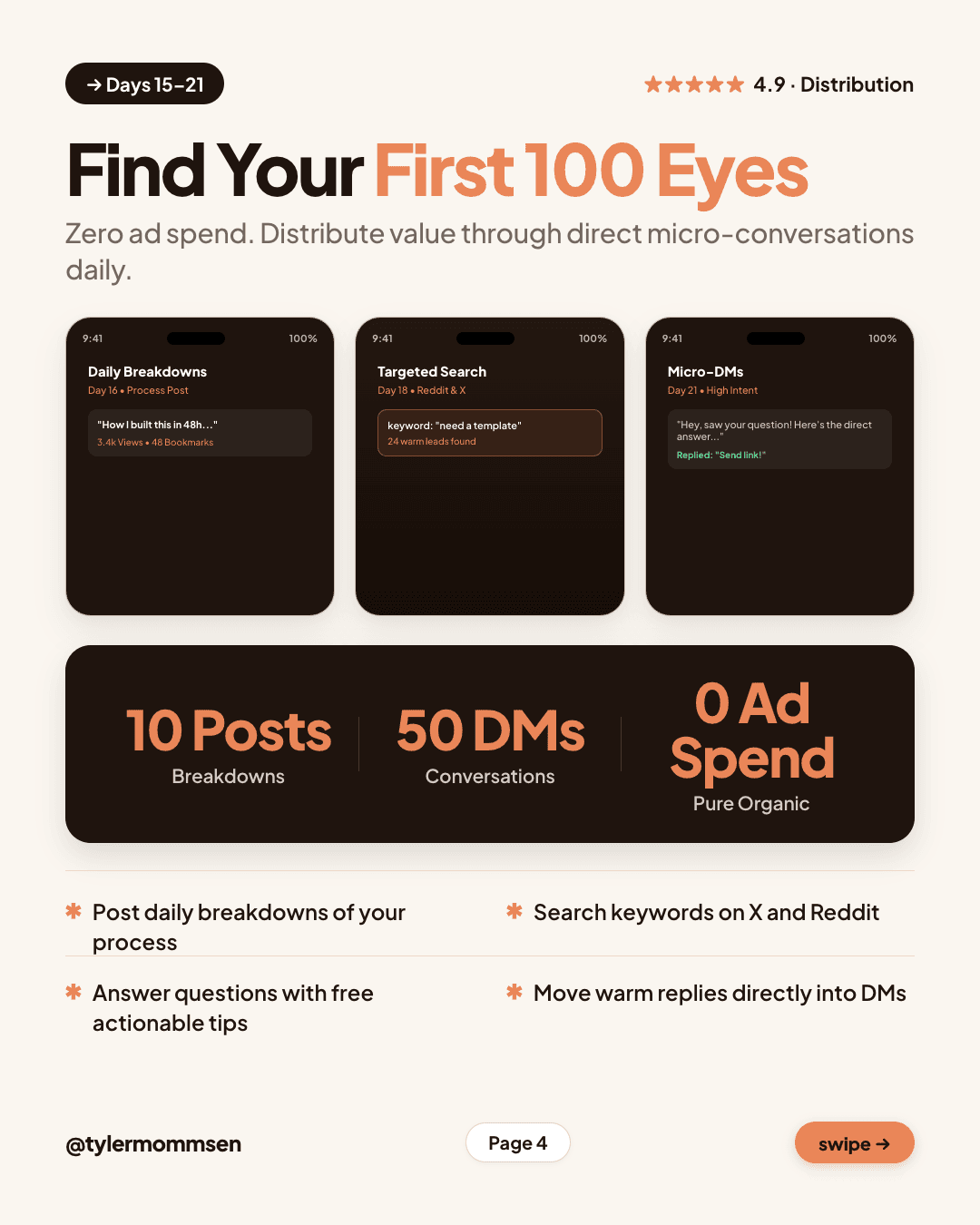

What Simplified Does Well (And Where It Slows You Down)
When software tries to do video editing, copywriting, graphic design, and social publishing in a single interface, each feature becomes generic. Simplified's carousel templates often look like basic slides rather than modern creator decks.
How Slidecraft Makes a Carousel Fast
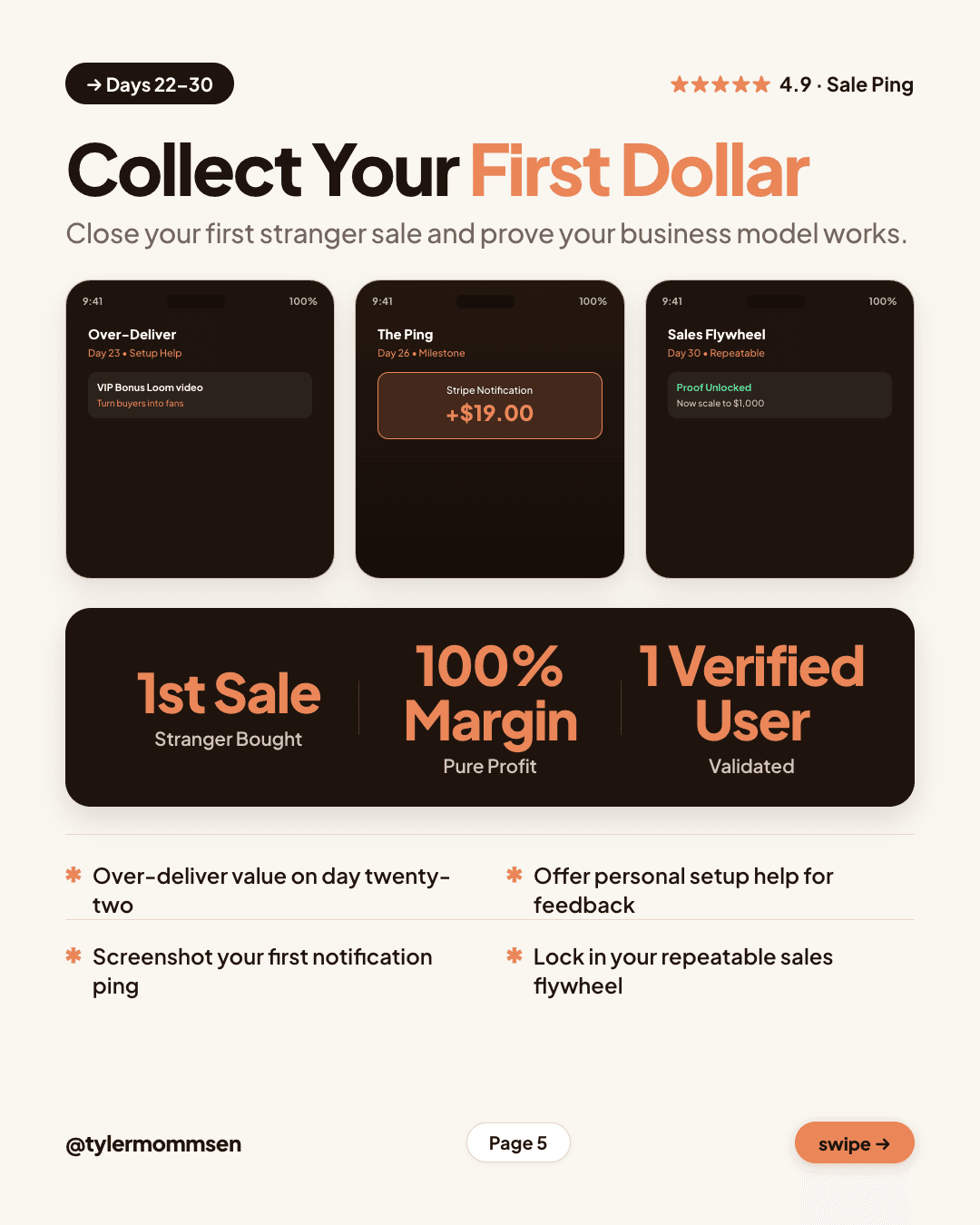
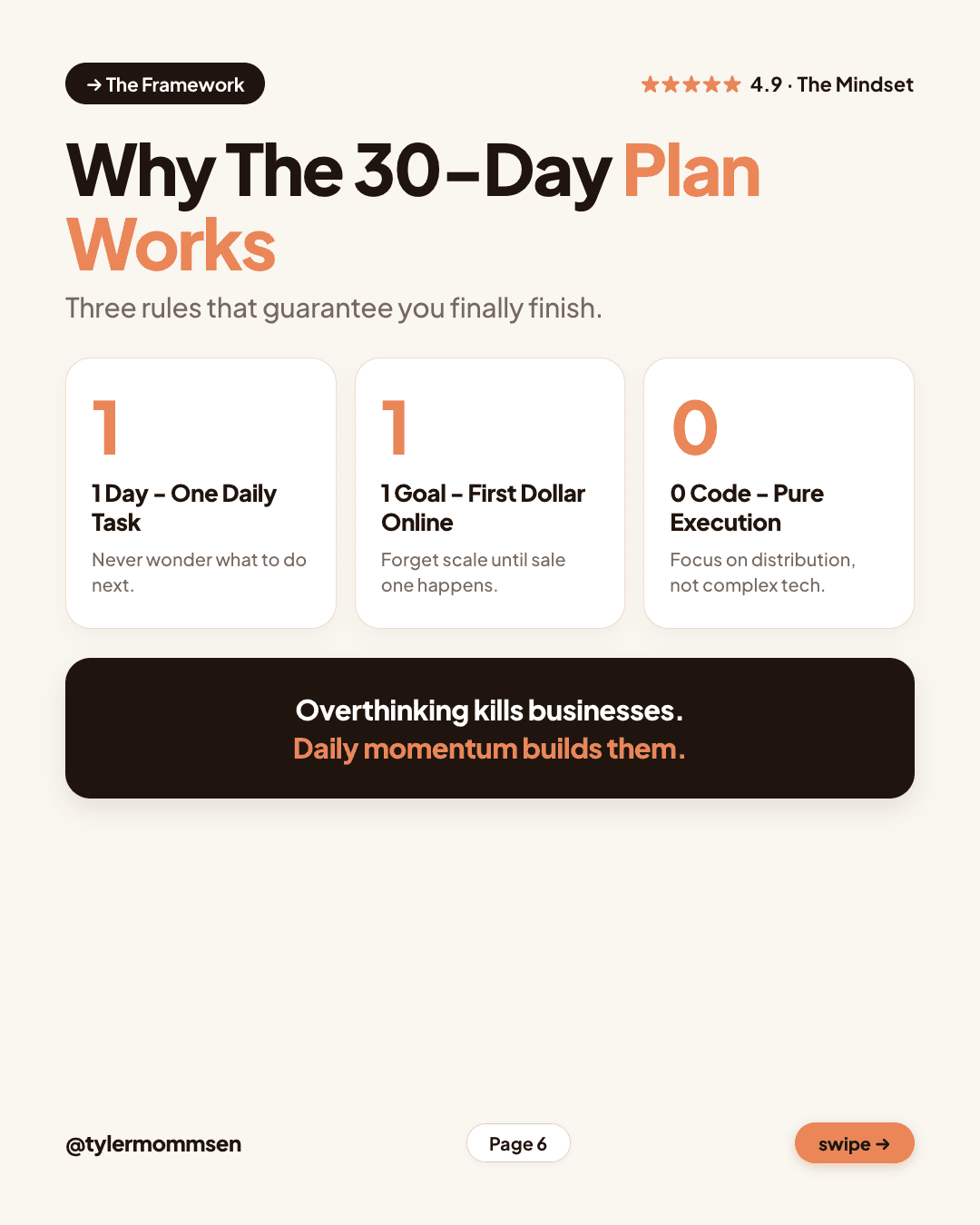
Slidecraft does one job: it turns a single idea into a swipe-ready carousel in about 90 seconds. Slidecraft concentrates all its power on one format: making your carousels look like they were designed by an expensive agency.
- Type your idea. Write a short prompt like "5 mistakes new founders make with pricing", or paste an Instagram post link to copy its look.
- Get a strong hook. Slidecraft writes the first slide using proven patterns: numbers, curiosity gaps, and bold claims.
- See the full story. It spreads your idea over 5 to 10 slides, with short lines and clear steps.
- Download and post. Export a PDF for LinkedIn or PNG files for Instagram, already sized 1080×1350.
Head-to-Head: Slidecraft vs Simplified
1. Visual Quality
Slidecraft enforces consistent margins, badge styles, and modern font pairings. Simplified offers generic template cards.
2. Copy Relevance
Slidecraft crafts specific slide transitions and curiosity hooks. Simplified produces standard bullet points.
Which One Should You Choose?
Choose Simplified if:
- You need an all-in-one tool for video reels, blog writing, and image generation.
- You want built-in scheduling across 5+ social networks.
Choose Slidecraft if:
- You post carousels on LinkedIn or Instagram every week.
- You want the copy and the design done for you, not just a blank page.
- You want to save hours and keep a clean, steady look on every slide.
- You want a low price: plans start at $9/month.
See How Slidecraft Generates a 7-Slide Carousel From One Prompt
No blank canvas. No manual kerning. Watch raw notes transform into publish-ready slides with viral hook psychology.

No credit card required · Free instant test on homepage
Common Questions About Comparison Carousels
Is Slidecraft better than Simplified for LinkedIn?
Yes. Slidecraft exports native 1080×1350 PDFs ready for LinkedIn document posts without manual adjustments.
Can Slidecraft export a PDF for LinkedIn?
Yes. Slidecraft exports a 1080×1350 portrait PDF that you can upload to LinkedIn as a document post. Text stays sharp on phone and desktop.
Can I try Slidecraft before I pay?
Yes. You can test Slidecraft with free credits from the homepage prompt box. You do not need a credit card.