
Social Media Carousel: The Complete Guide for Creators
A social media carousel is one of the best ways to grow on Instagram and LinkedIn. It lets you teach, tell stories, and share ideas in a format people love to swipe and save. This complete guide shows you what to post, how to design it, and how to make one fast.
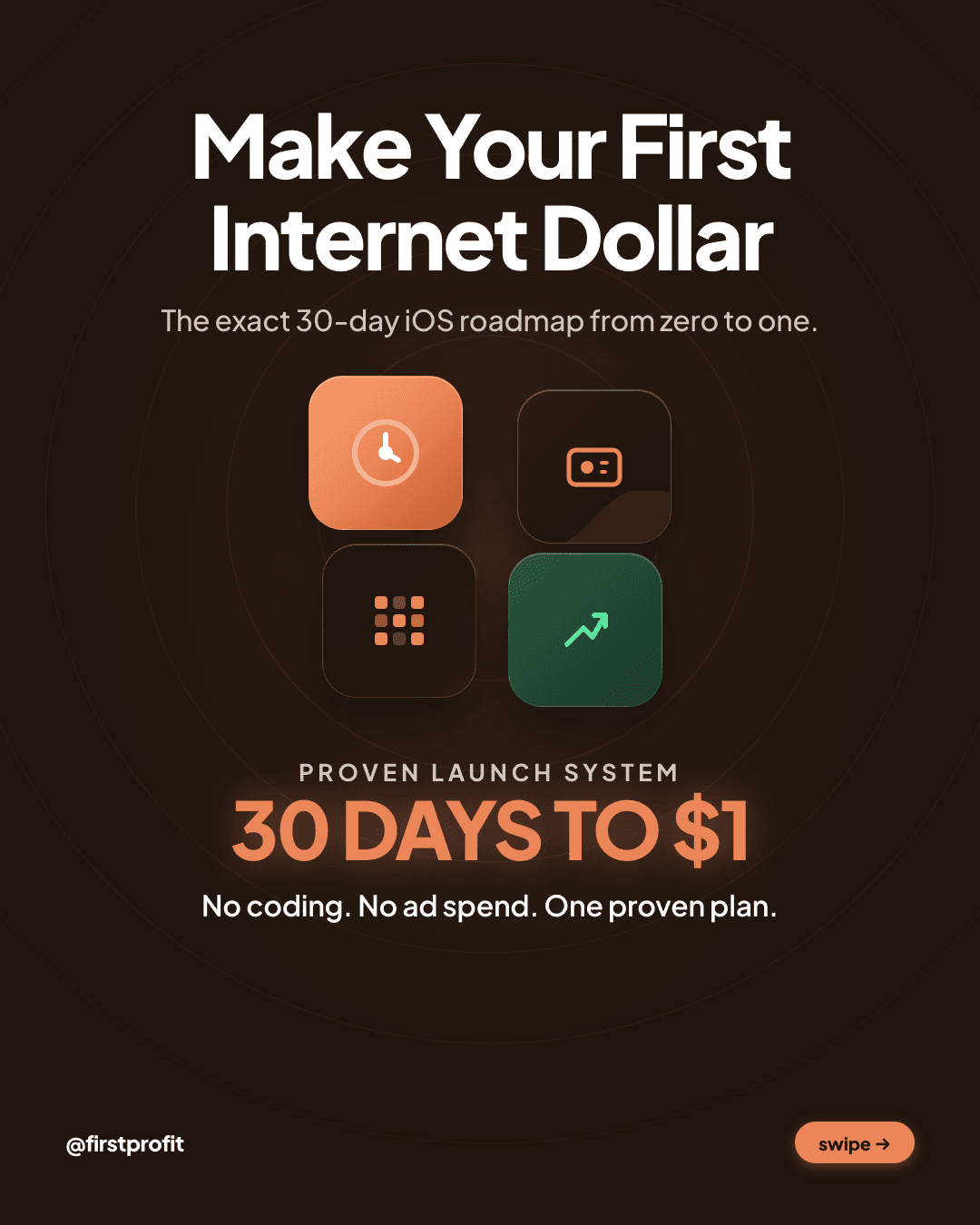
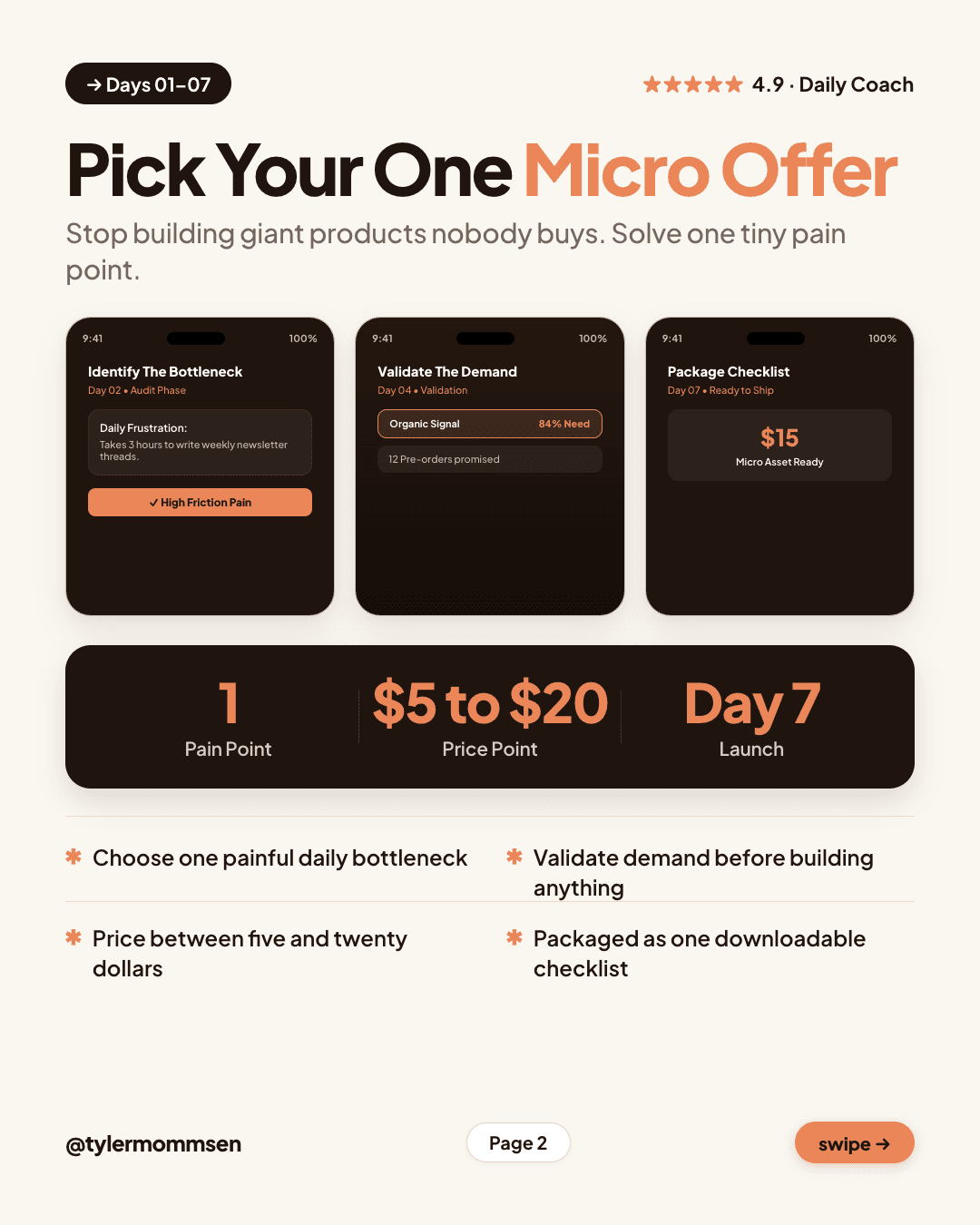
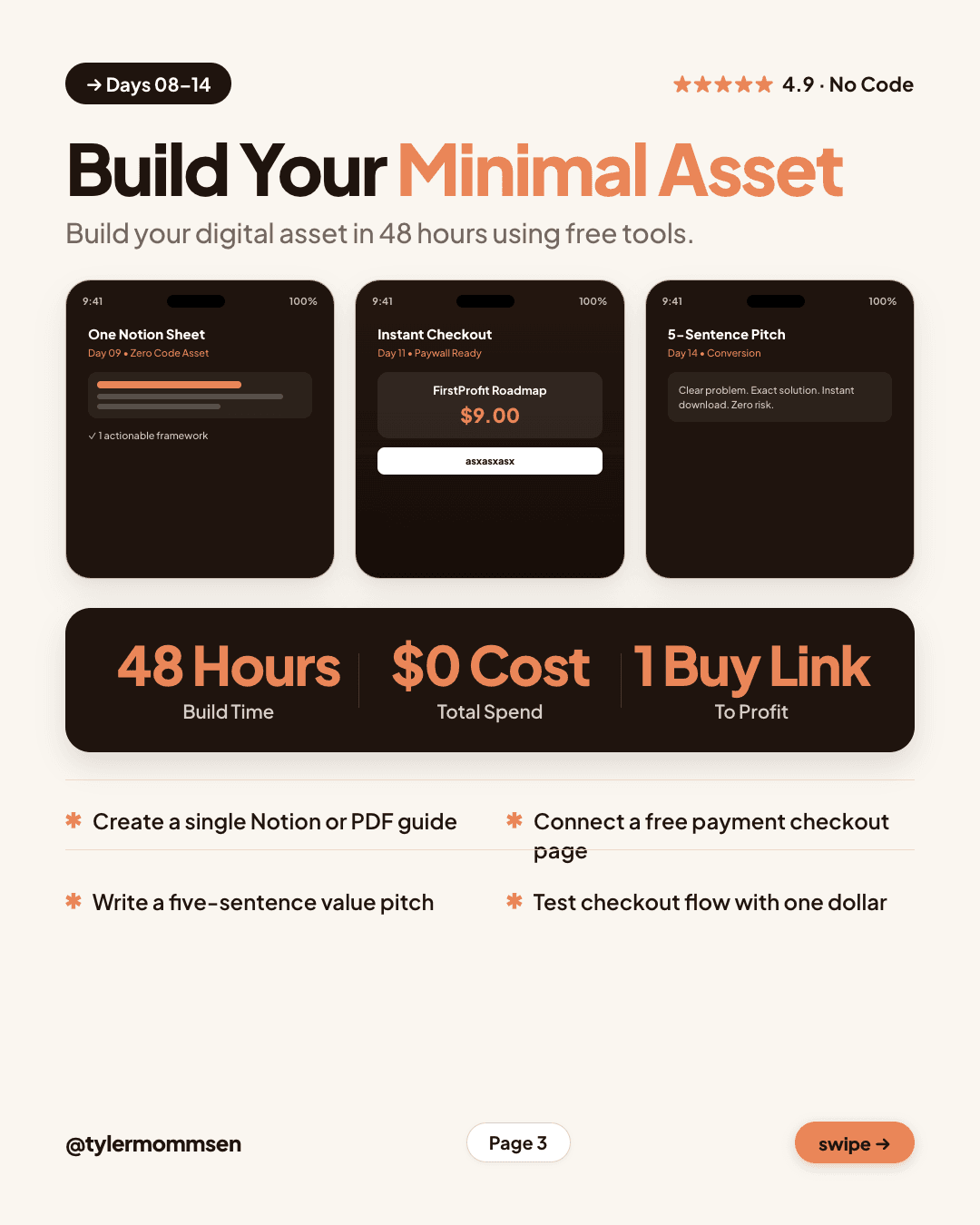
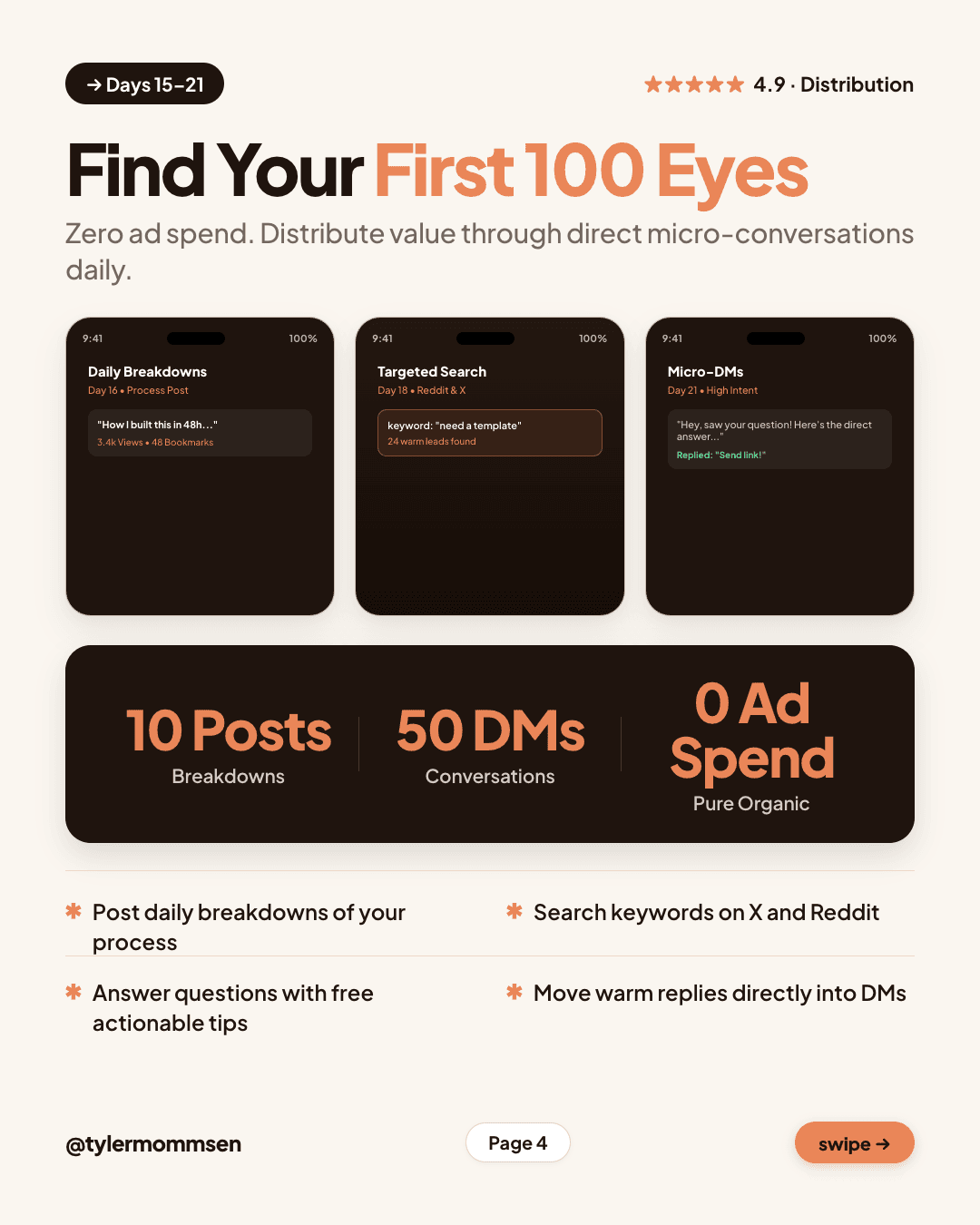
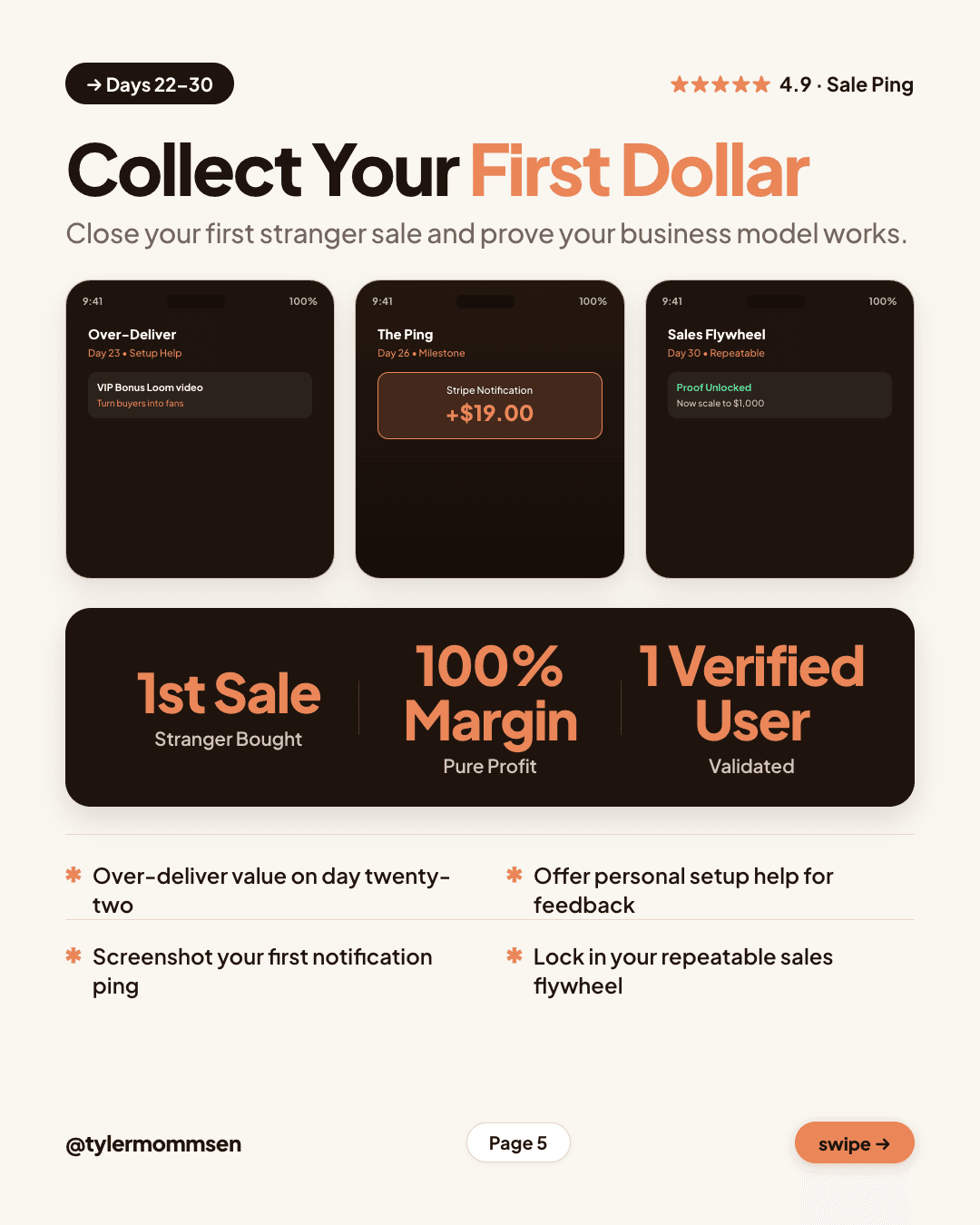
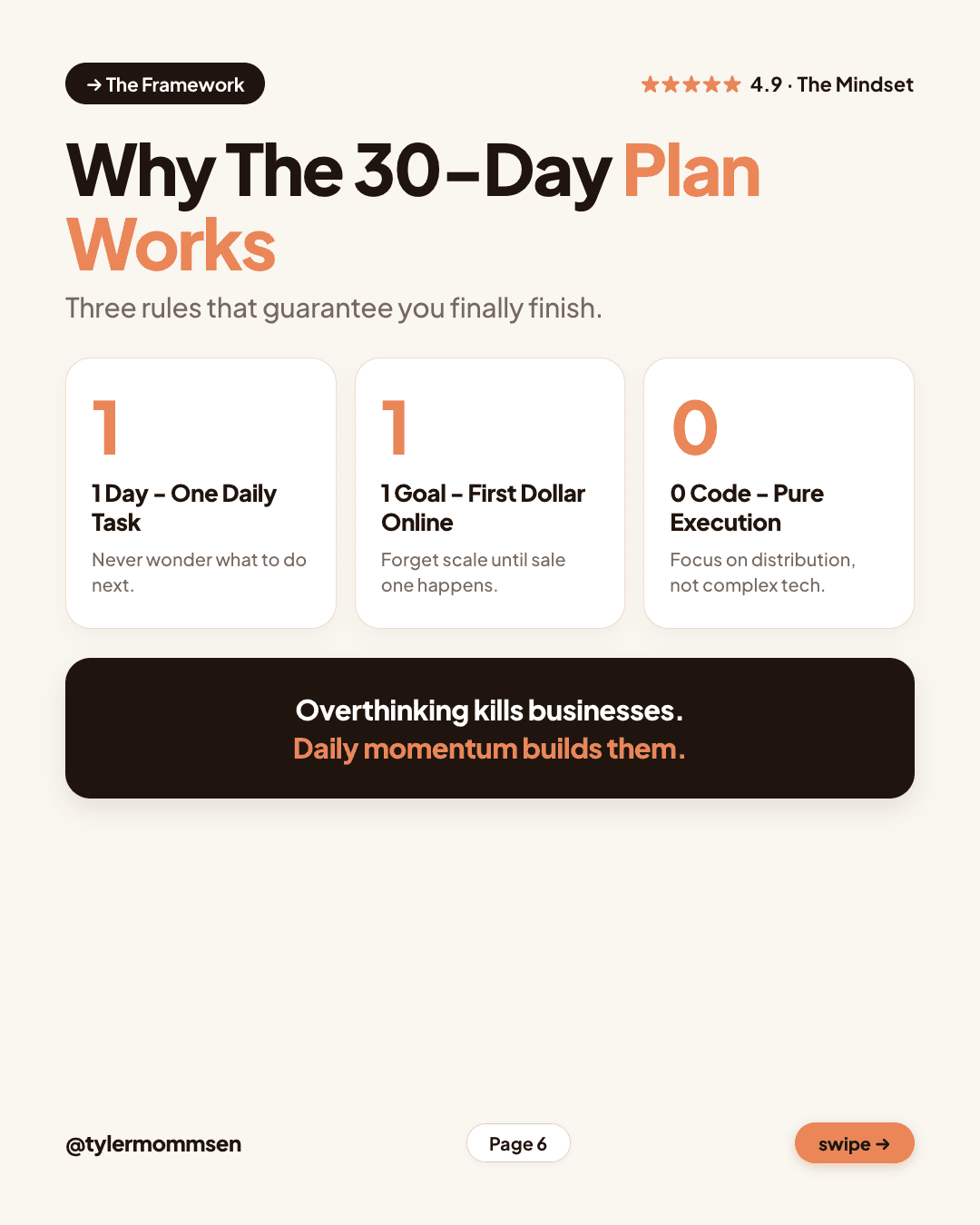
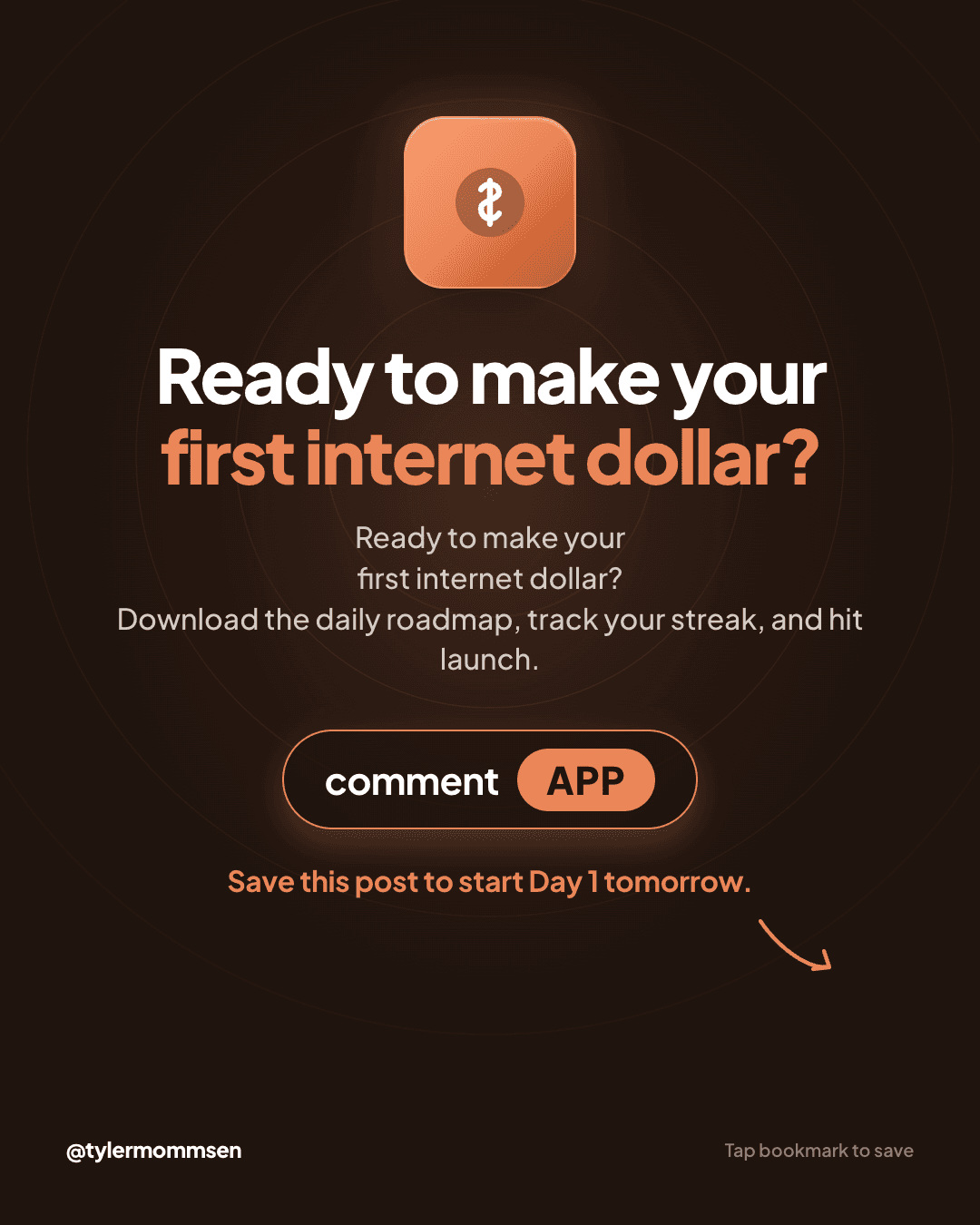
Why Carousels Are Worth Your Time
- More saves and shares. People save carousels to read later, and that sends a good signal to the app.
- More time on your post. Every swipe adds to view time.
- More trust. Teaching in small steps shows you know your topic.
- More ways to reuse content. One blog post can become a carousel, a caption, and a short video script.
Best Carousel Sizes by Platform
Use these sizes so your post looks sharp:
- Instagram: 1080×1350 px (4:5 portrait). This takes the most space in the feed.
- LinkedIn: 1080×1350 px (4:5) or 1080×1080 px (square), uploaded as a PDF.
- Facebook: 1080×1080 px (square) works well.
- TikTok photo mode: 1080×1920 px (9:16).
If you are not sure, choose 1080×1350. It works on the two biggest carousel platforms.
The Simple Structure of a Great Carousel
Slide 1: The hook
Make a clear promise or ask a bold question. Example: "5 LinkedIn mistakes that kill your reach."
Slides 2 to 7: The value
Give one point per slide. Use short lines and big text. Keep each slide under 30 words.
Final slide: The call to action
Tell people what to do next: save, share, comment, or follow. Keep it to one action.
Design Tips for Beginners
- Use 2 fonts at most. One for headlines, one for body text.
- Pick 2 or 3 colors. Keep strong contrast so text is easy to read.
- Leave space. Empty space makes slides feel clean.
- Keep the same layout. Repeat margins, fonts, and badges on each slide.
- Add a small swipe cue. An arrow or "swipe" word on slide 1 helps.
How to Make a Social Media Carousel Fast
Making slides by hand can take 30 to 50 minutes. With an AI carousel maker, it takes minutes.
With Slidecraft, you type your idea, and it writes the hook, builds 5 to 10 slides, and applies clean typography. Then you export a PDF for LinkedIn or PNG files for Instagram. You can edit any text and regenerate any slide.
See How Slidecraft Generates a 7-Slide Carousel From One Prompt
No blank canvas. No manual kerning. Watch raw notes transform into publish-ready slides with viral hook psychology.

No credit card required · Free instant test on homepage
Common Questions About Carousel Basics Carousels
What is the best size for a social media carousel?
1080×1350 px (4:5) is the best all-around size for Instagram and LinkedIn.
How many slides should a carousel have?
Between 5 and 10 slides works for most topics. Focus on clear ideas, not a high slide count.
Which platform is best for carousels?
Instagram and LinkedIn both do well with carousels. Pick the one where your audience spends time.
Do I need a designer to make carousels?
No. An AI tool like Slidecraft handles the layout, fonts, and copy for you.