
What Is an AI Carousel Generator and How Does It Work?
An AI carousel generator is a tool that turns one idea into a finished carousel post. You type a topic, and the tool writes the text, designs the slides, and gives you files to post. This guide explains what an AI carousel generator is, how it works, and how to get good results from it.
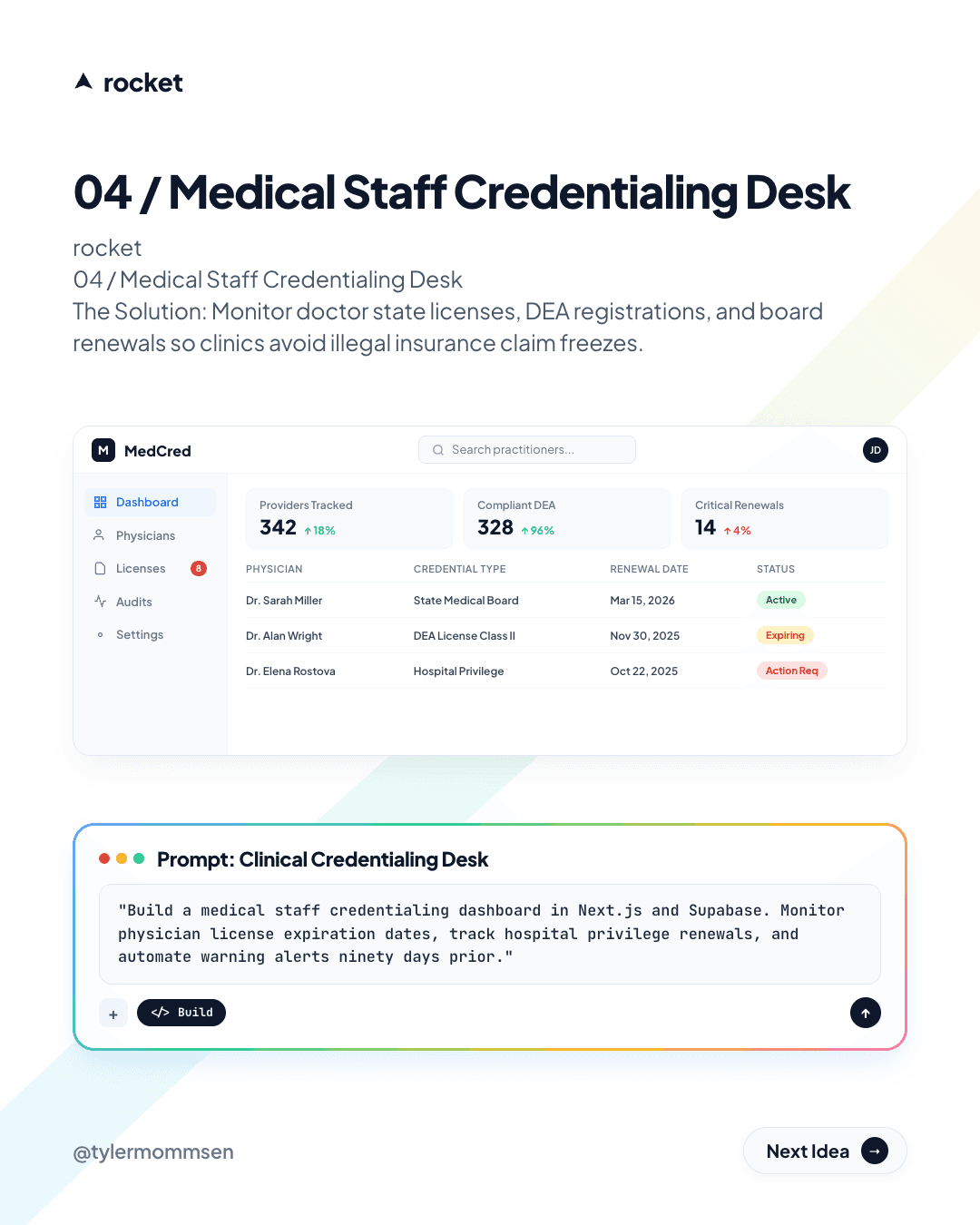
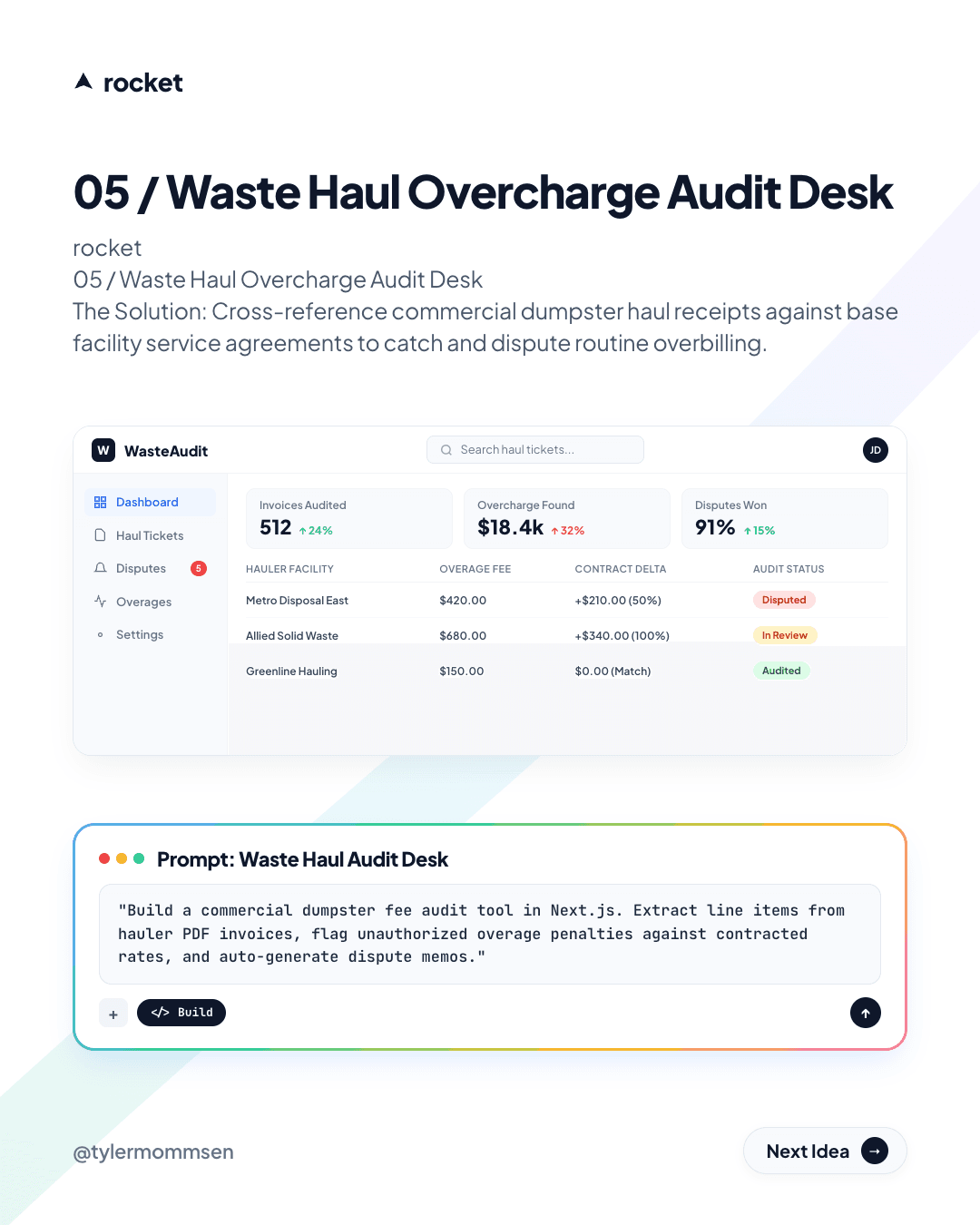
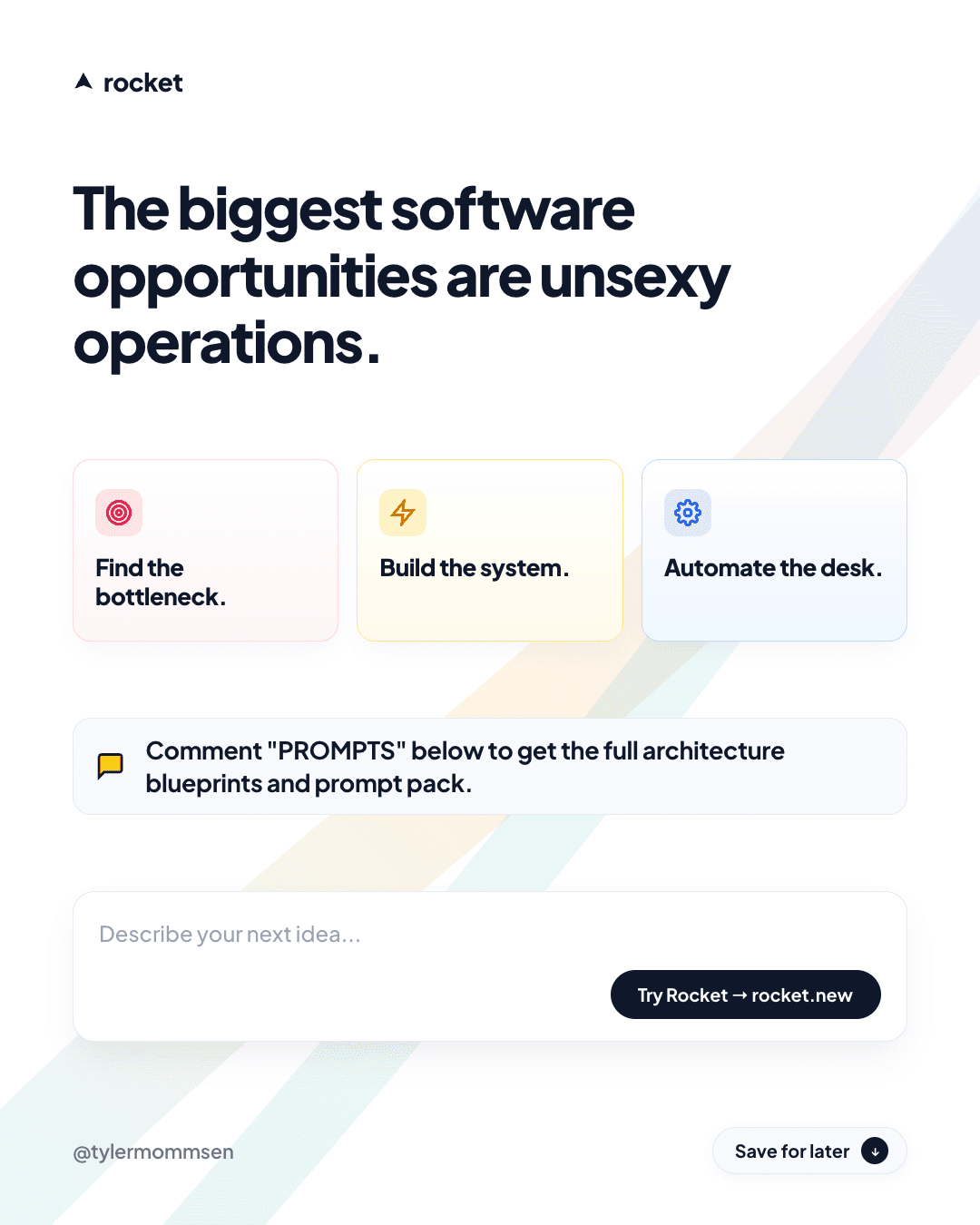
What Is an AI Carousel Generator?
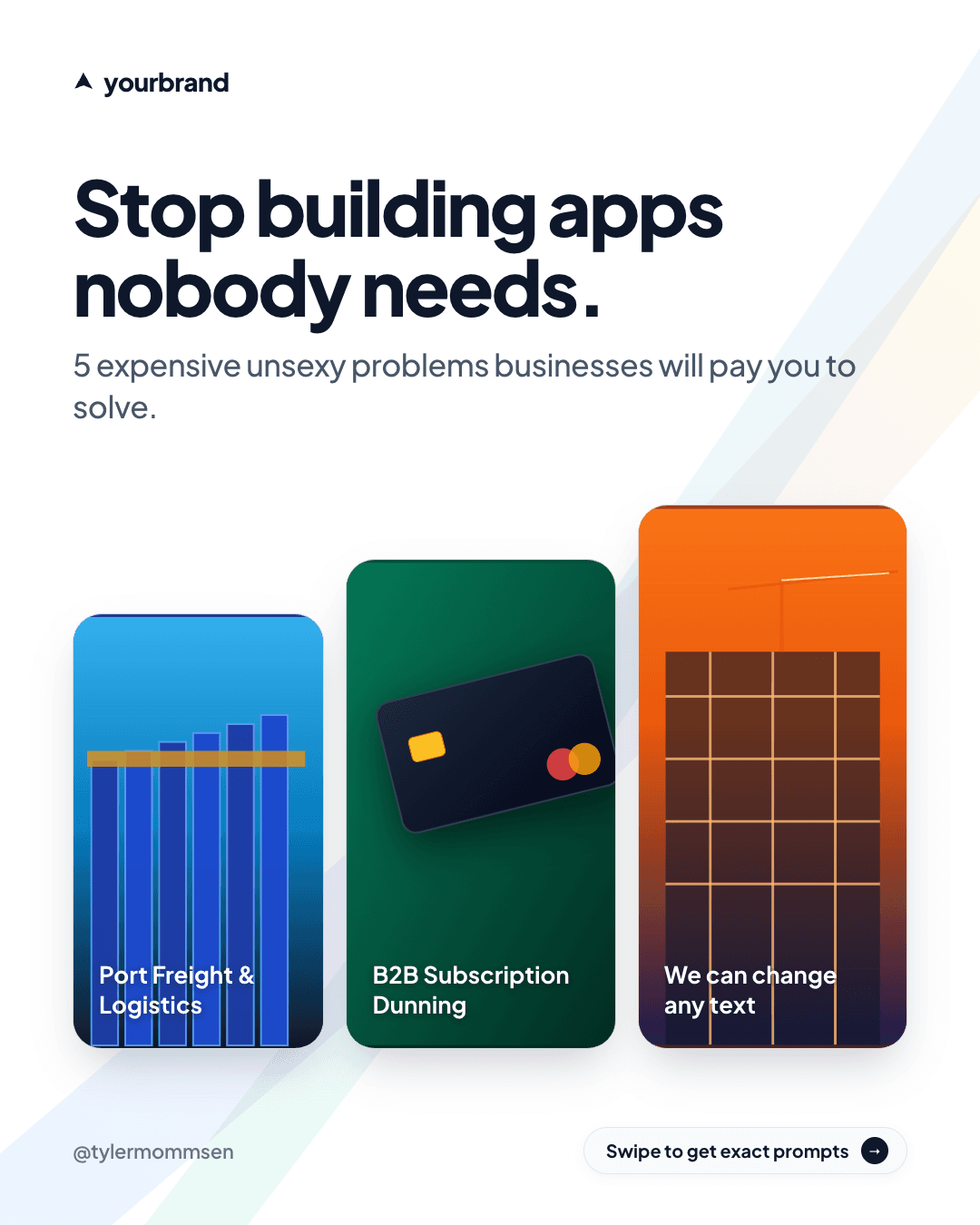
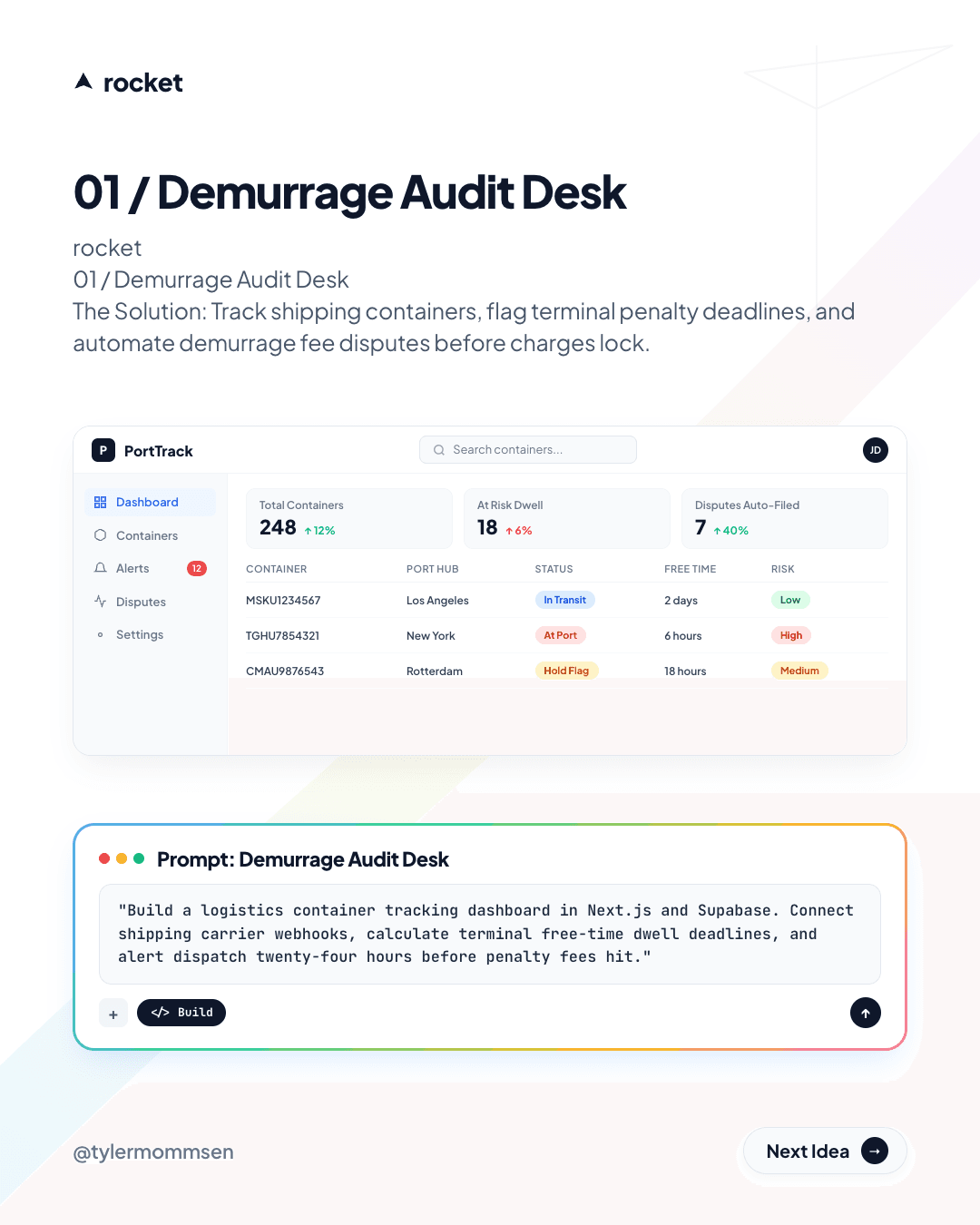
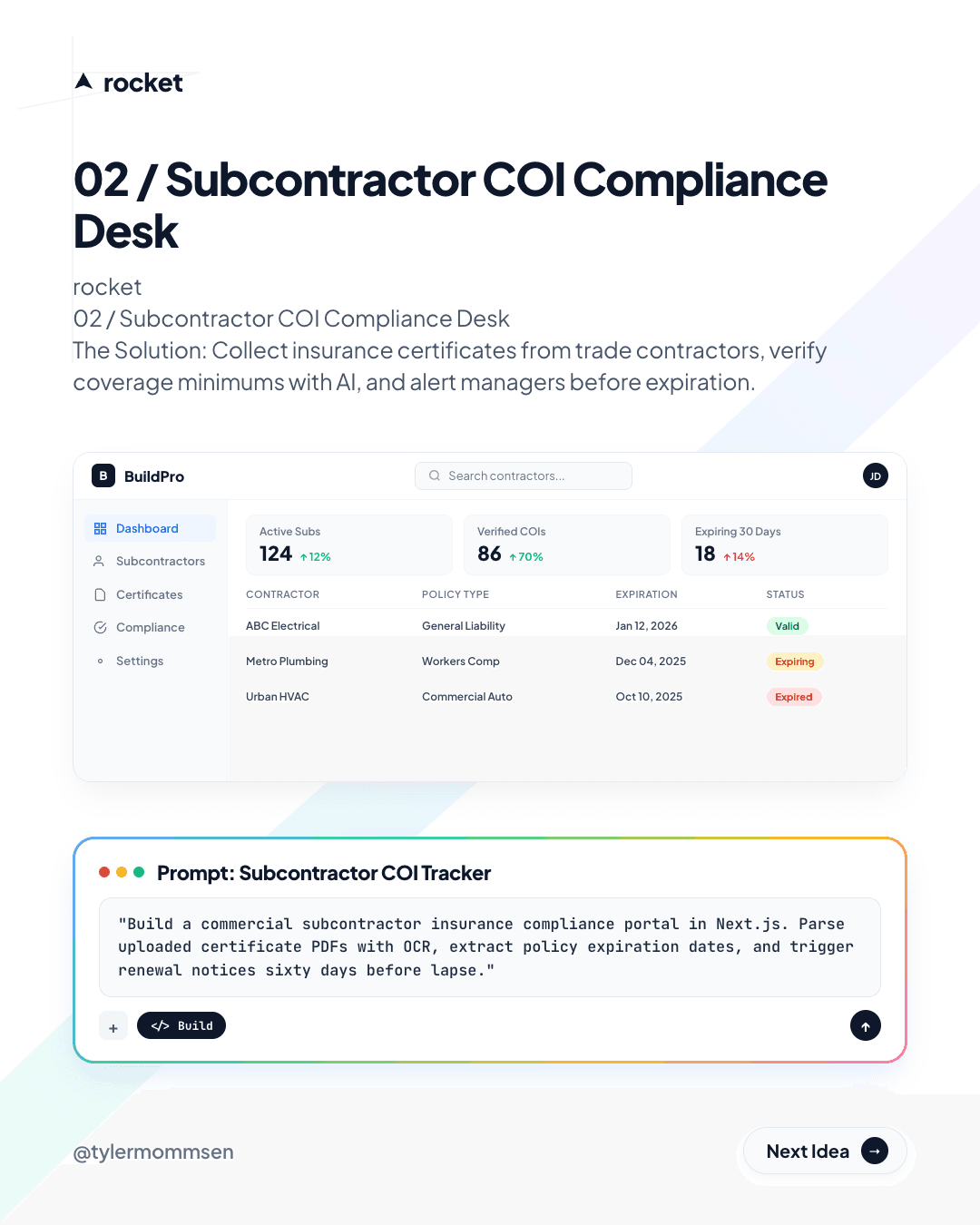
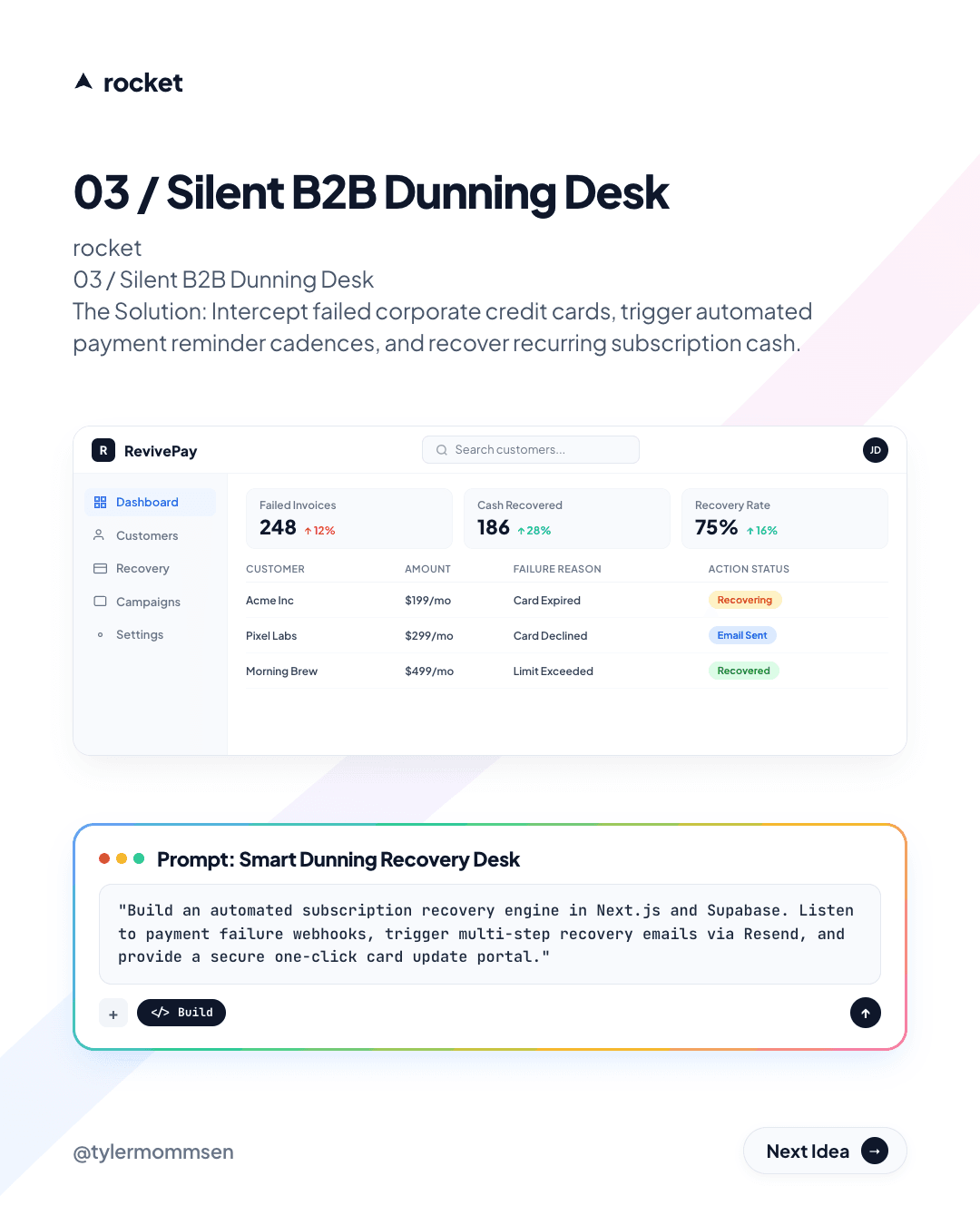
An AI carousel generator (also called an AI carousel maker) uses artificial intelligence to build a carousel for you. A carousel is a post with many slides that people swipe through on Instagram, LinkedIn, and other apps.
Without AI, you write the words, pick a template, paste text into boxes, and fix the layout. That can take 30 to 50 minutes. With an AI carousel generator, you give a short prompt and get a full draft in about a minute or two.
How Does an AI Carousel Generator Work?
Most tools follow the same steps:
- You give an input. This can be a short prompt, a blog post, notes, or a link to a post you like.
- The AI writes the story. It creates a hook for slide 1 and spreads your idea across 5 to 10 slides.
- The tool designs the slides. It picks fonts, colors, and layouts so every slide matches.
- You review and edit. You change words, swap a style, or redo a slide.
- You export. You download a PDF for LinkedIn or image files for Instagram.
For example, in Slidecraft you type "5 mistakes new founders make with pricing". It writes the hook, builds the slides in 1080×1350 portrait size, and exports a LinkedIn PDF or Instagram PNG files in about 90 seconds.
What Can an AI Carousel Generator Do?
- Write hooks. Good tools use patterns like numbers, bold claims, and curiosity gaps.
- Break down ideas. The AI splits a topic into short, clear slides.
- Keep design steady. Margins, fonts, and colors stay the same on every slide.
- Set the right size. Portrait 4:5 (1080×1350) fits phone screens well.
- Save time. You skip the blank page and the manual layout work.
- Copy a look. Some tools, like Slidecraft, can read a post link and copy its visual style.
What Are the Limits?
AI is a fast first draft, not a final answer. Keep these points in mind:
- Check facts. AI can get numbers or claims wrong. Review everything before you post.
- Add your voice. Edit the text so it sounds like you.
- Add real stories. Your own examples and numbers make a carousel stand out.
- Give a clear prompt. A vague prompt gives a vague carousel.
The best results come from AI speed plus your own judgment.
Who Uses AI Carousel Generators?
- Creators and founders who post on LinkedIn and Instagram every week.
- Coaches and consultants who share tips to attract clients.
- Social media managers and agencies who make many posts for many clients.
- Marketers who turn blog posts into social content.
How to Choose an AI Carousel Generator
Look for these things:
- Strong hooks. The first slide matters most.
- Right sizes. It should export 1080×1350 for Instagram and a PDF for LinkedIn.
- Easy editing. You should be able to change any text or slide.
- Style options. You want to match your brand or a look you like.
- Fair price and a free trial. Test with your own idea first.
Slidecraft covers all five. Plans start at $9/month, and you can try it with free credits and no credit card.
See How Slidecraft Generates a 7-Slide Carousel From One Prompt
No blank canvas. No manual kerning. Watch raw notes transform into publish-ready slides with viral hook psychology.

No credit card required · Free instant test on homepage
Common Questions About AI & Tools Carousels
What is an AI carousel generator?
It is a tool that uses AI to turn an idea into a full carousel post with text and design, ready to post on Instagram or LinkedIn.
Is an AI carousel generator free?
Some offer free credits or limited free plans. With Slidecraft, you can try it with free credits and no credit card.
Can AI make a LinkedIn carousel?
Yes. Tools like Slidecraft build the slides and export a LinkedIn-ready PDF.
Will AI carousels look the same as everyone else's?
They can if you use default settings. Edit the text, add your own stories, and pick or copy a style that fits your brand.
How long does it take to make a carousel with AI?
A first draft often takes 1 to 2 minutes. With Slidecraft it takes about 90 seconds, plus a few minutes to review and edit.