
Best AI Tools for LinkedIn Content Creation
Dominate the LinkedIn feed in 2026. Top AI tools for viral carousels, text posts, hooks, and thought leadership positioning.
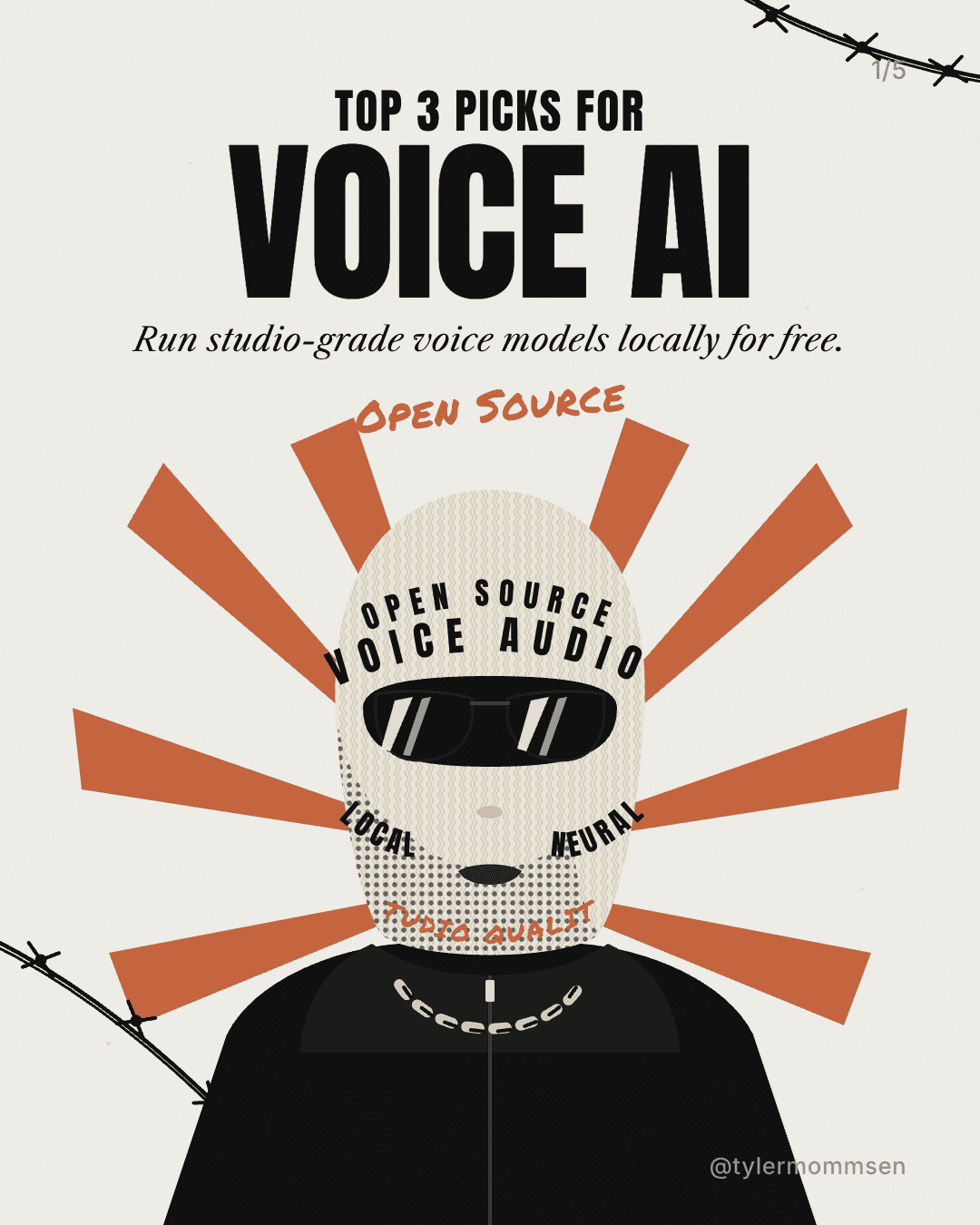
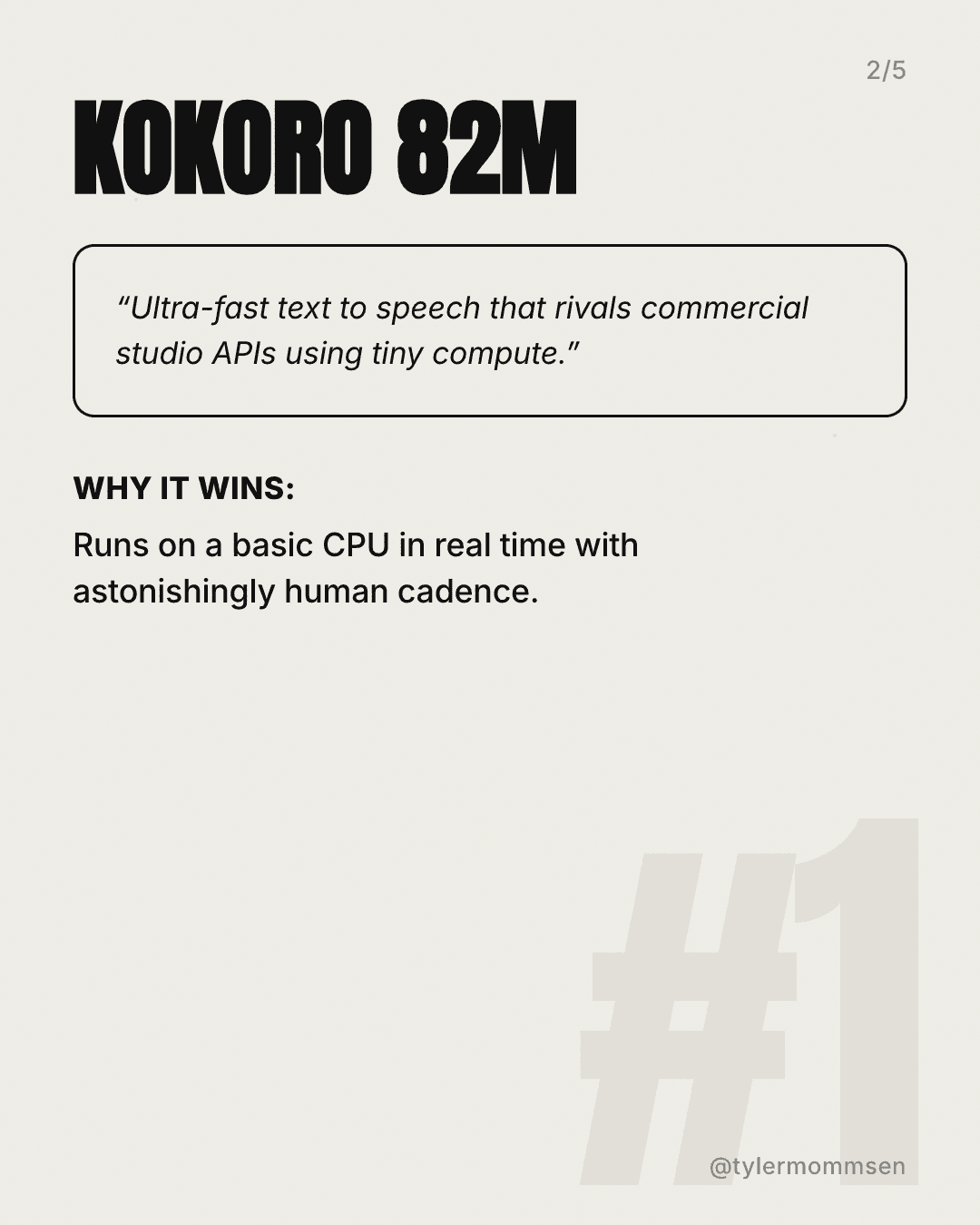
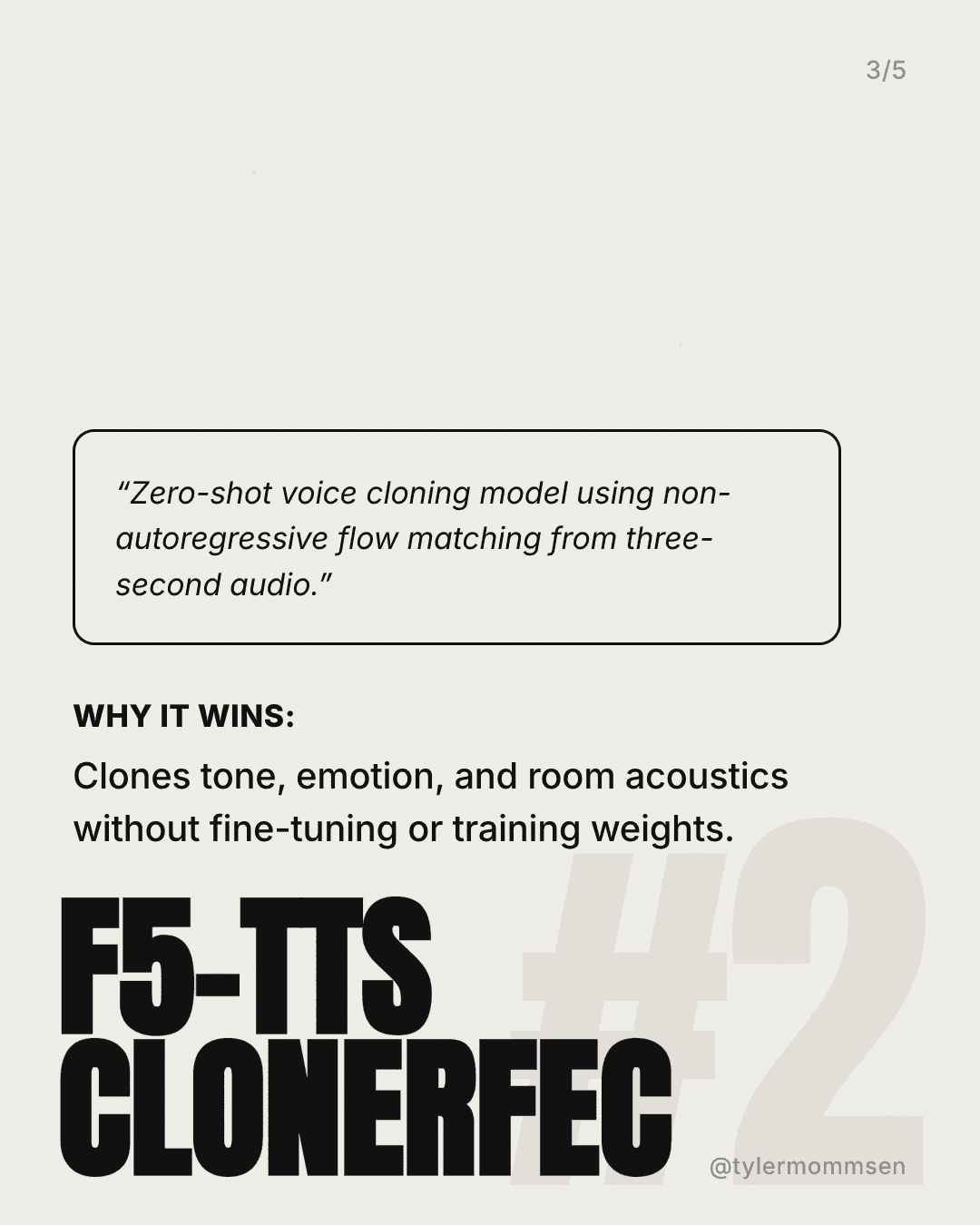
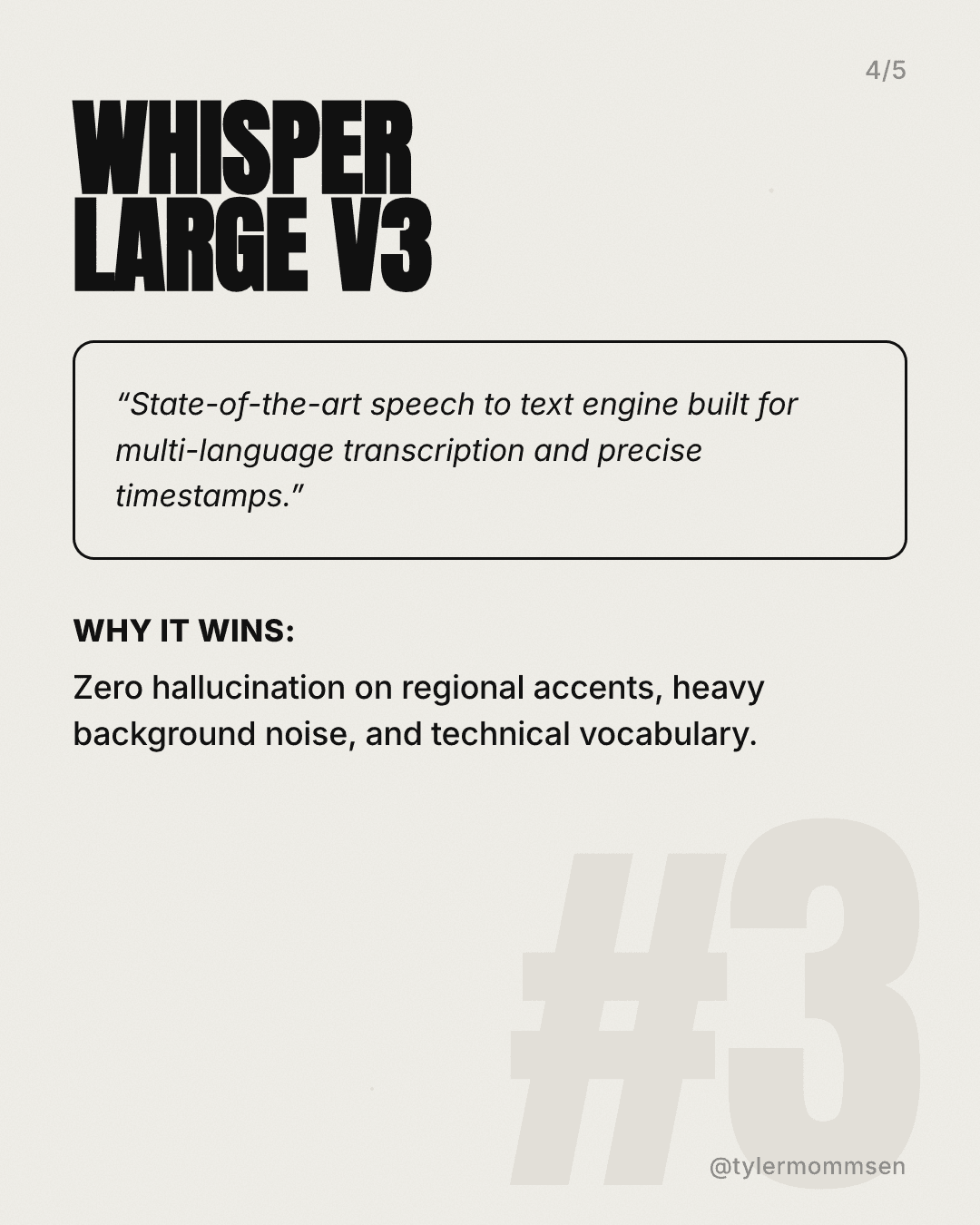
Why LinkedIn Is the High-ROI Platform for 2026
LinkedIn has evolved from a sleepy resume database into the most lucrative organic content engine on the internet. B2B decision-makers, executives, and investors spend hours each week consuming visual breakdowns and tactical case studies.
To scale your presence without spending 20 hours a week writing, you need AI tools specifically tuned for professional B2B audiences.
Top 4 AI Tools for LinkedIn Content Creation
### 1. Slidecraft (Best for LinkedIn Document Carousels)
Multi-page PDF carousels remain the highest-reach format on LinkedIn. Slidecraft automatically writes and formats 1080×1350 PDF documents with crystal-clear vector text, custom branding, and optimized swipe layouts.
### 2. Taplio (Best for Idea Inspiration & Creator CRM)
Search through top-performing LinkedIn posts in your niche, schedule text updates, and manage inbound comment replies from a single dashboard.
### 3. Claude 3.5 Sonnet (Best for High-Tone Thought Leadership)
Unlike generic models that overuse emojis and rocket ships, Claude produces sophisticated, executive-ready B2B commentary and nuanced storytelling.
### 4. AuthoredUp (Best for Post Formatting & Mobile Preview)
Allows you to preview exactly where LinkedIn's "...see more" cutoff will occur on mobile screens, add bold/italic unicode styling, and track historical engagement analytics.
How to Avoid the 'AI Slop' Trap on LinkedIn
The LinkedIn algorithm has become aggressive at down-ranking generic, low-effort AI posts full of clichés like "In today's fast-paced digital world..."
- Inject personal data: Mention specific dollar figures, customer quotes, or real metrics.
- Take strong stances: Share your genuine contrarian beliefs rather than safe, generic advice.
- Prioritize visual document posts: Use Slidecraft to transform text insights into high-authority visual slide decks.
See How Slidecraft Generates a 7-Slide Carousel From One Prompt
No blank canvas. No manual kerning. Watch raw notes transform into publish-ready slides with viral hook psychology.

No credit card required · Free instant test on homepage
Common Questions About Best-Of Carousels
Why do PDF carousels perform so well on LinkedIn?
Because every swipe counts as an interactive engagement event, which signals high dwell time to the LinkedIn feed algorithm.
What size PDF should I upload to LinkedIn?
Use 1080×1350 px (4:5 ratio) or 1080×1080 px (1:1 square). The 4:5 ratio occupies more vertical screen space on mobile phones.