
Best Social Media Content Makers for Solo Creators
Running your content engine solo? Here are the best social media content maker tools to create, design, and schedule posts without a team.
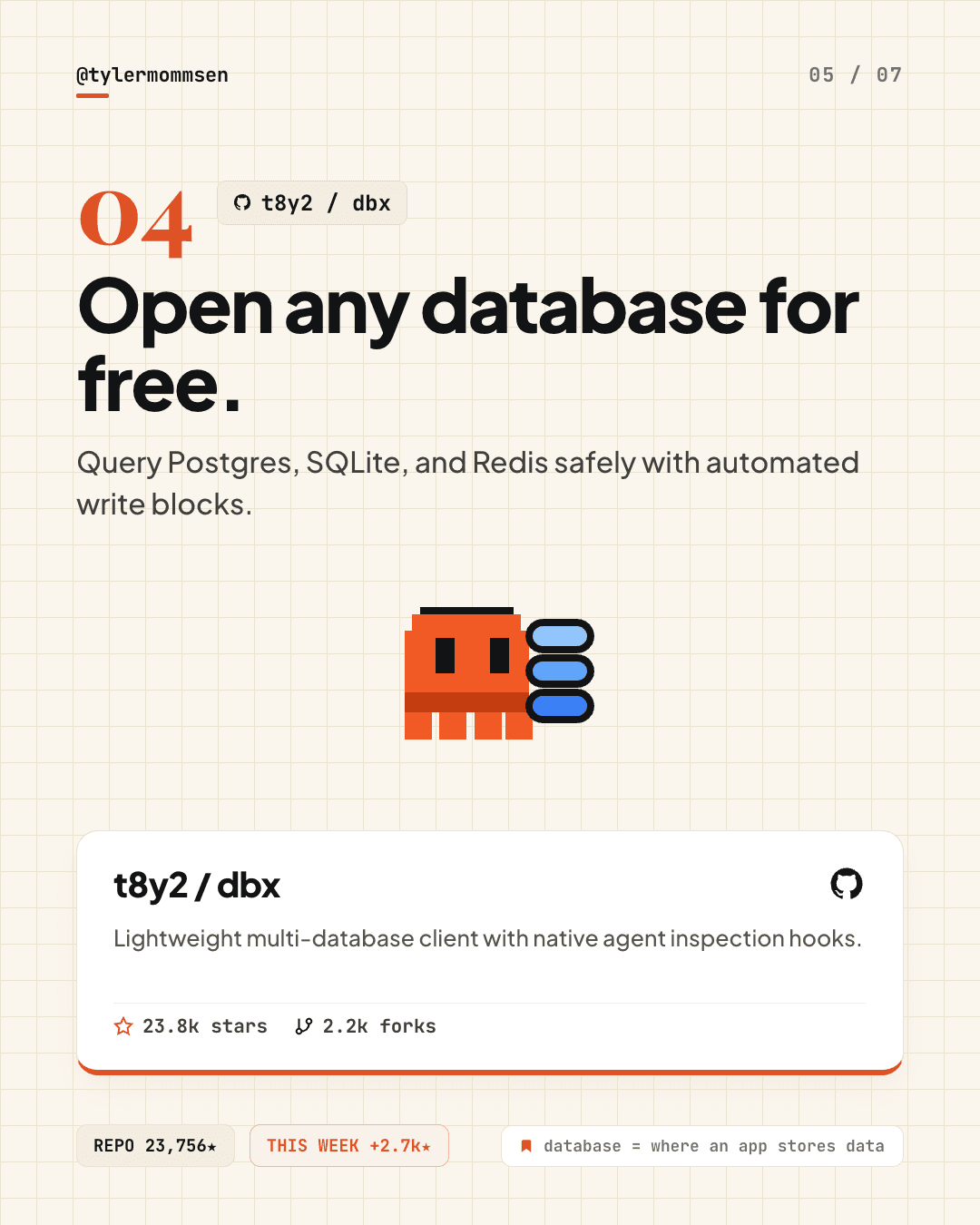
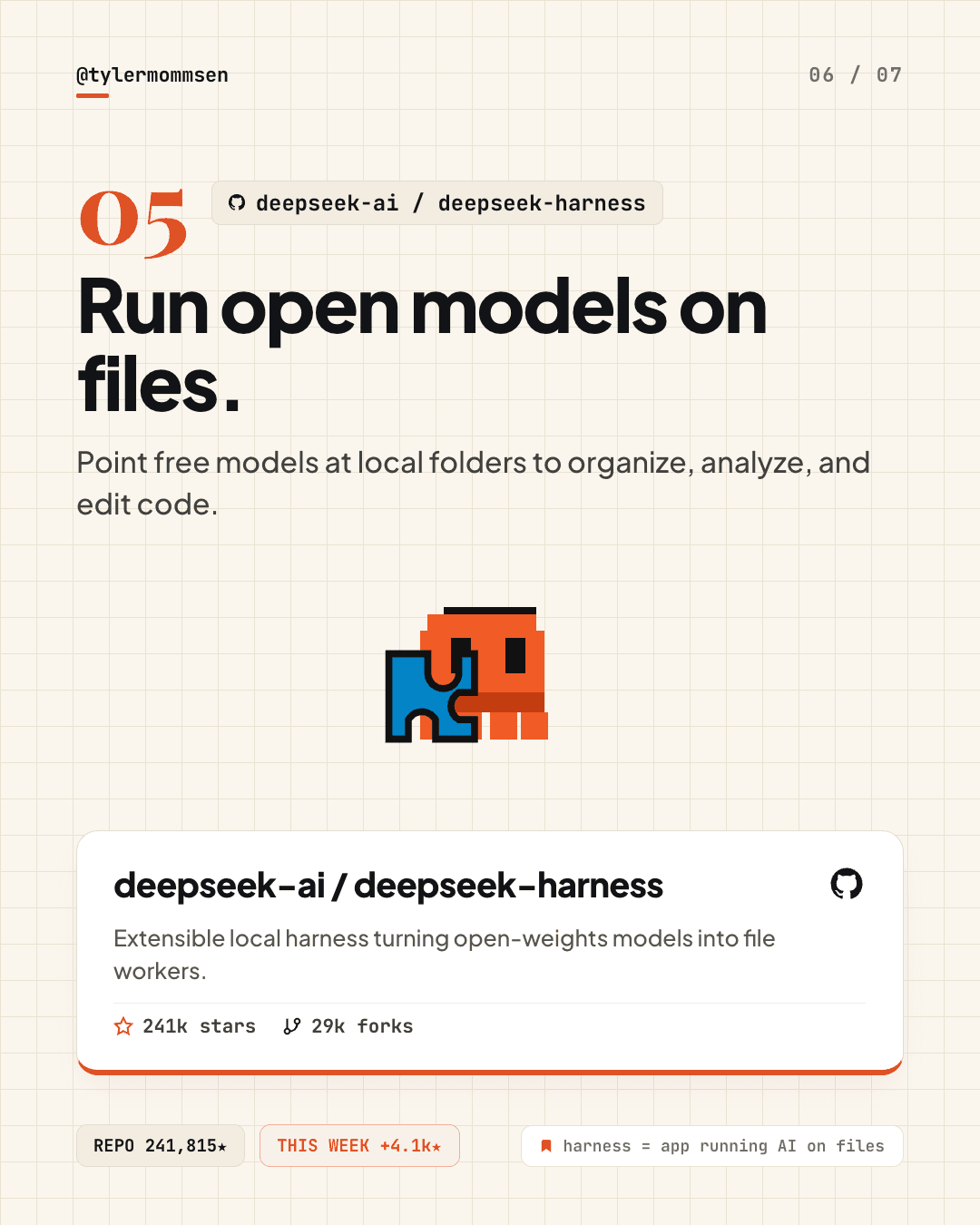
The Solo Creator Reality: No Time, High Expectations
When you are a solo founder, consultant, or independent creator, you don't have a dedicated graphic designer, a copywriter, or a social media agency.
Every hour you spend aligning text boxes in Canva is an hour you aren't building product, serving clients, or closing sales. You need tools built for maximum speed and minimal operational overhead.
Top 5 Content Makers for Solo Creators
### 1. Slidecraft (Best for High-Value Visual Authority)
Turn any rough thought or blog into an authoritative multi-page carousel in 90 seconds. Ideal for founders and consultants who need professional-grade B2B visuals without hiring a designer.
### 2. Typefully (Best for X and LinkedIn Text Posts)
Distraction-free markdown editor with scheduling, thread unrolling, and AI hook rewrites. Great for drafting text-based thoughts.
### 3. CapCut Desktop (Best for Short-Form Video)
Free and ultra-fast video editor with automated auto-captions, viral sound effects, and seamless export for Reels and TikTok.
### 4. Notion + Notion AI (Best for Idea Organization & Vaults)
Keep all your content pillars, swipe files, drafts, and publication dates in one centralized workspace.
### 5. Buffer (Best for Frictionless Scheduling)
Clean, affordable multi-channel scheduling that doesn't overwhelm you with unnecessary enterprise complexity.
The 2-Hour Weekly Solo Production System
Here is how smart solo creators generate 5 posts a week in 120 minutes:
- Minutes 0-30: Brainstorm 3 core lessons learned during the week in Notion.
- Minutes 30-60: Paste those 3 concepts into Slidecraft to generate 3 multi-slide carousels (LinkedIn PDFs + Instagram 4:5 images).
- Minutes 60-90: Write 2 short punchy text-only thought posts in Typefully.
- Minutes 90-120: Queue everything in Buffer, review previews, and close your laptop.
See How Slidecraft Generates a 7-Slide Carousel From One Prompt
No blank canvas. No manual kerning. Watch raw notes transform into publish-ready slides with viral hook psychology.

No credit card required · Free instant test on homepage
Common Questions About Best-Of Carousels
Should solo creators be on all social platforms?
No. Focus on one primary platform (e.g. LinkedIn for B2B or Instagram for visual consumer) and at most one secondary platform until you reach critical mass.
Is Canva still necessary if I use Slidecraft?
Only if you frequently design merchandise, print business cards, or custom banners. For feed content and carousels, Slidecraft is substantially faster.