
Canva Carousel Template: What to Look For (and What Slows You Down)
Canva has thousands of carousel templates. But why does building a 7-slide carousel in Canva often take 45 minutes? Here is an honest breakdown of using Canva carousel templates and how to speed up your workflow.
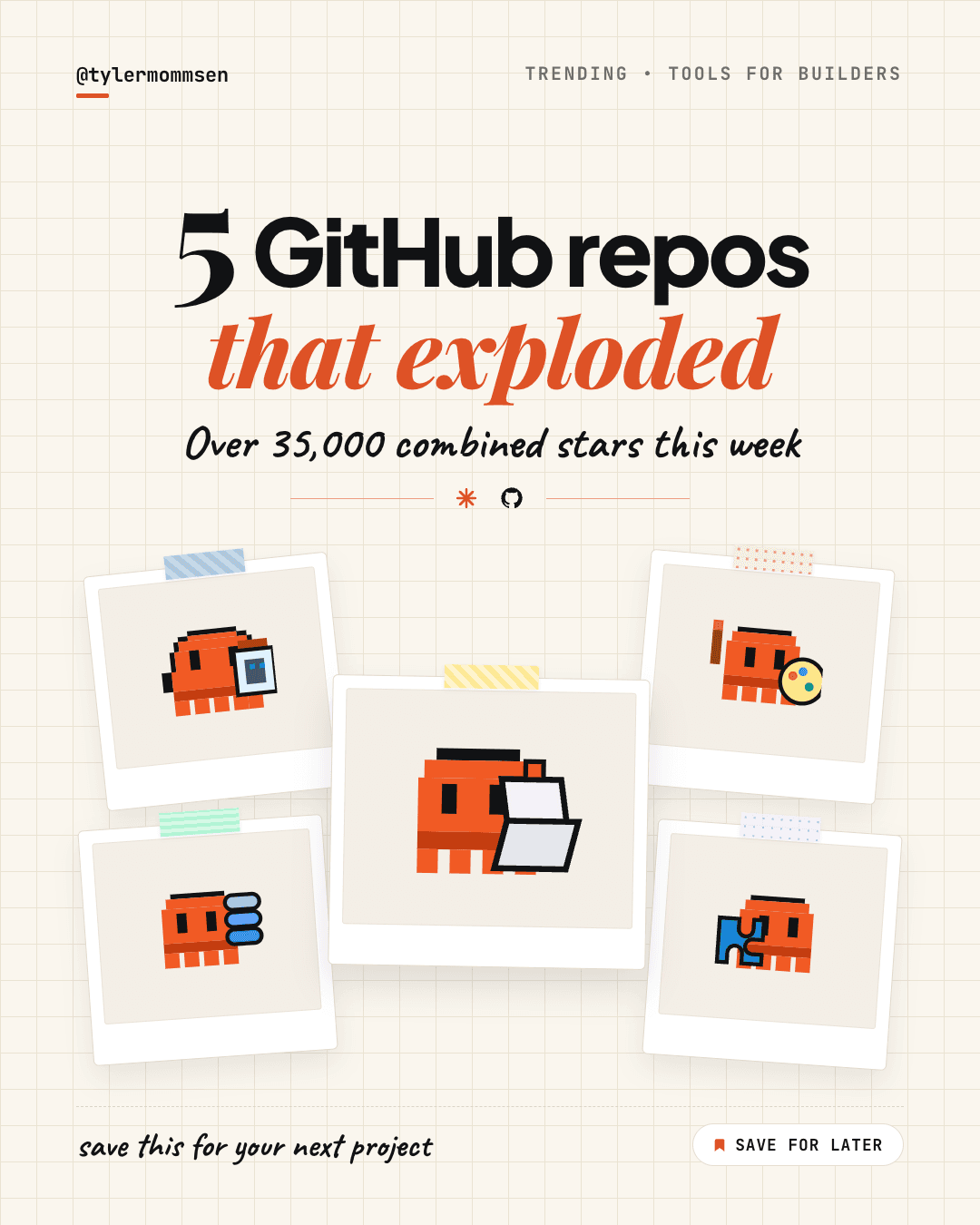
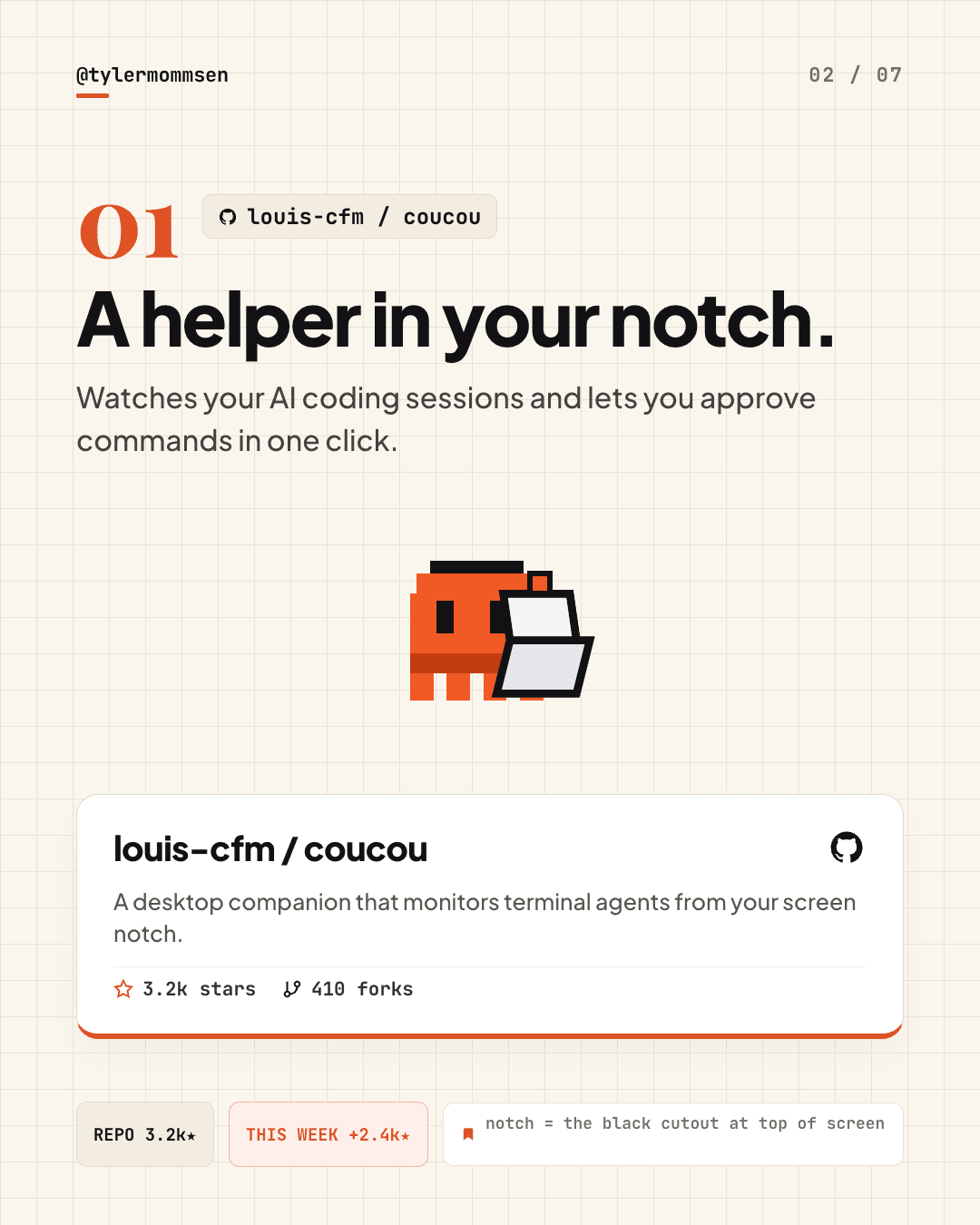
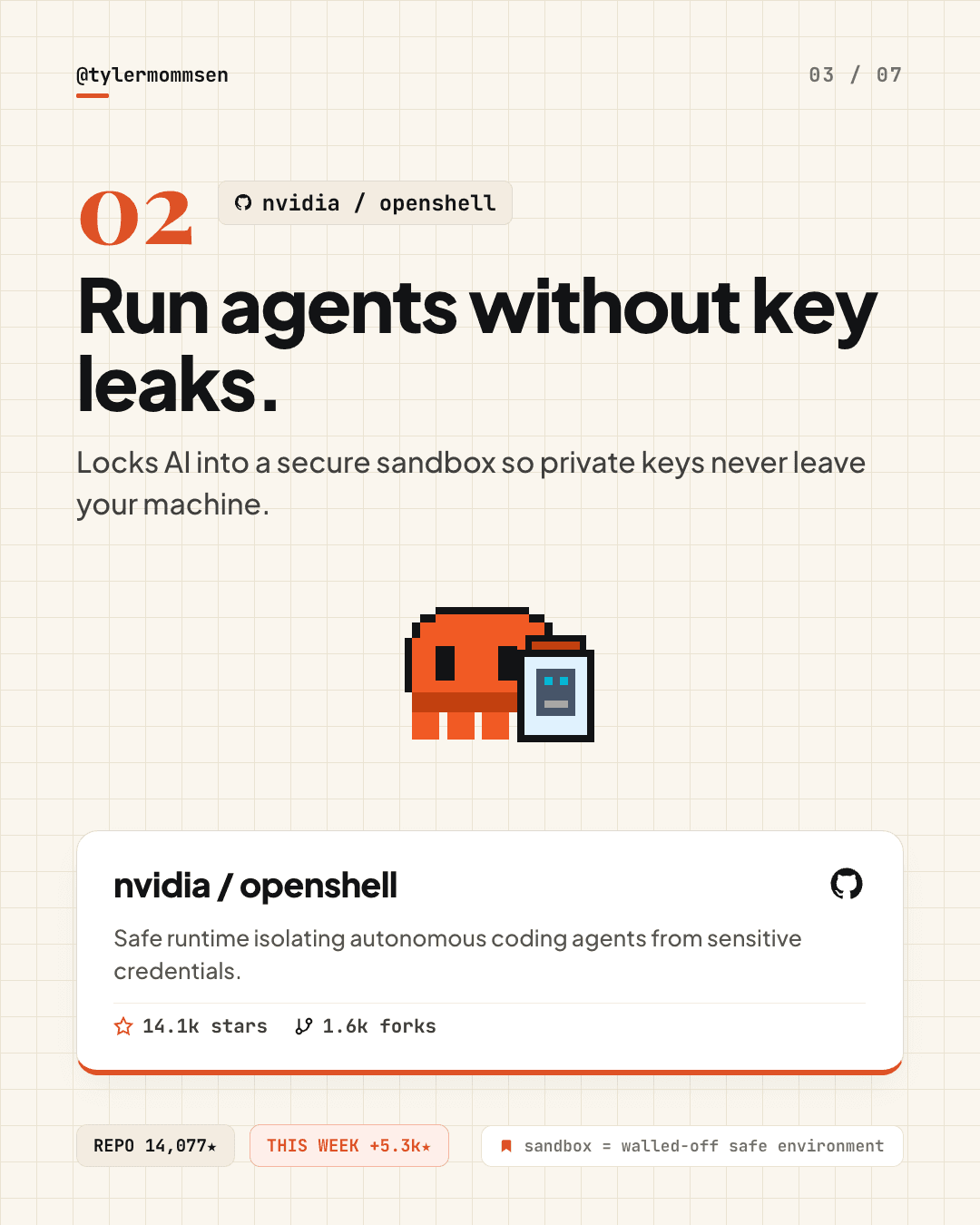
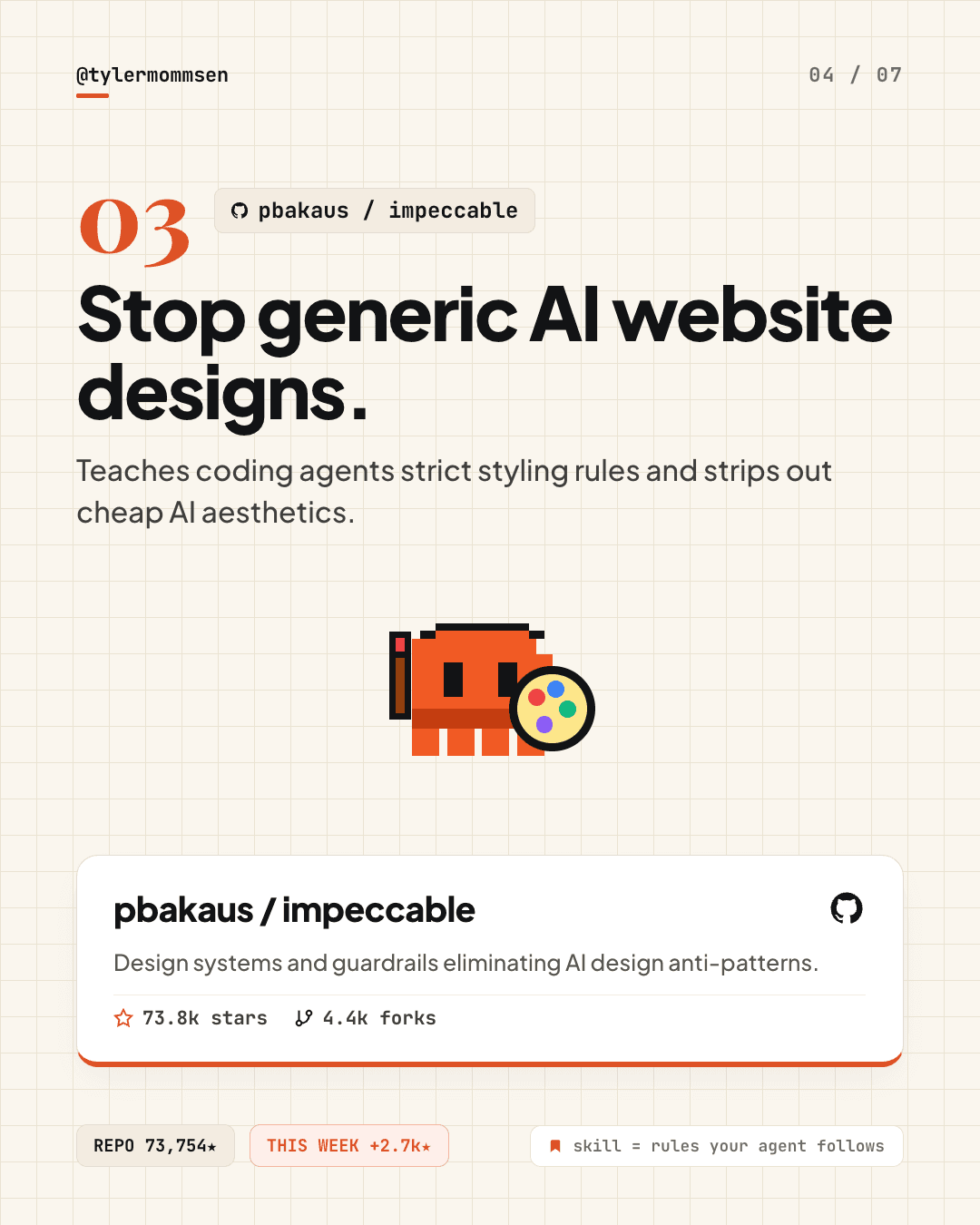
The 3 Hidden Time Traps of Canva Templates
- Slide 1 looks great, but inside slides are blank: Most Canva templates only style the cover slide; you have to design the other 6 slides yourself.
- Text alignment headaches: Changing one word often breaks text boxes across multiple grouped elements.
- Writing happens elsewhere: Canva does not write your hooks or structure your lessons—you have to write copy in another tab and paste it in.
The Faster Alternative: Slidecraft AI
Instead of wrestling with Canva templates for 45 minutes, type your prompt into Slidecraft. It writes the hook, structures 7 slides with consistent typography, and renders ready-to-post 1080×1350 images in 90 seconds.
See How Slidecraft Generates a 7-Slide Carousel From One Prompt
No blank canvas. No manual kerning. Watch raw notes transform into publish-ready slides with viral hook psychology.

No credit card required · Free instant test on homepage
Common Questions About Examples Carousels
Can I make a continuous seamless carousel in Canva?
Yes, by creating a wide canvas and using slicing tools, but it takes significant manual effort compared to Slidecraft's native seamless generator.
Is Slidecraft better than Canva for carousels?
If you want speed and AI copywriting, Slidecraft is much faster. If you want manual pixel-by-pixel editing of flyers, Canva is more versatile.