
ExamplesFormat: Listicle
Instagram Carousel Templates: 12 Layout Patterns That Work
A great carousel layout pulls the eye naturally across the screen. Here are 12 proven Instagram carousel template patterns you can implement in your content.
2026-10-089 min read
Target KW:instagram carousel templates

Slide 1/7
Click to expand
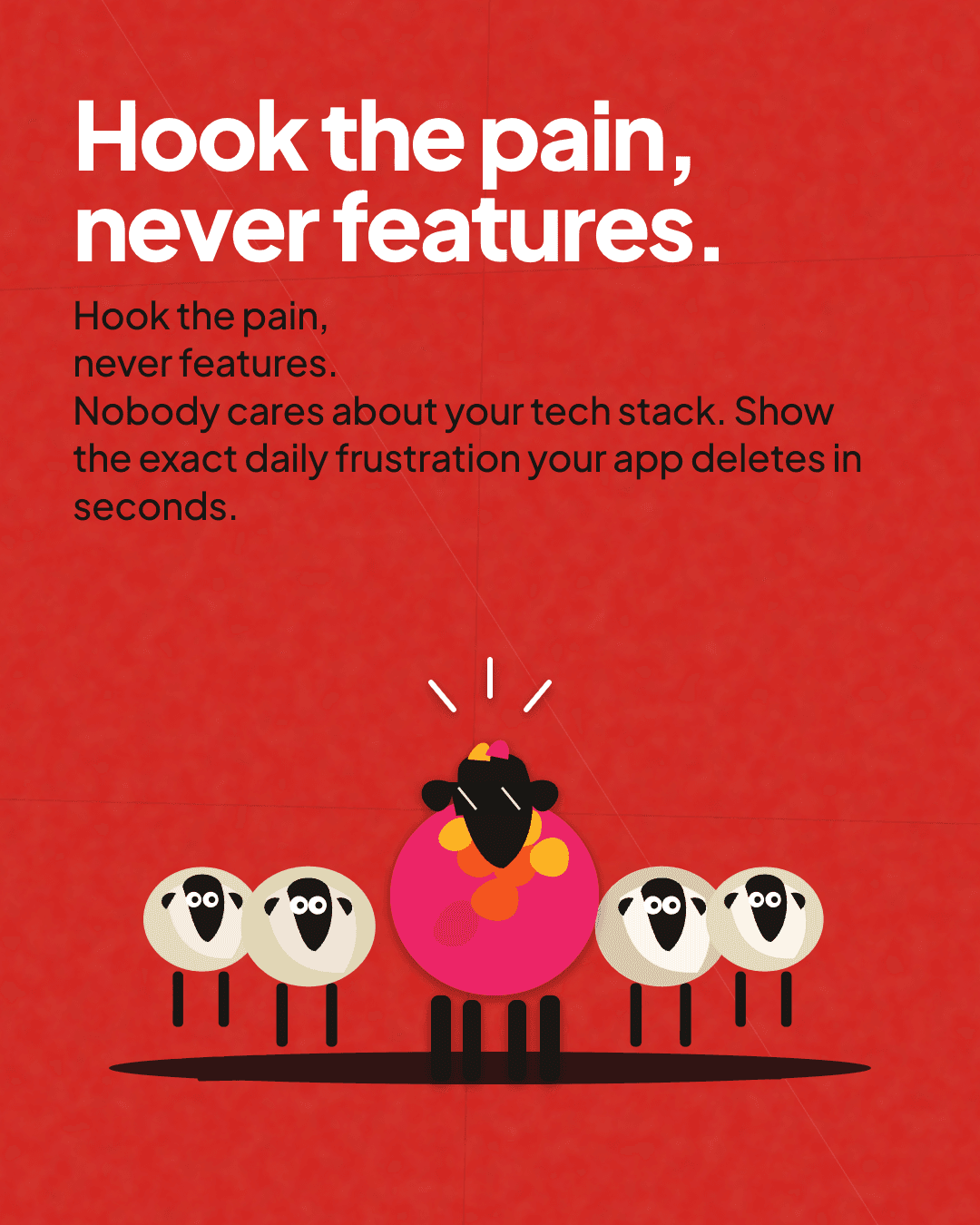
Slide 2/7
Click to expand
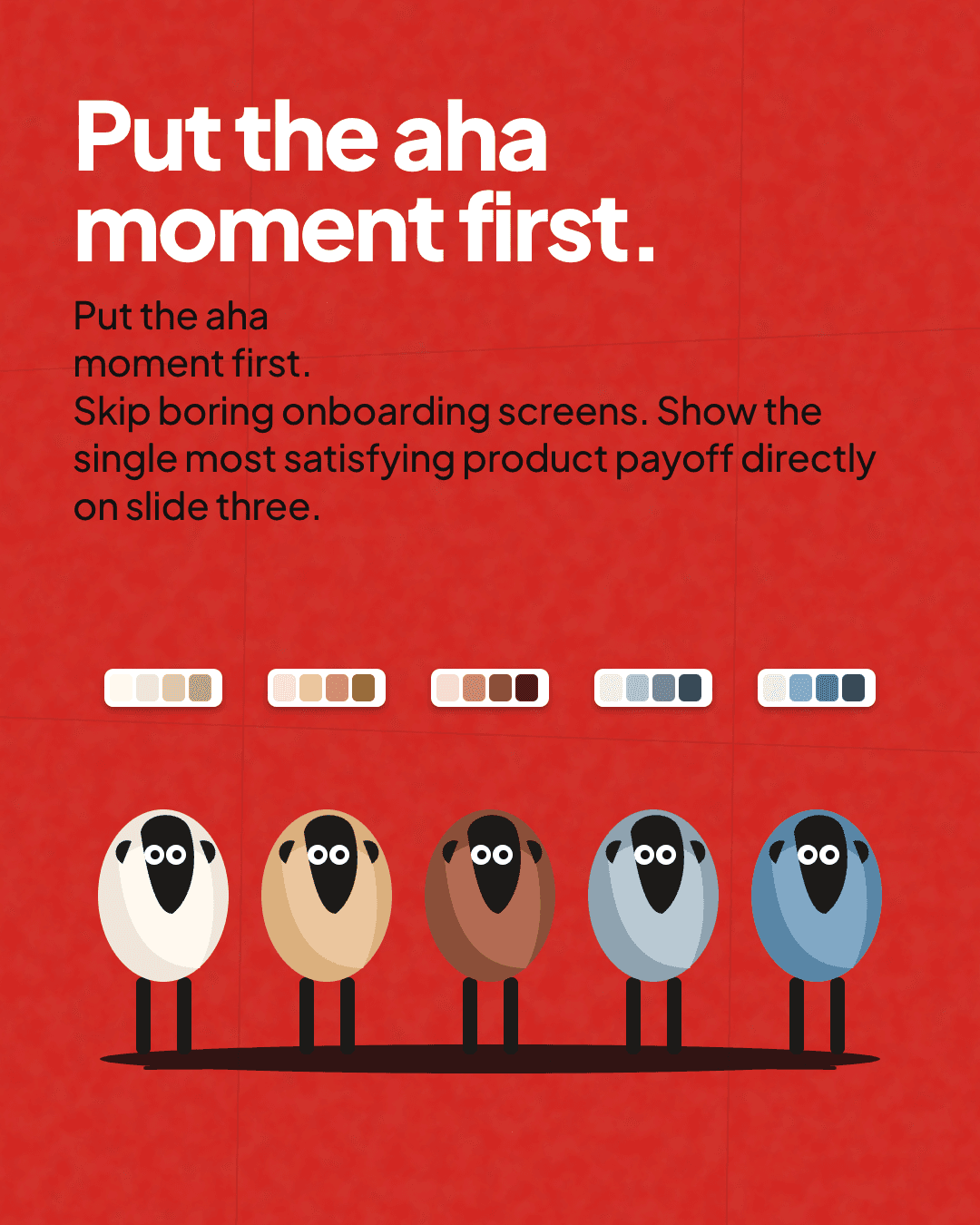
Slide 3/7
Click to expand
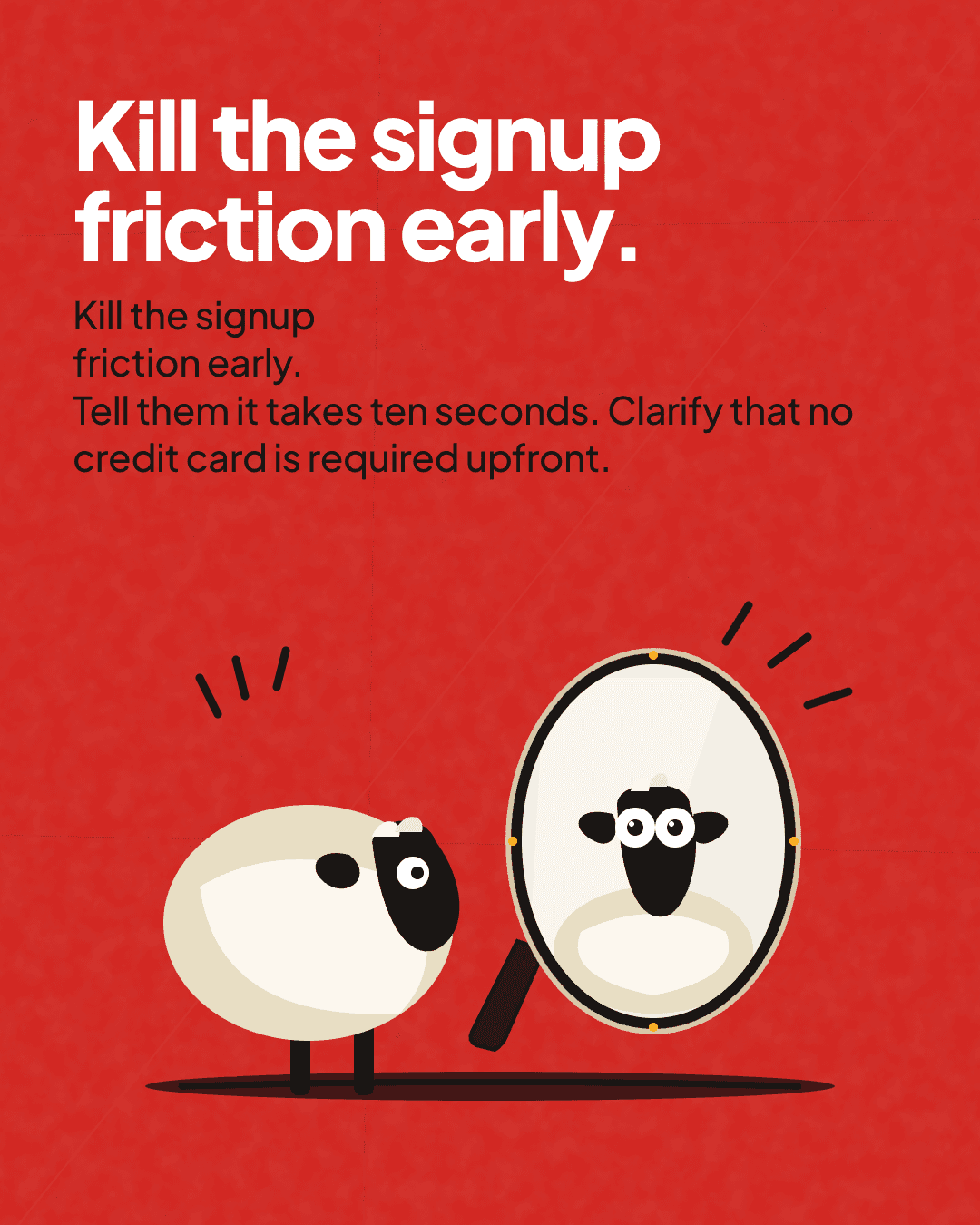
Slide 4/7
Click to expand
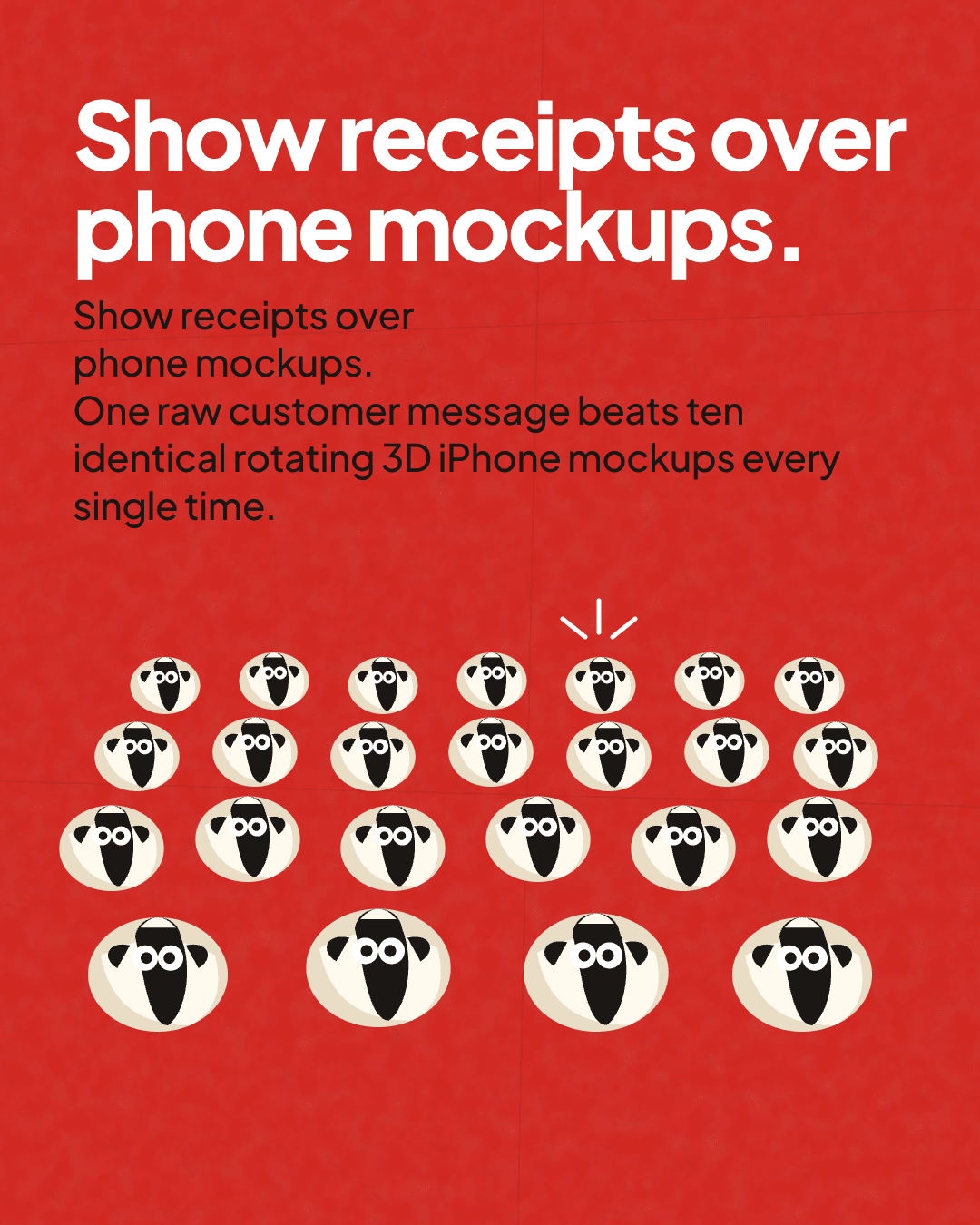
Slide 5/7
Click to expand
Slide 6/7
Click to expand
Slide 7/7
Click to expand
Slide 1/7
Click to expand
Slide 2/7
Click to expand
Slide 3/7
Click to expand
Slide 4/7
Click to expand
Slide 5/7
Click to expand
Slide 6/7
Click to expand
Slide 7/7
Click to expand
Slide 1/7
Click to expand
Slide 2/7
Click to expand
Slide 3/7
Click to expand
Slide 4/7
Click to expand
Slide 5/7
Click to expand
Slide 6/7
Click to expand
Slide 7/7
Click to expand
Slide 1/7
Click to expand
Slide 2/7
Click to expand
Slide 3/7
Click to expand
Slide 4/7
Click to expand
Slide 5/7
Click to expand
Slide 6/7
Click to expand
Slide 7/7
Click to expand
Native 1080×1350 (4:5) format · Continuous loop on scroll · Click any slide to inspectGenerate from $9/mo
12 Proven Carousel Layout Patterns
- The Big Headline & Badge: Giant 70px headline with a small category pill above it.
- The Split Screen: Left half photo, right half bold takeaway statement.
- The Highlighted Checklist: Three checkmarks with glowing purple accent badges.
- The Quote Card: Dark background with oversized quotation marks and author signature.
- The Diagram / Flowchart: Simple step 1 → step 2 → step 3 progression box.
- The Comparison Table: Two columns comparing 'Old Way' vs 'New Way'.
- The Step-by-Step Card: Numbered badge (01, 02, 03) with 2 lines of explanation.
- The Screenshot Callout: Real interface screenshot with an annotated circle.
- The Metric Card: Giant stat (e.g. '+240%') with small context paragraph below.
- The Continuous Panorama: Background graphic seamlessly spanning slide 1 to slide 2.
- The Executive Summary: 5 bullet points recapping the whole lesson.
- The Bookmark CTA: Clean final card with 'Save this for later' button graphic.
90-Second Walkthrough
See How Slidecraft Generates a 7-Slide Carousel From One Prompt
No blank canvas. No manual kerning. Watch raw notes transform into publish-ready slides with viral hook psychology.
Demo: Prompt to LinkedIn & IG Deck1080 × 1350 (4:5)
01:30
Claude 3.5 Hook Engine
LinkedIn PDF & IG 4:5 Zip
Starting at $9/month
Generate Your First Carousel Now
No credit card required · Free instant test on homepage
Frequently Asked Questions
Common Questions About Examples Carousels
Where can I get responsive Instagram carousel templates?
Slidecraft generates all 12 of these layout patterns automatically based on your prompt content.