
How Many Slides Should an Instagram Carousel Have?
Instagram lets you post up to 20 slides in a single carousel. But should you use all 20? Posting too few slides limits dwell time, while posting too many causes drop-off. This guide reveals the optimal number of slides for every type of Instagram carousel post.


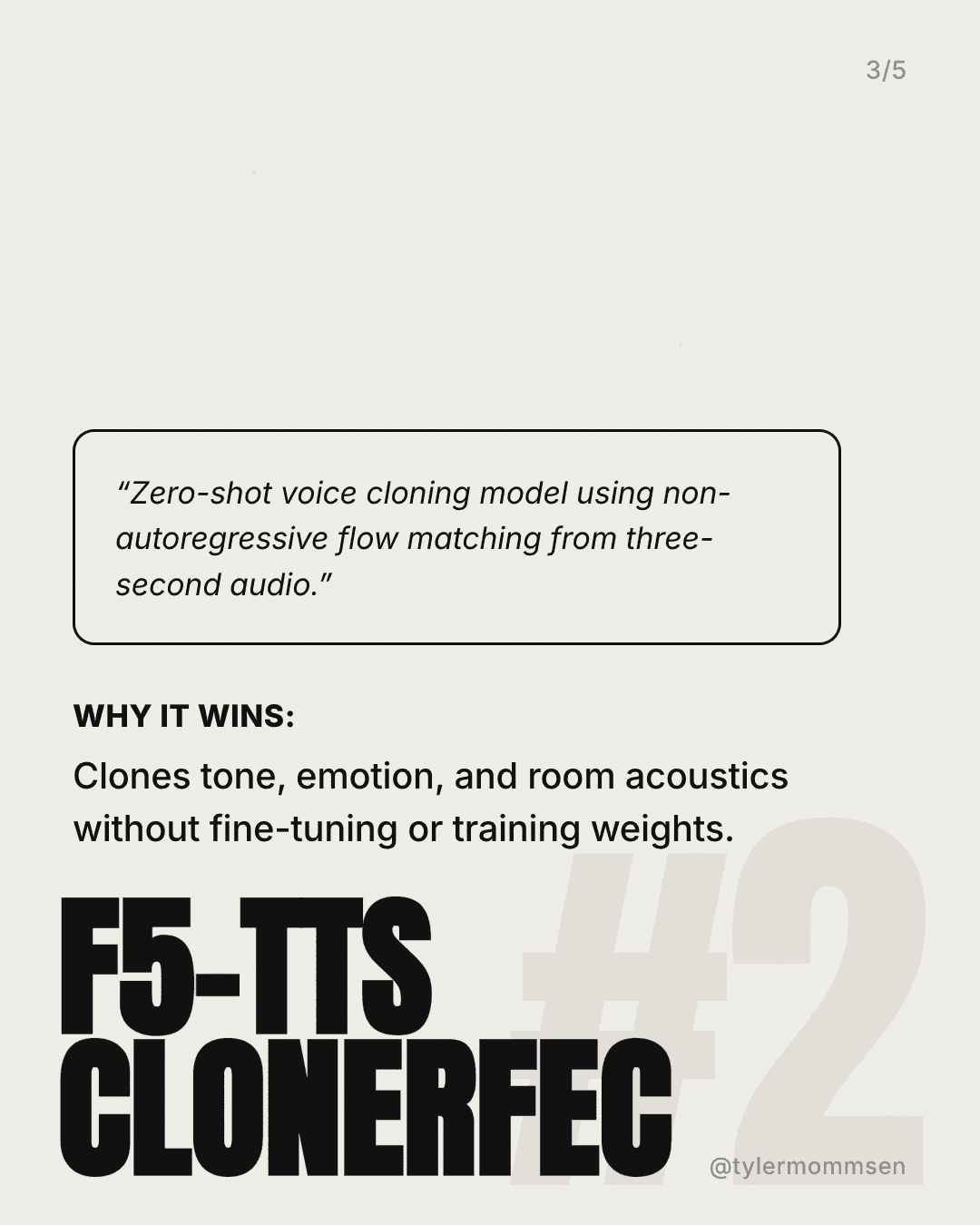
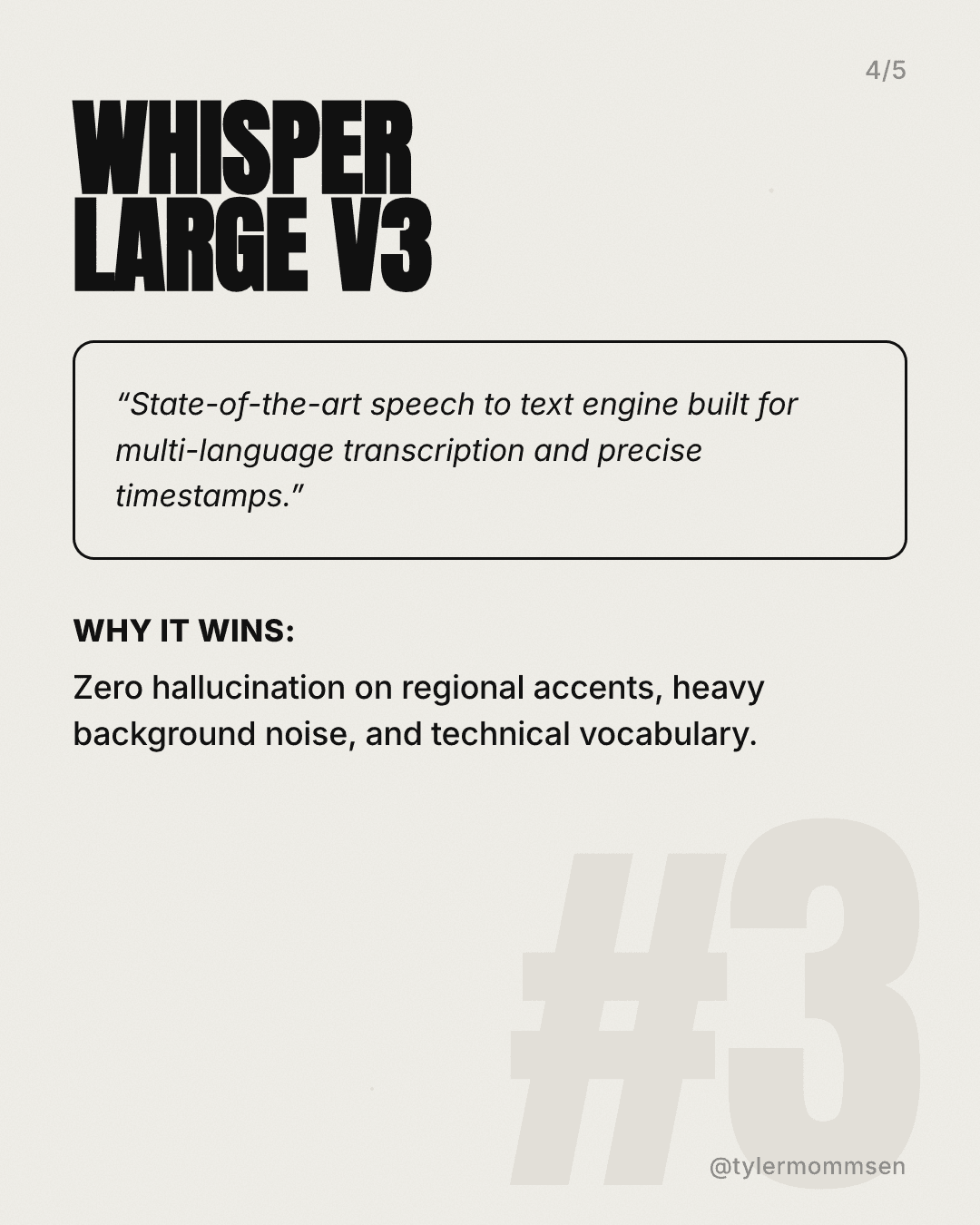
Quick Answer: The 7 to 10 Slide Sweet Spot
For most creators, the sweet spot is 7 to 10 slides.
Here is why:
- Slide 1 hooks the viewer.
- Slides 2 to 6 deliver five actionable steps or insights.
- Slide 7 recaps the lesson.
- Slide 8 gives a single, clear call to action (save, share, or comment).
Carousels with 7 to 10 slides earn higher average swipe-through rates than 15+ slide posts while maximizing total dwell time for the Instagram algorithm.
Ideal Slide Count by Content Type
1. Educational How-To Guides (7 to 10 slides)
When teaching a skill, readers need enough detail to find value, but short enough to finish on mobile. Aim for 1 hook slide, 5 to 7 lesson slides, and 1 recap CTA slide.
2. Tool & Resource Lists (6 to 8 slides)
List posts work best with 5 tools plus a hook and CTA. Do not crowd 15 tools into one carousel—readers get overwhelmed and bounce.
3. Personal Stories & Case Studies (8 to 12 slides)
Narrative posts need room for the setup, conflict, turning point, and lessons learned. 8 to 12 slides allows natural emotional pacing.
4. Casual Photo Dumps (10 to 15 slides)
For lifestyle and behind-the-scenes photography, higher slide counts encourage casual swiping and repeated profile visits.
The Science of Carousel Drop-Off
Data across social media posts shows predictable reader behavior:
- Slide 1 to 2: 70% of viewers swipe past slide 1 if the hook is clear and intriguing.
- Slides 3 to 6: Retention stays steady at 80-85% per slide if text is under 30 words per card.
- Slides 8+: Drop-off accelerates if every slide feels dense.
To keep completion rates above 60%, use progressive disclosure: one strong sentence per slide, big fonts, and visual breadcrumbs like slide counters (e.g. 03 / 07).
Generate the Perfect 7-Slide Deck in 90 Seconds
Setting up 7 properly formatted slides manually in a photo editor takes 40 minutes. With Slidecraft, you type your core topic and select a 7-slide layout. The AI writes the hook, structures each slide transition, and renders ready-to-post 1080×1350 PNG images automatically.
See How Slidecraft Generates a 7-Slide Carousel From One Prompt
No blank canvas. No manual kerning. Watch raw notes transform into publish-ready slides with viral hook psychology.

No credit card required · Free instant test on homepage
Common Questions About Instagram Carousels
What is the maximum number of slides on an Instagram carousel?
Instagram allows up to 20 slides in a single carousel post.
Do longer carousels get more reach?
Longer carousels increase dwell time, but only if viewers swipe through them. If viewers drop off on slide 2, reach suffers. 7 to 10 slides provides the best balance.
Should every slide have text?
No. Mixing bold headline slides with visual examples, screenshots, or callout cards keeps readers engaged.