
Instagram Carousel Ideas: 50 Topics That Earn Swipes and Saves
The best Instagram carousels do not come from random inspiration—they follow proven content frameworks that trigger saves and shares. Here are 50 copy-and-paste Instagram carousel ideas organized by category to fill your editorial calendar.
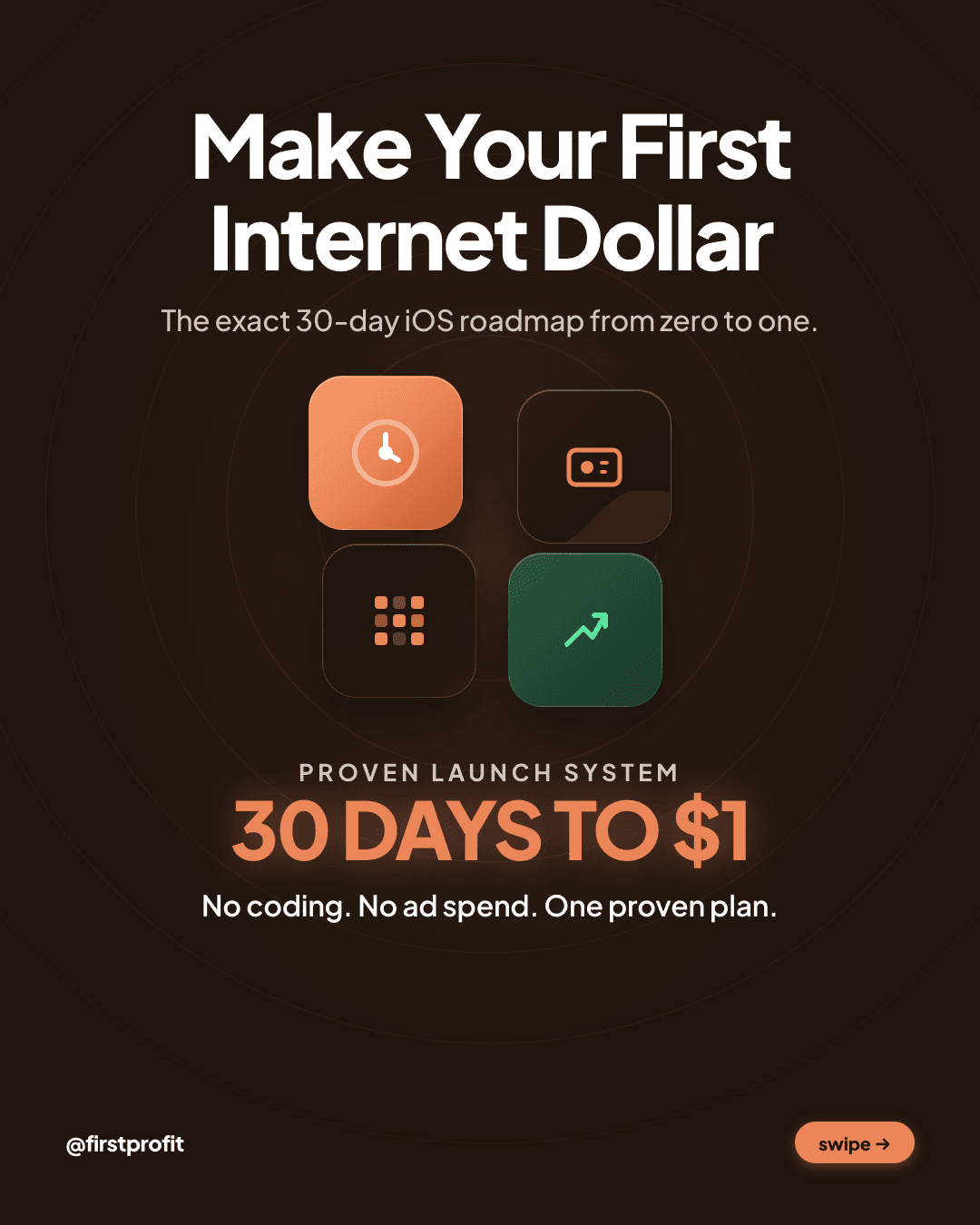
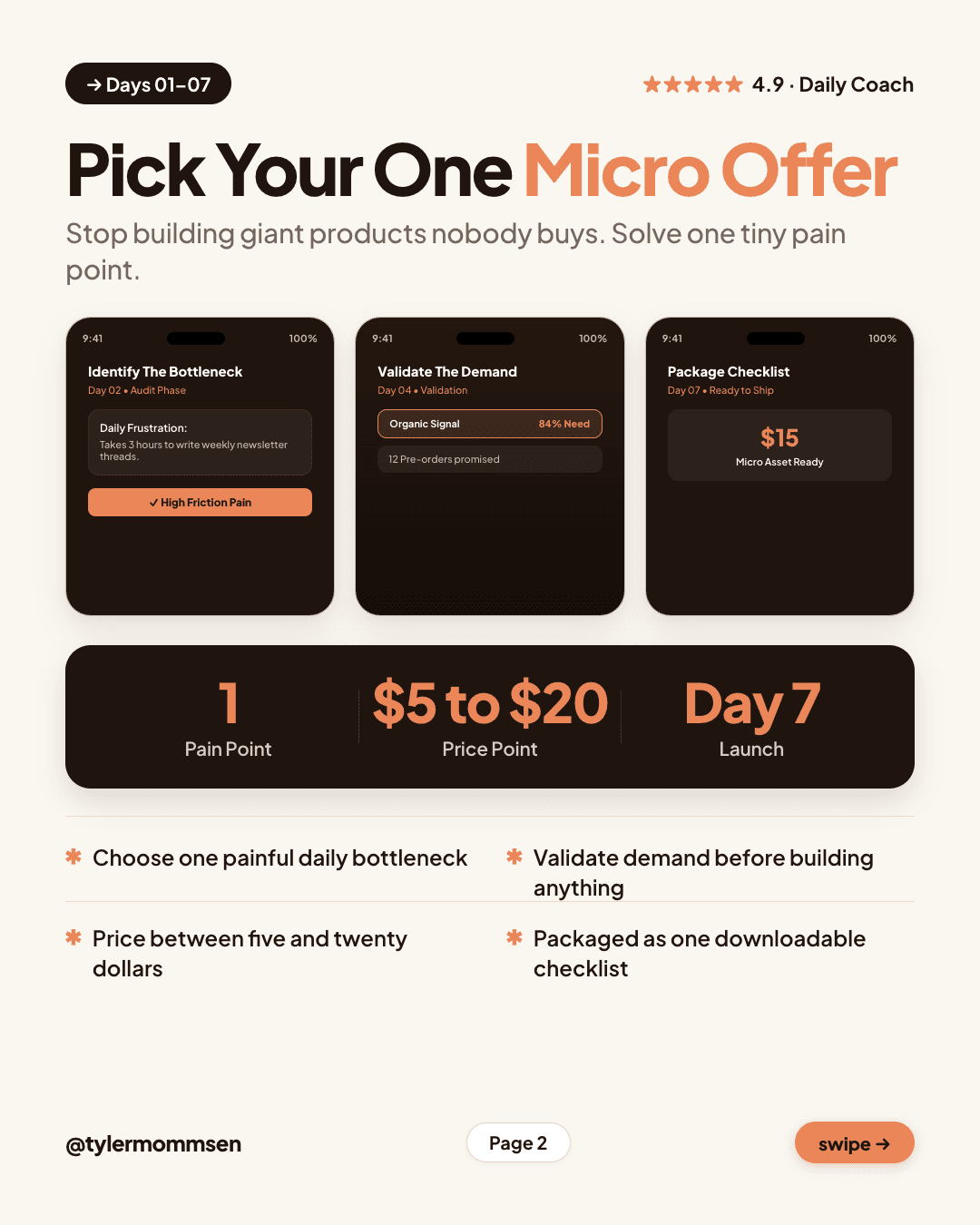
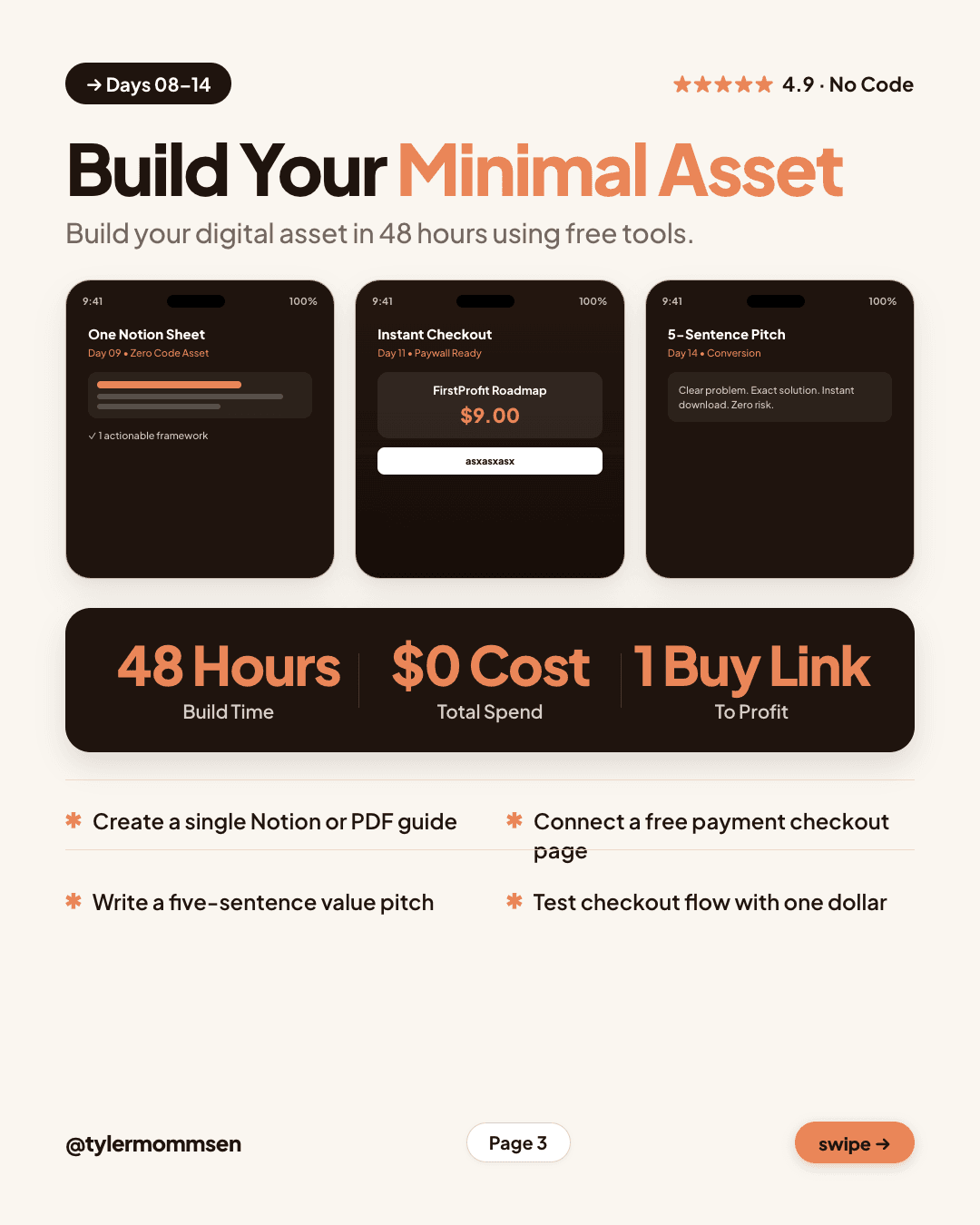
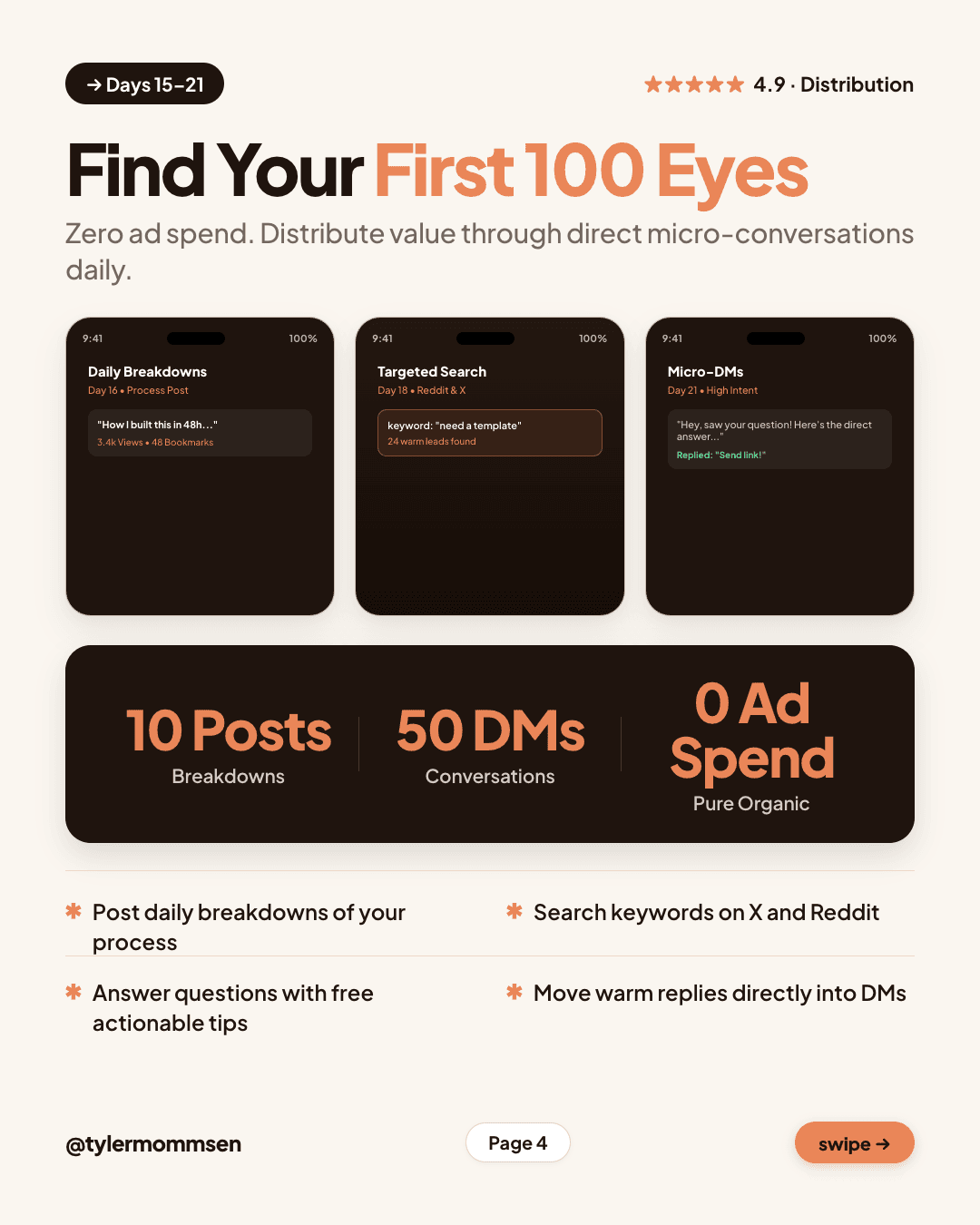
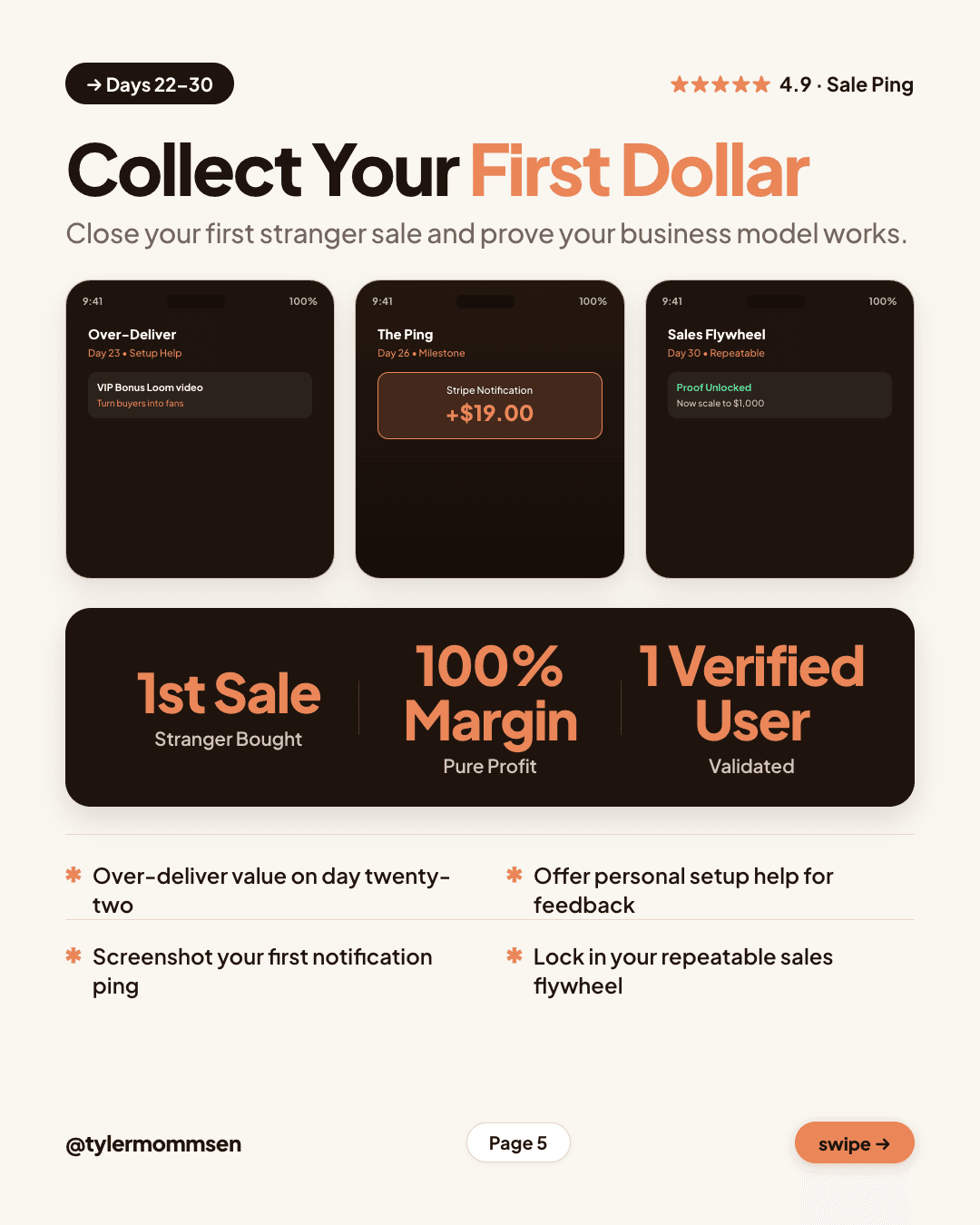
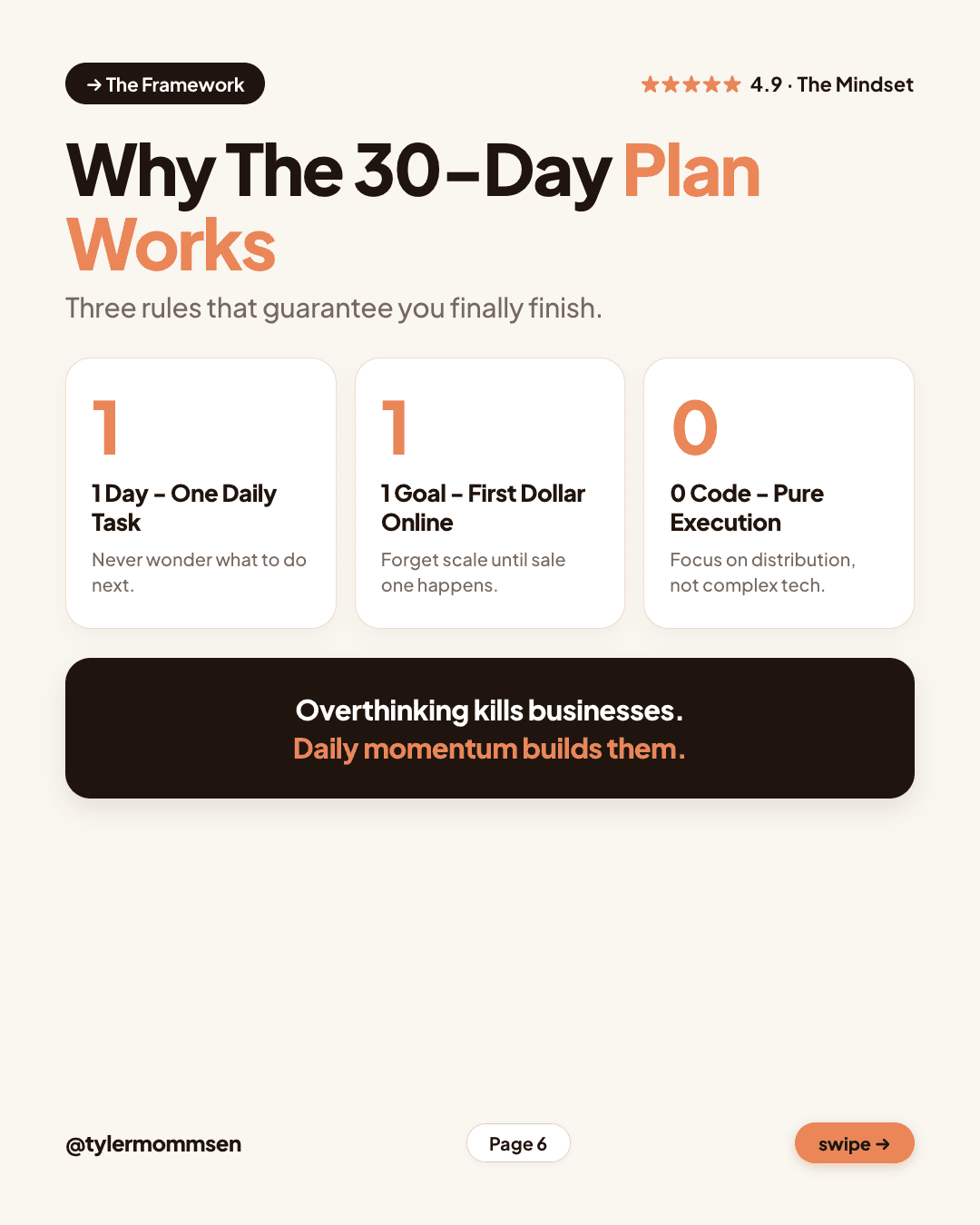

1. Step-by-Step How-To Guides (10 Ideas)
- "How to write a viral hook in 5 minutes (formula inside)"
- "How to audit your Instagram profile for more followers"
- "How to price your freelance services without losing clients"
- "How to turn 1 blog post into 10 social media posts"
- "How to design a clean carousel on mobile without design skills"
- "How to get your first 1,000 email subscribers"
- "How to create a simple content calendar you will actually stick to"
- "How to write a cold outreach message that gets replies"
- "How to optimize your LinkedIn headline for inbound leads"
- "How to structure an 8-slide educational carousel"
2. Common Mistakes & Fixes (10 Ideas)
- "5 Instagram carousel mistakes killing your reach"
- "3 pricing mistakes every beginner makes"
- "Why nobody reads your slide 2 (and how to fix it)"
- "4 bio mistakes turning potential followers away"
- "The biggest typography error in social media posts"
- "5 reasons your carousels are not getting saved"
- "Stop making this cold pitch mistake in DMs"
- "Why wide slides look terrible on mobile feeds"
- "3 website design mistakes reducing your conversion rate"
- "The #1 mistake creators make with call-to-actions"
3. Tool Lists & Checklists (10 Ideas)
- "7 free AI tools that save me 15 hours every week"
- "The 5 design tools every non-designer needs"
- "A 6-point pre-publish checklist before posting a carousel"
- "Top 5 websites for finding royalty-free fonts"
- "4 tools to automate your social media content workflow"
- "The ultimate tech stack for solo creators in 2026"
- "5 chrome extensions every marketer should install"
- "A simple checklist for launching a digital product"
- "7 newsletter platforms compared (which is best?)"
- "5 AI prompts that write high-converting carousel hooks"
4. Founder Stories & Case Studies (10 Ideas)
- "How I went from 0 to 10k followers in 90 days"
- "The breakdown of my $5k digital product launch"
- "What happened when I posted 3 carousels a week for 6 months"
- "My biggest business failure and what it taught me"
- "A behind-the-scenes look at how we build our software"
- "How one client generated 20 inbound leads from one LinkedIn deck"
- "Why I stopped posting single images and switched to carousels"
- "A day in the life of a solo founder building in public"
- "The timeline of growing an audience from zero"
- "Lessons learned from writing 100 social media hooks"
5. Myth-Busting & Mindset Shifts (10 Ideas)
- "Myth: You need 10,000 followers to make money online"
- "Why working 60 hours a week is ruining your creativity"
- "The truth about the Instagram algorithm in 2026"
- "Stop waiting for inspiration: use this content engine instead"
- "Why quantity beats quality when you are starting out"
- "The real difference between good designers and great designers"
- "You do not need Canva Pro: here is what you need instead"
- "Why saving posts is more valuable than likes"
- "An unpopular opinion about personal branding"
- "The compounding effect of publishing one carousel every week"
How to Turn Any Idea into a Carousel in 90 Seconds
Copy any prompt from this list, open Slidecraft, and paste it into the prompt box. The AI hook engine writes slide 1 with curiosity and numbers, arranges 7 clean slides in 1080×1350 format, and lets you download Instagram PNGs or a LinkedIn PDF instantly.
See How Slidecraft Generates a 7-Slide Carousel From One Prompt
No blank canvas. No manual kerning. Watch raw notes transform into publish-ready slides with viral hook psychology.

No credit card required · Free instant test on homepage
Common Questions About Instagram Carousels
Which carousel topics get the most saves on Instagram?
Step-by-step how-to guides, tool checklists, and mistake-and-fix posts earn the highest save rates because readers bookmark them to reference later.
How often should I post carousels on Instagram?
Posting 2 to 3 well-crafted carousels each week consistently outperforms posting daily low-effort single images.