
LinkedInFormat: How-to
How to Post a Carousel on LinkedIn (PDF Upload Guide)
LinkedIn does not have a 'carousel' button. Instead, swipeable carousels are created by uploading a PDF document. Here is the exact step-by-step process for desktop and mobile.
2026-10-067 min read
Target KW:carousel on linkedin

Slide 1/7
Click to expand

Slide 2/7
Click to expand
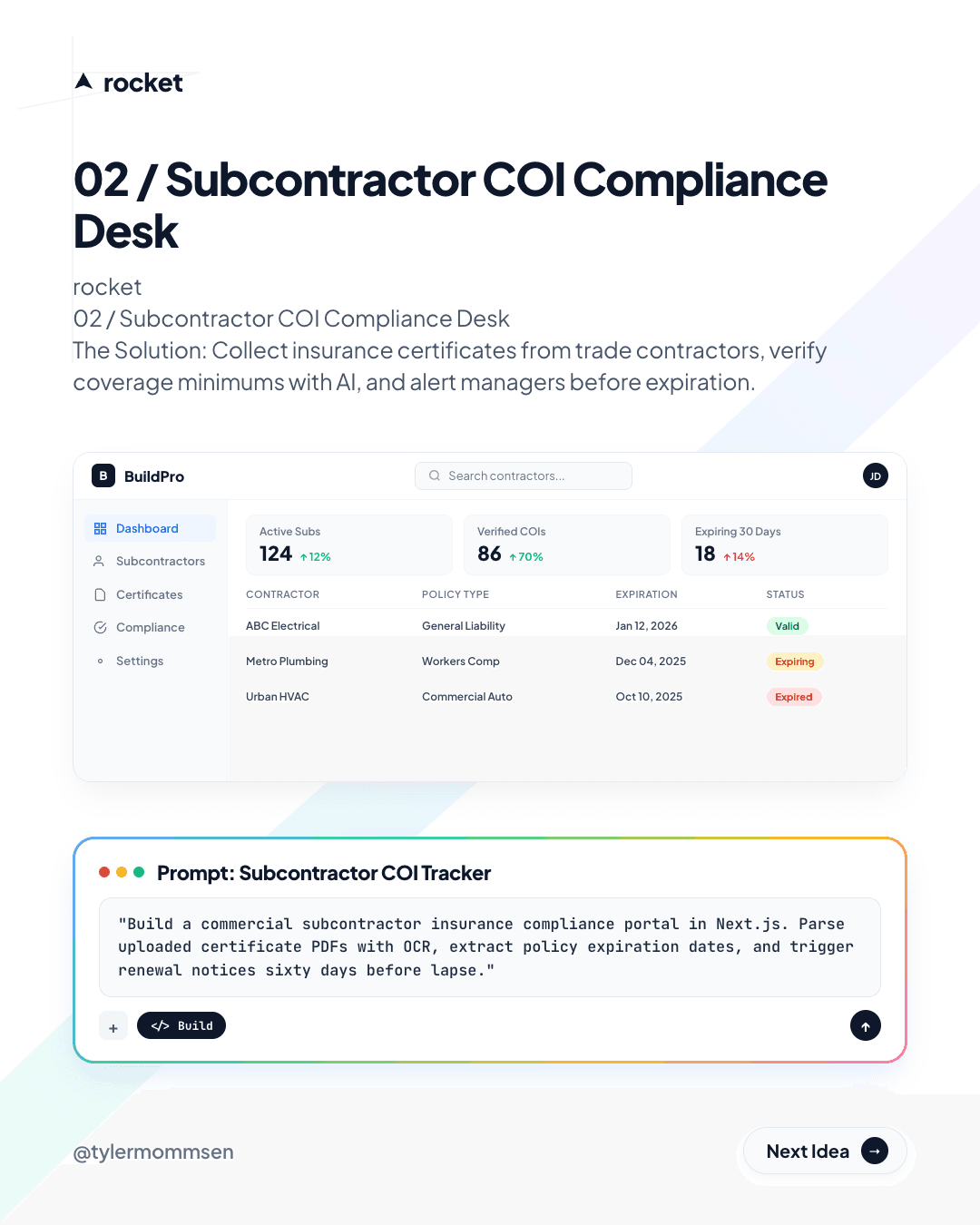
Slide 3/7
Click to expand
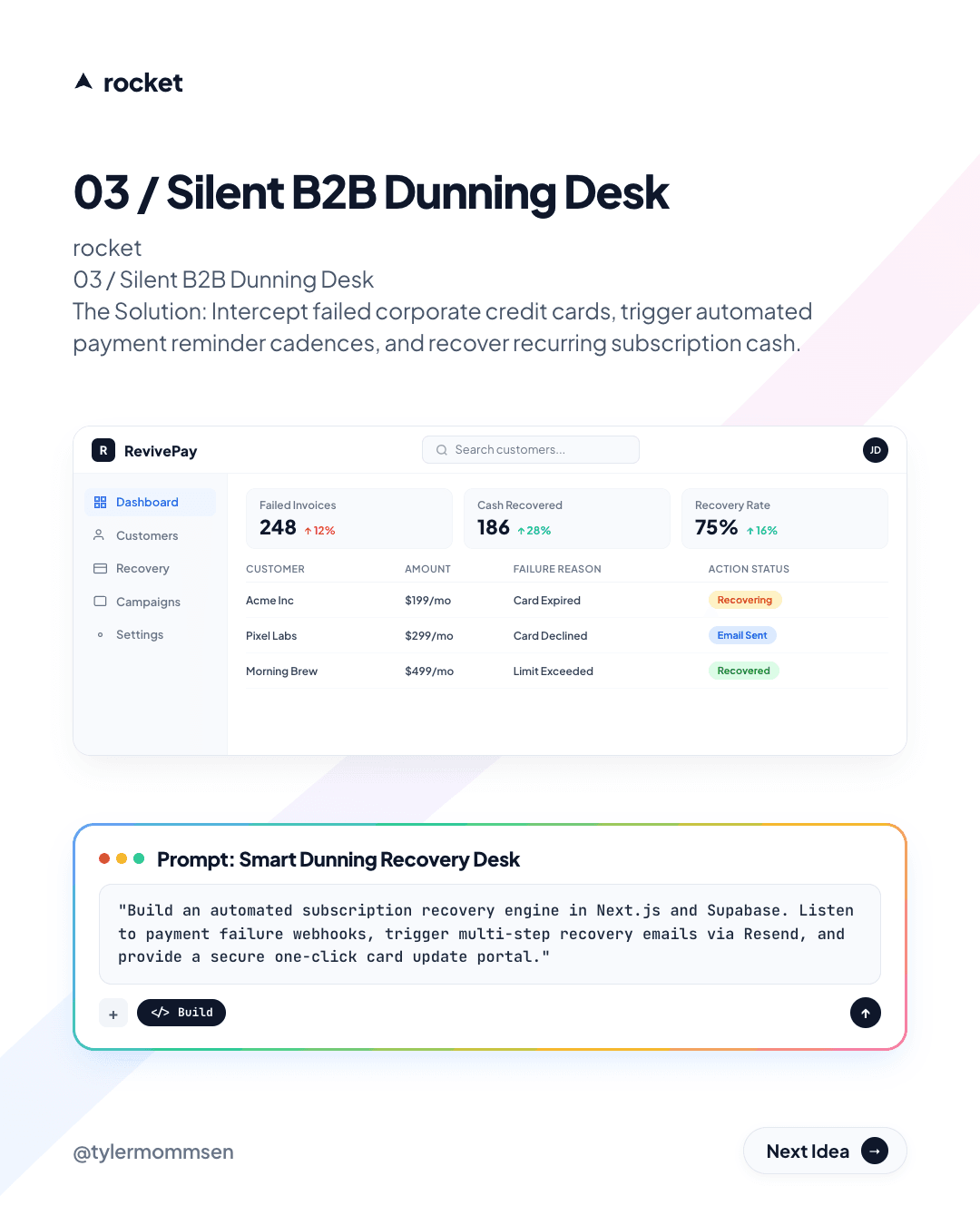
Slide 4/7
Click to expand
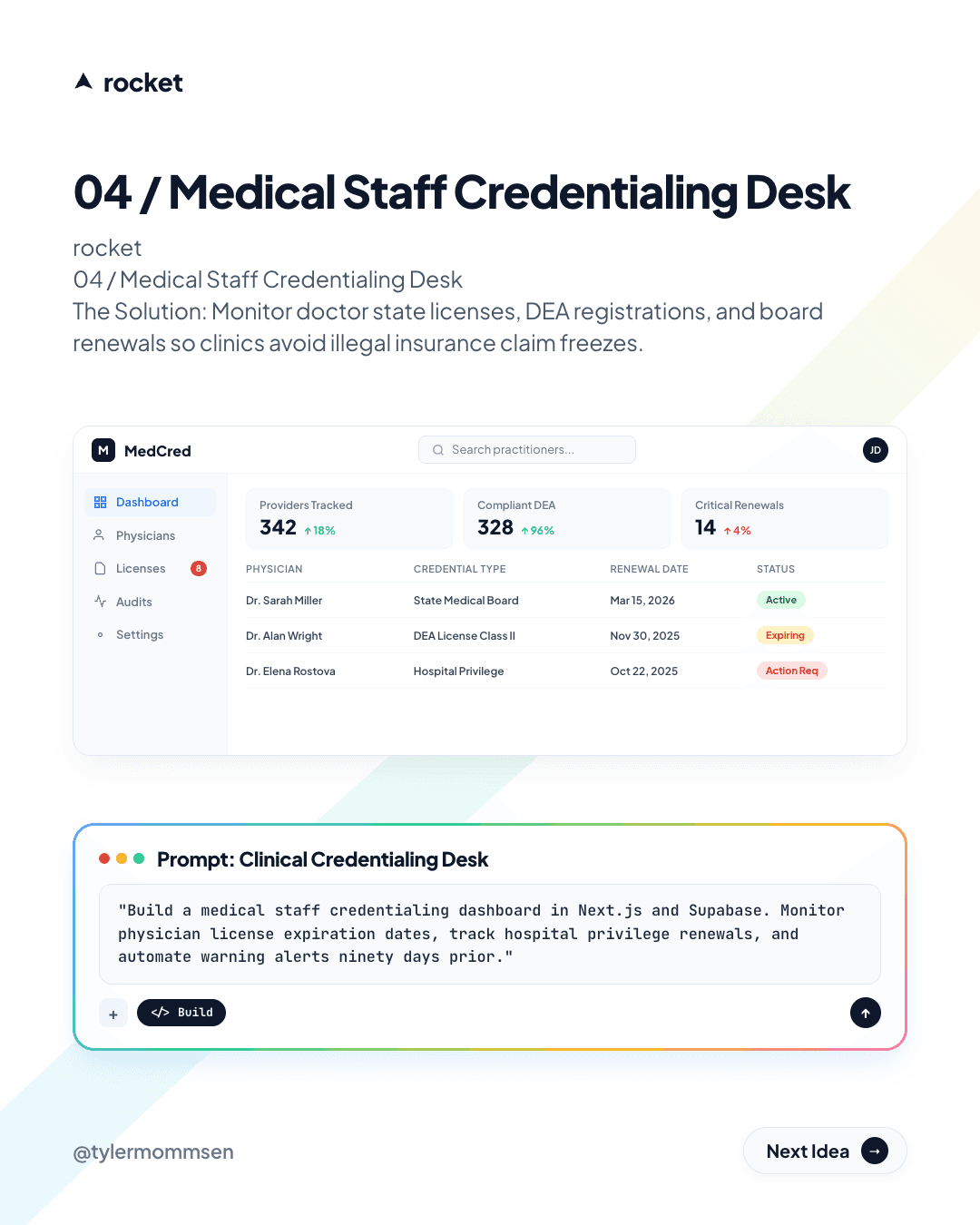
Slide 5/7
Click to expand

Slide 6/7
Click to expand

Slide 7/7
Click to expand
Slide 1/7
Click to expand
Slide 2/7
Click to expand
Slide 3/7
Click to expand
Slide 4/7
Click to expand
Slide 5/7
Click to expand
Slide 6/7
Click to expand
Slide 7/7
Click to expand
Slide 1/7
Click to expand
Slide 2/7
Click to expand
Slide 3/7
Click to expand
Slide 4/7
Click to expand
Slide 5/7
Click to expand
Slide 6/7
Click to expand
Slide 7/7
Click to expand
Slide 1/7
Click to expand
Slide 2/7
Click to expand
Slide 3/7
Click to expand
Slide 4/7
Click to expand
Slide 5/7
Click to expand
Slide 6/7
Click to expand
Slide 7/7
Click to expand
Native 1080×1350 (4:5) format · Continuous loop on scroll · Click any slide to inspectGenerate from $9/mo
How to Upload a Carousel to LinkedIn in 5 Steps
- Export your deck as a PDF: Ensure your carousel is exported in 1080×1350 portrait format from Slidecraft.
- Open LinkedIn and click 'Start a post': Look at the toolbar below the text box.
- Click the 'Add a document' icon: This looks like a sheet of paper.
- Choose your PDF and add a descriptive title: LinkedIn uses this title as the document header.
- Write your accompanying caption and post: Tease the lesson from slide 1 and include 3 relevant hashtags.
90-Second Walkthrough
See How Slidecraft Generates a 7-Slide Carousel From One Prompt
No blank canvas. No manual kerning. Watch raw notes transform into publish-ready slides with viral hook psychology.

Demo: Prompt to LinkedIn & IG Deck1080 × 1350 (4:5)
01:30
Claude 3.5 Hook Engine
LinkedIn PDF & IG 4:5 Zip
Starting at $9/month
Generate Your First Carousel Now
No credit card required · Free instant test on homepage
Frequently Asked Questions
Common Questions About LinkedIn Carousels
Can I upload multi-image carousels on LinkedIn?
No. Multi-image uploads render as static photo collages. You must upload a PDF document to get the swipeable viewer.