
LinkedInFormat: Playbook
LinkedIn Carousels for Personal Branding: A 30-Day Plan
Posting text updates on LinkedIn is good, but carousels build personal brand authority faster than any other format. When readers save your frameworks, you stay top-of-mind. Here is a 30-day playbook to grow your personal brand using carousels.
2026-10-0410 min read
Target KW:carousel linkedin
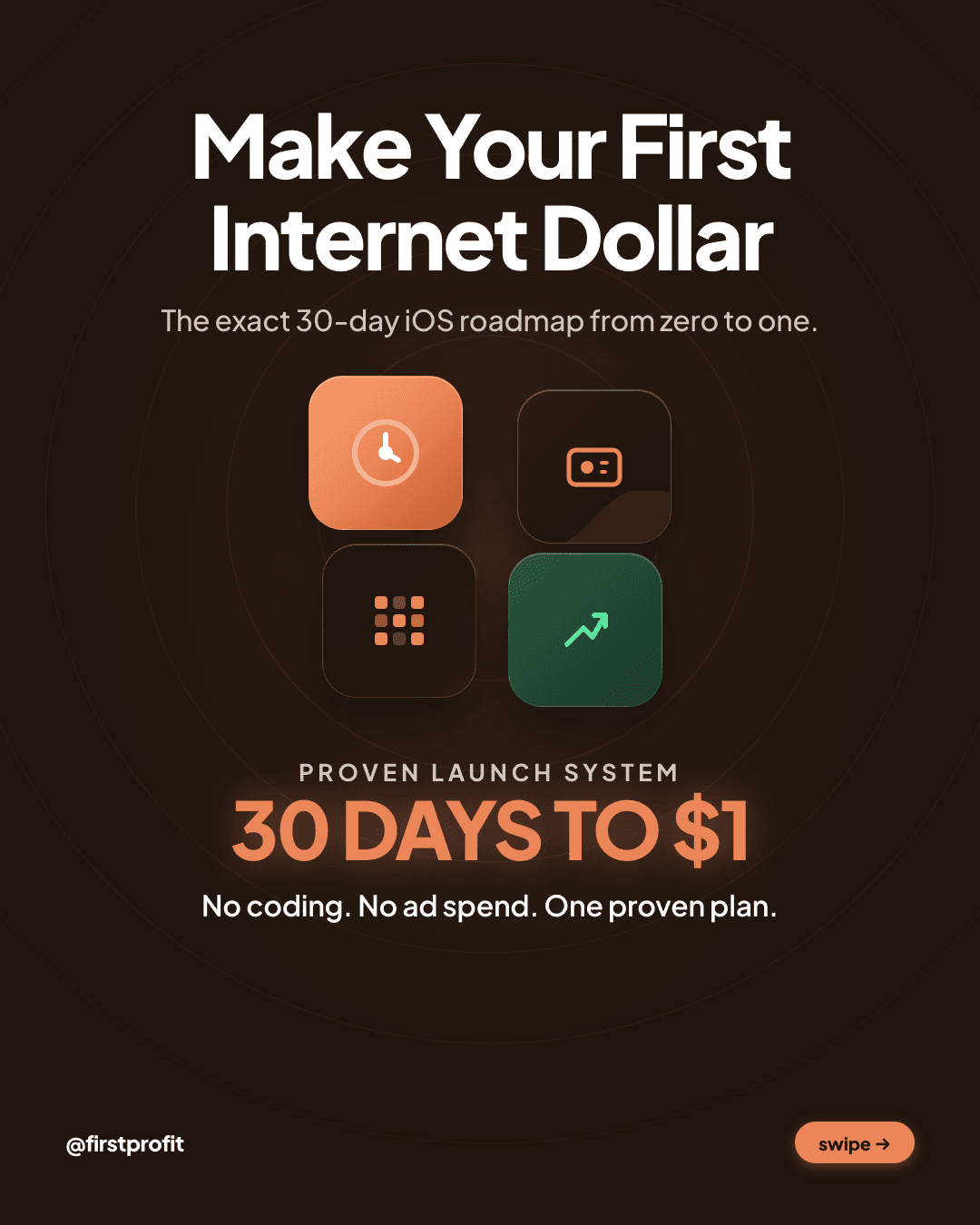
Slide 1/7
Click to expand
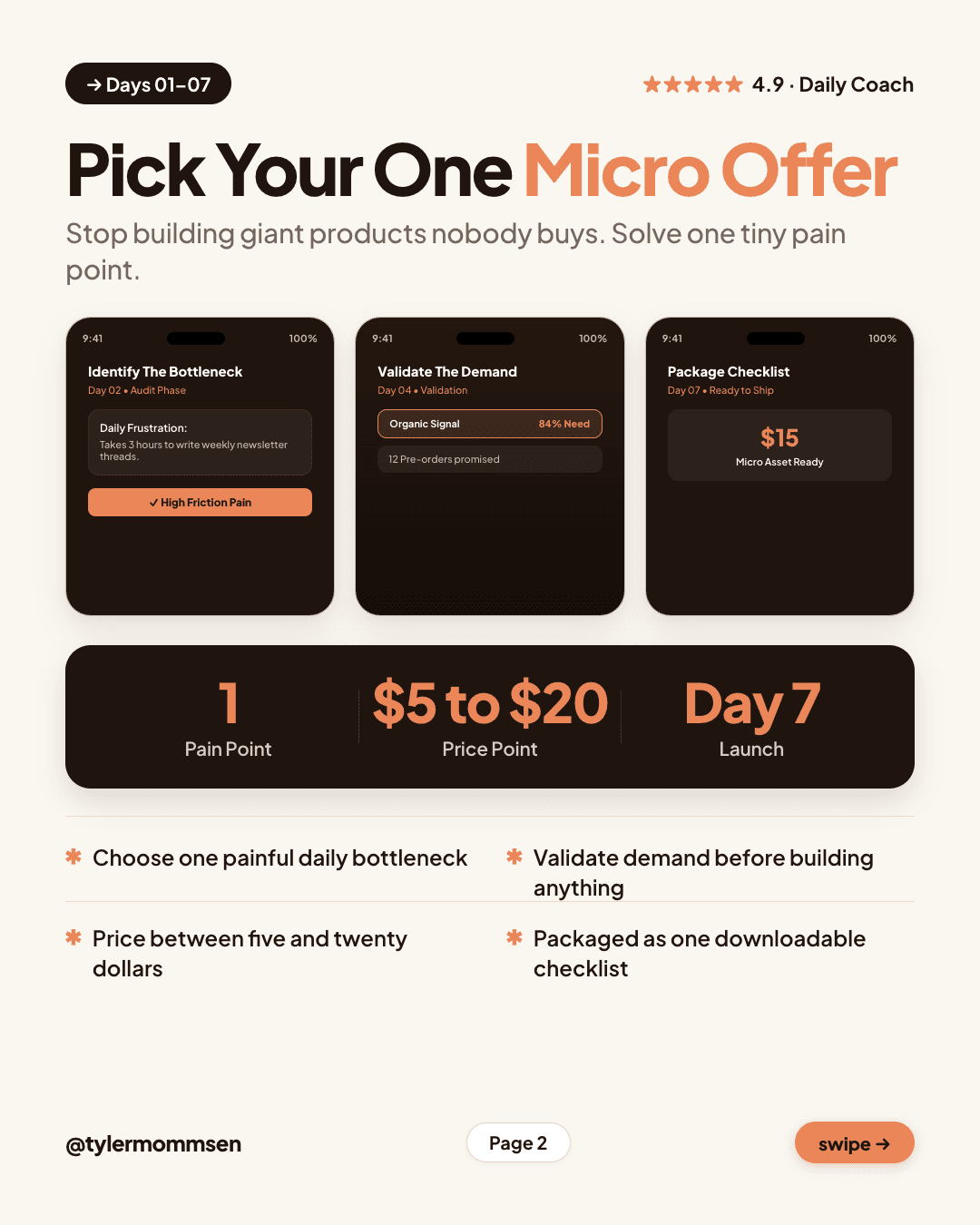
Slide 2/7
Click to expand
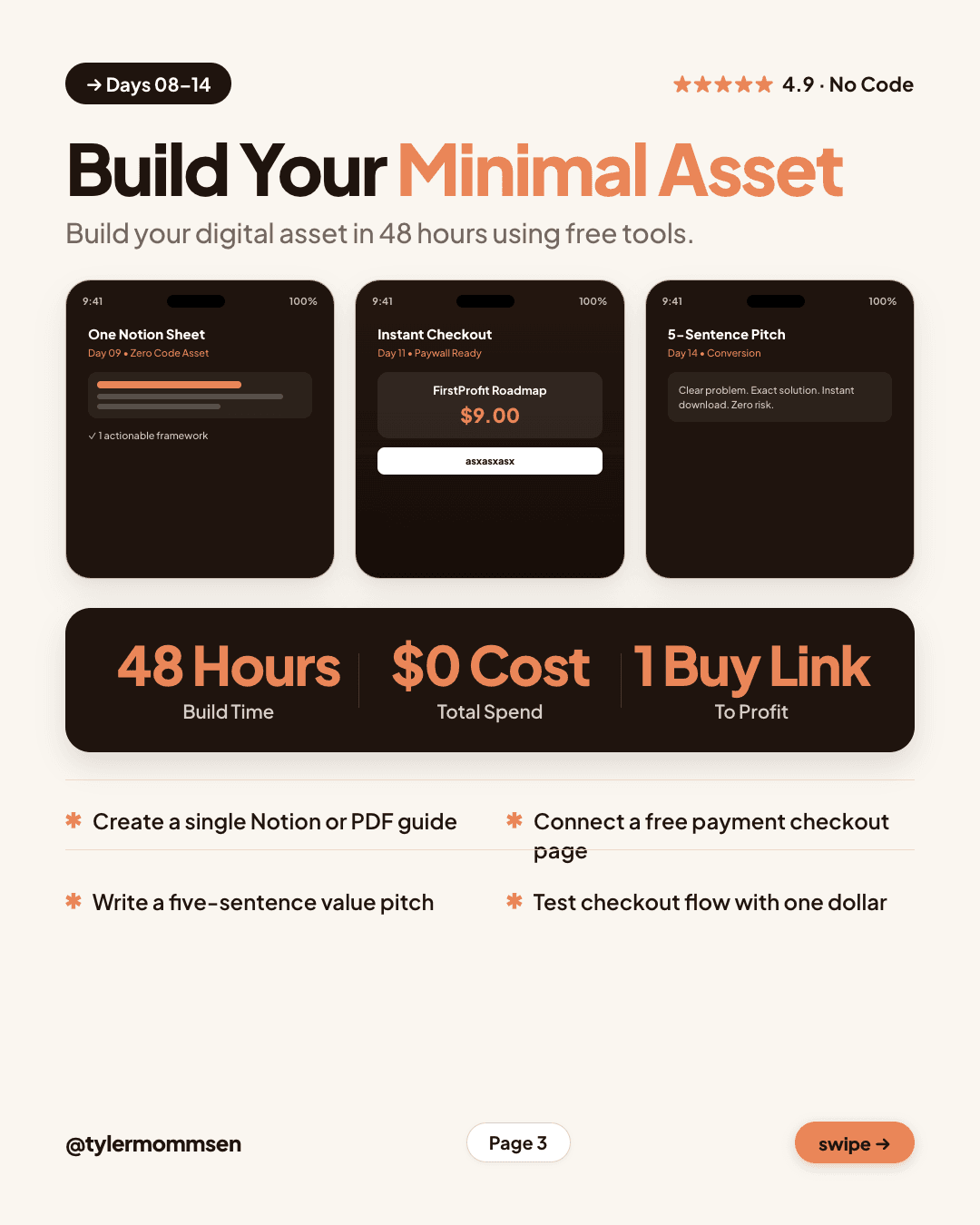
Slide 3/7
Click to expand
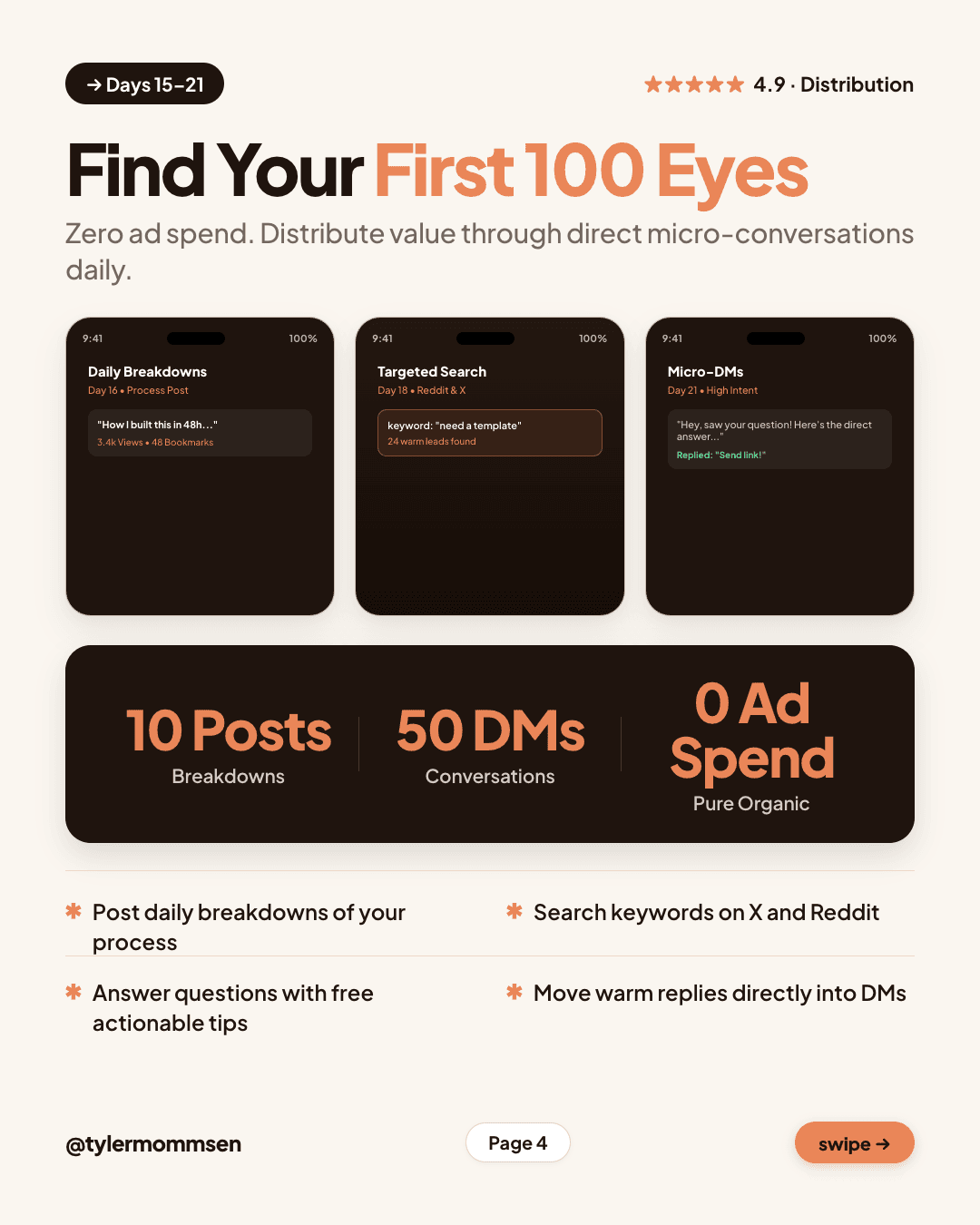
Slide 4/7
Click to expand
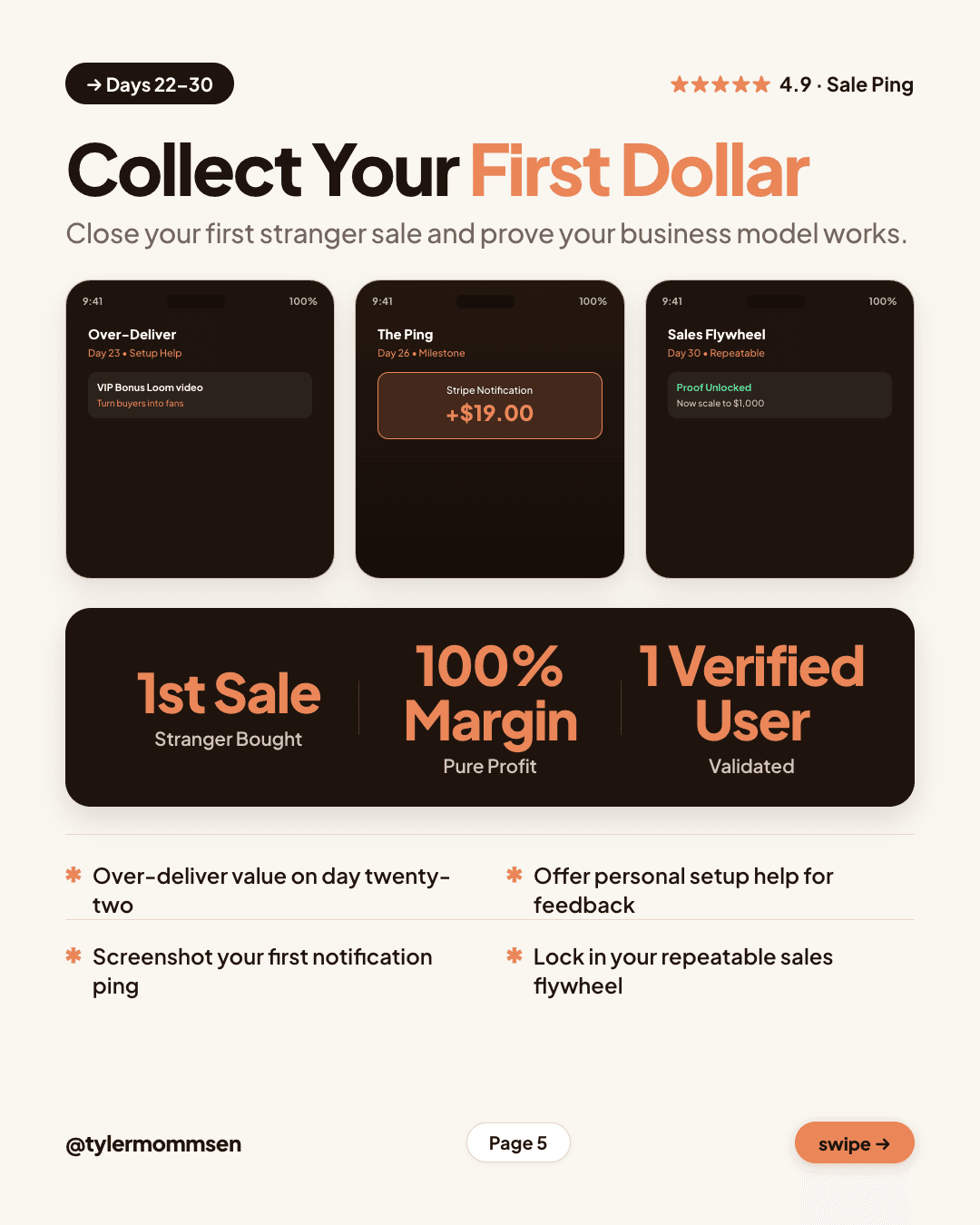
Slide 5/7
Click to expand
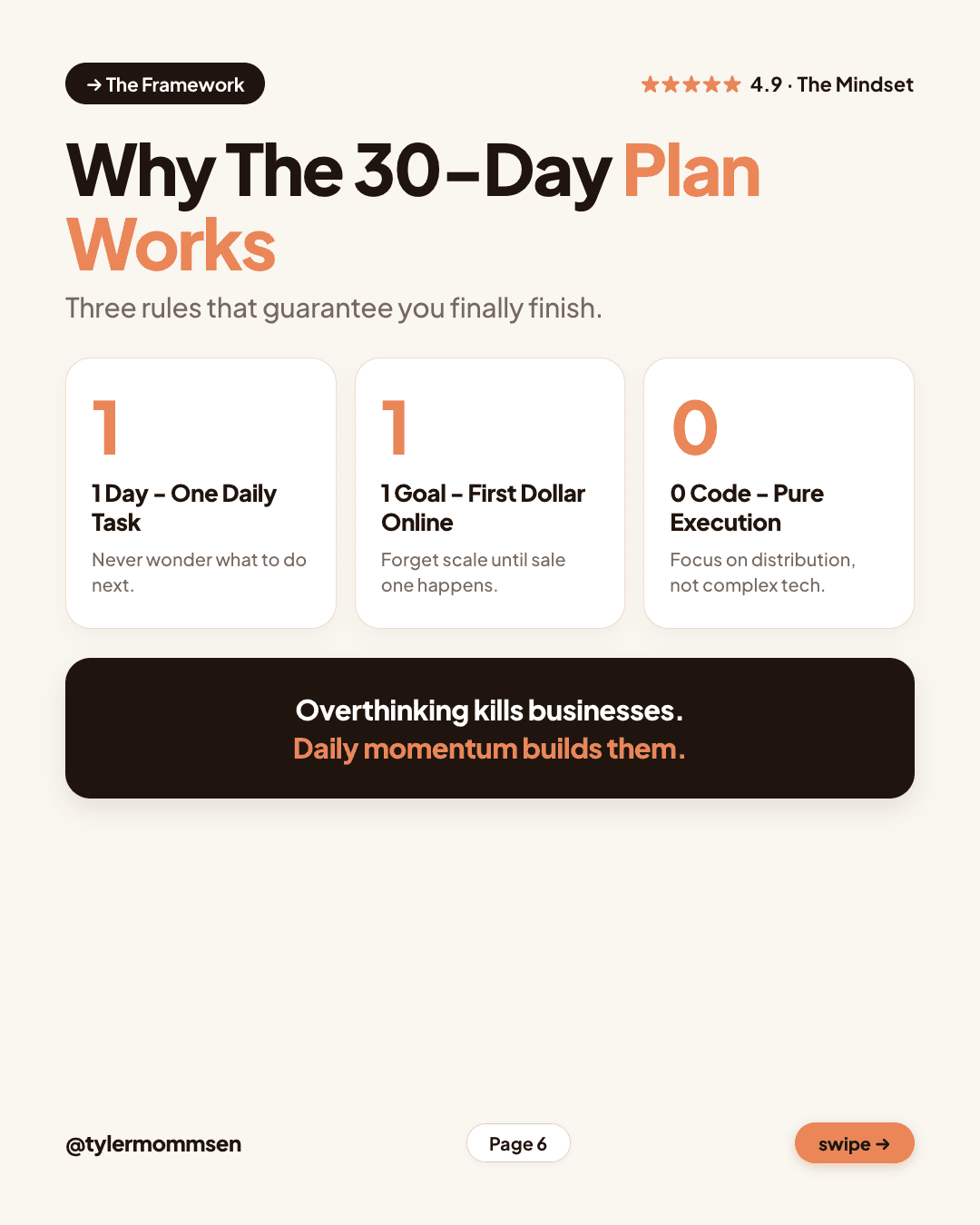
Slide 6/7
Click to expand

Slide 7/7
Click to expand
Slide 1/7
Click to expand
Slide 2/7
Click to expand
Slide 3/7
Click to expand
Slide 4/7
Click to expand
Slide 5/7
Click to expand
Slide 6/7
Click to expand
Slide 7/7
Click to expand
Slide 1/7
Click to expand
Slide 2/7
Click to expand
Slide 3/7
Click to expand
Slide 4/7
Click to expand
Slide 5/7
Click to expand
Slide 6/7
Click to expand
Slide 7/7
Click to expand
Slide 1/7
Click to expand
Slide 2/7
Click to expand
Slide 3/7
Click to expand
Slide 4/7
Click to expand
Slide 5/7
Click to expand
Slide 6/7
Click to expand
Slide 7/7
Click to expand
Native 1080×1350 (4:5) format · Continuous loop on scroll · Click any slide to inspectGenerate from $9/mo
The 3-Carousel Weekly Cadence
Post 3 carousels each week for 4 weeks:
- Tuesday (Authority Deck): Teach a deep tactical framework in your niche (e.g. "My 4-step framework for pricing consulting projects").
- Thursday (Mistake & Fix): Break down a common pitfall (e.g. "3 mistakes keeping you from closing enterprise deals").
- Sunday (Story & Lessons): Share a personal journey or behind-the-scenes milestone (e.g. "What I learned losing my first major client").
Personal Branding Design Rules
- Add your author badge: Put your avatar and handle on slide 1 and slide 8.
- Stick to one brand palette: Use the same 2 colors across every deck.
- Use consistent typography: Slidecraft remembers your font styles so your decks look instantly recognizable in the feed.
Turning Carousel Readers Into Inbound Clients
Always end slide 8 with a soft invitation:
- "Want my full spreadsheet? Comment 'PLAN' below."
- "Subscribe to my free weekly newsletter in the bio."
- "Book a discovery call via the link in the comments."
90-Second Walkthrough
See How Slidecraft Generates a 7-Slide Carousel From One Prompt
No blank canvas. No manual kerning. Watch raw notes transform into publish-ready slides with viral hook psychology.

Demo: Prompt to LinkedIn & IG Deck1080 × 1350 (4:5)
01:30
Claude 3.5 Hook Engine
LinkedIn PDF & IG 4:5 Zip
Starting at $9/month
Generate Your First Carousel Now
No credit card required · Free instant test on homepage
Frequently Asked Questions
Common Questions About LinkedIn Carousels
How long does it take to see results on LinkedIn with carousels?
Most creators see a noticeable increase in profile views and connection requests within 2 to 3 weeks of posting 3 carousels per week.