
LinkedIn Carousel Template: A Slide-by-Slide Structure
The best LinkedIn carousels do not reinvent the wheel—they follow a proven slide-by-slide structure. Here is an 8-slide LinkedIn carousel template you can copy and use for any professional topic.


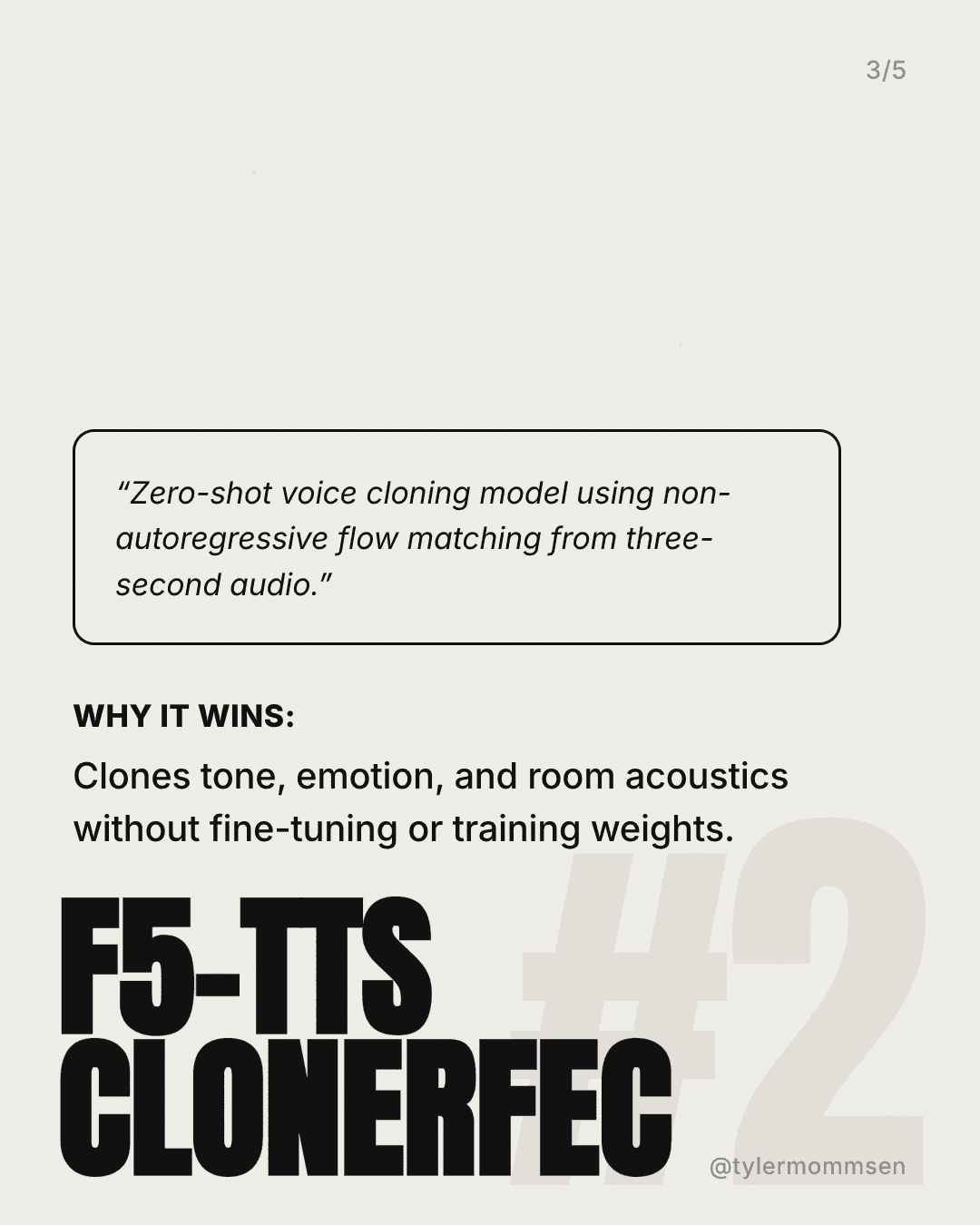
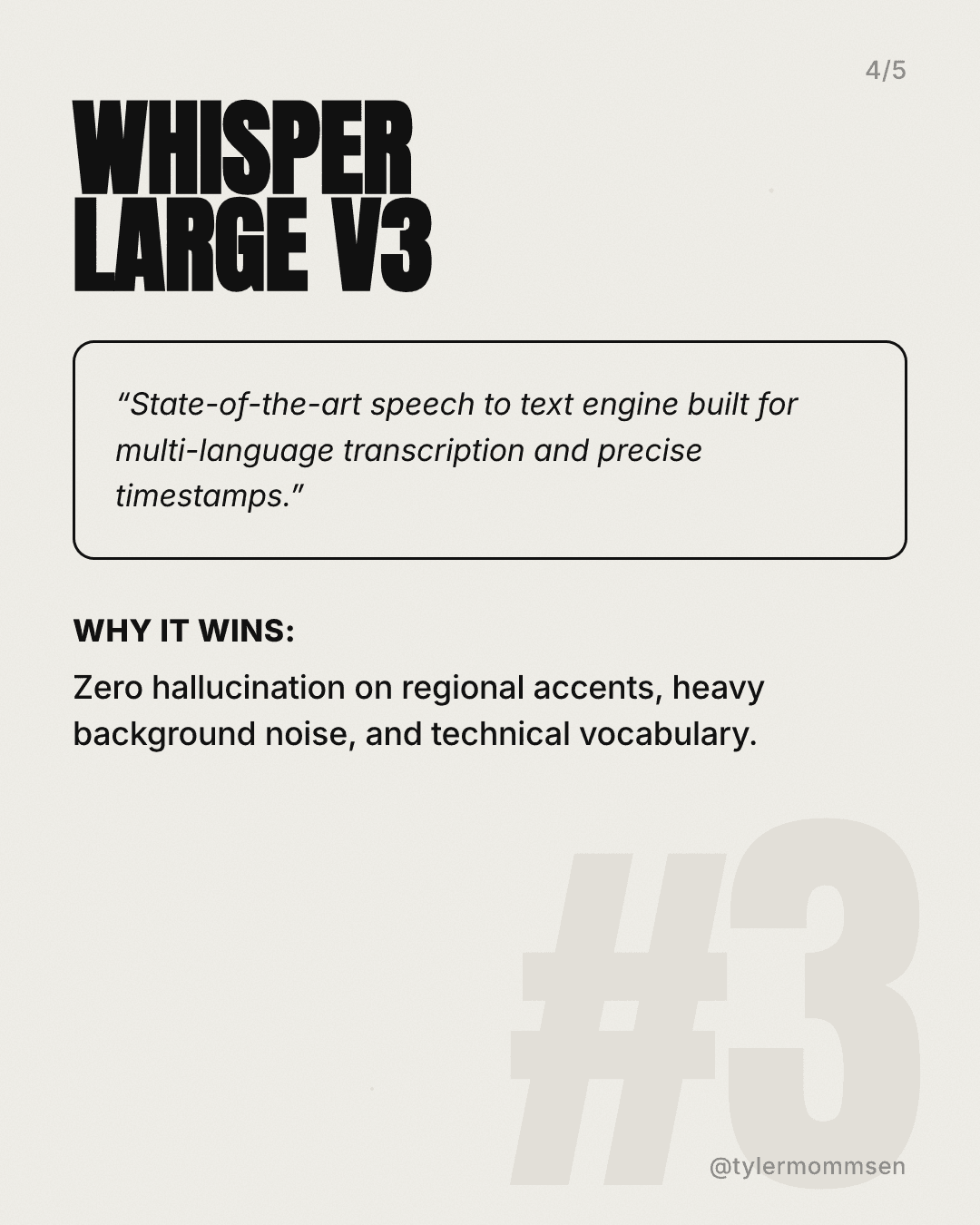
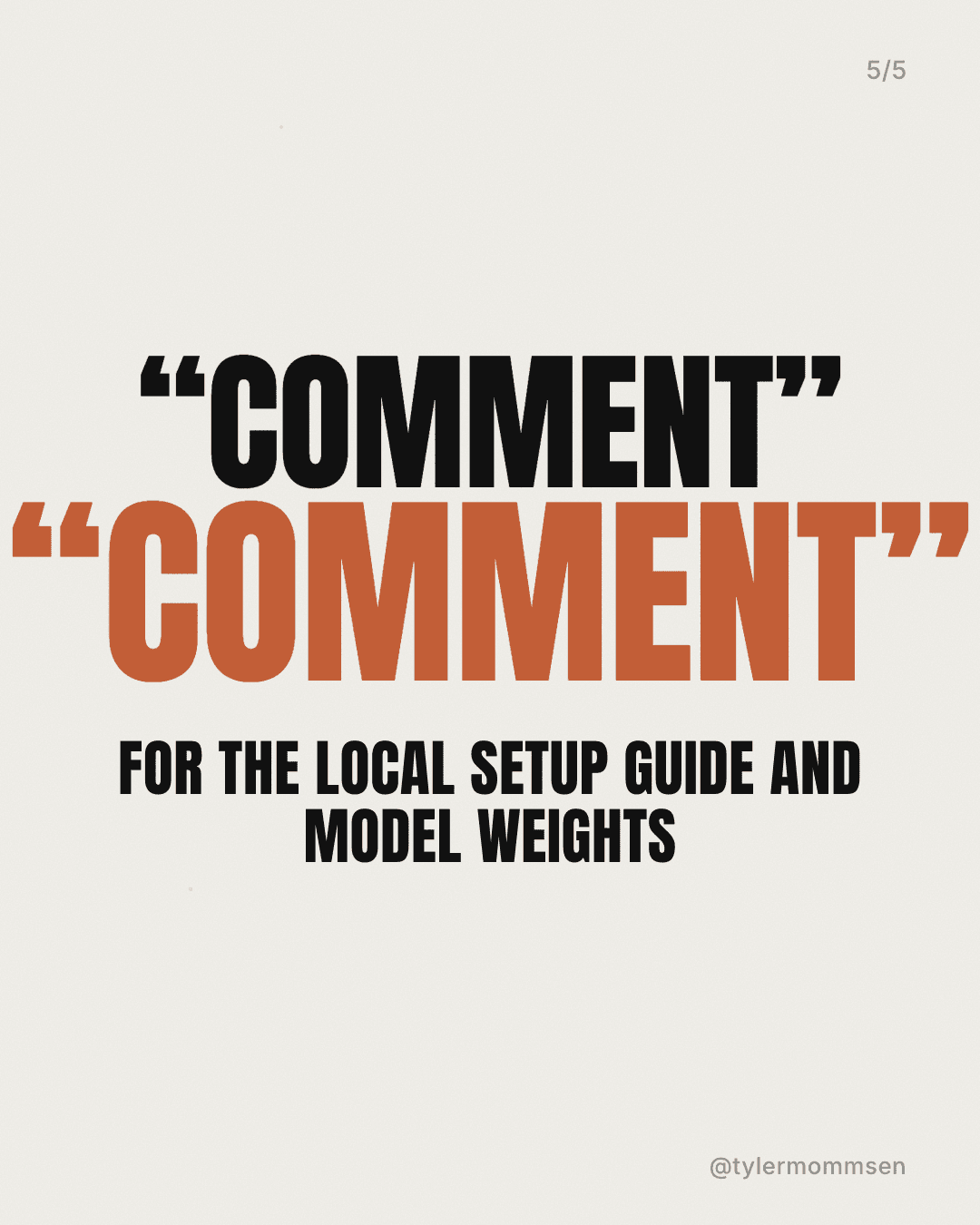
The 8-Slide LinkedIn Carousel Blueprint
| Slide | Role | Formula | Example |
|---|---|---|---|
| Slide 1 | The Hook | Number + Clear Result + Curiosity | "5 onboarding mistakes costing SaaS companies $20k" |
| Slide 2 | The Problem | Agitate the pain point in 2 sentences | "Most founders rush onboarding to ship features faster." |
| Slide 3 | Step 1 / Tip 1 | Direct actionable advice + micro-proof | "1. Map out Day 1 value. Users must win in 5 minutes." |
| Slide 4 | Step 2 / Tip 2 | Contrast common advice vs what works | "2. Cut 80% of form fields. Friction kills activation." |
| Slide 5 | Step 3 / Tip 3 | The core framework or diagram | "3. Use progressive disclosure: show tools as needed." |
| Slide 6 | Step 4 / Tip 4 | Real-world example or mistake fix | "4. Replace automated tours with interactive checklists." |
| Slide 7 | The Recap | One-page checklist of all points | "Summary: 1. Day 1 value, 2. No forms, 3. Progress." |
| Slide 8 | The CTA | Clear single action request | "Save this PDF for your next sprint. Follow for more." |
Key Formatting Rules for the Template
- Canvas size: 1080×1350 pixels (portrait 4:5).
- Line length: Maximum 6 to 8 words per line.
- Slide numbers: Always show counters (e.g. 03 / 08) in a top corner.
- Export format: High-resolution PDF document.
Generate This Template Automatically with Slidecraft
Instead of typing this template into a presentation tool, enter your topic into Slidecraft. It writes the hook, structures each step, and exports a LinkedIn-ready PDF in 90 seconds.
See How Slidecraft Generates a 7-Slide Carousel From One Prompt
No blank canvas. No manual kerning. Watch raw notes transform into publish-ready slides with viral hook psychology.

No credit card required · Free instant test on homepage
Common Questions About LinkedIn Carousels
What is the best layout for a LinkedIn carousel?
A clean 8-slide portrait layout: bold hook on slide 1, four actionable value slides, one recap slide, and one call-to-action slide.
How many words should be on each slide?
Keep each slide under 30 words. Mobile readers skip slides with dense text blocks.