
LinkedInFormat: How-to
LinkedIn Slideshow: How to Make One That Gets Read
A LinkedIn slideshow (document post) is one of the highest-converting formats for consultants and founders. Here is how to create a LinkedIn slideshow that gets read to the last slide.
2026-10-087 min read
Target KW:linkedin slideshow
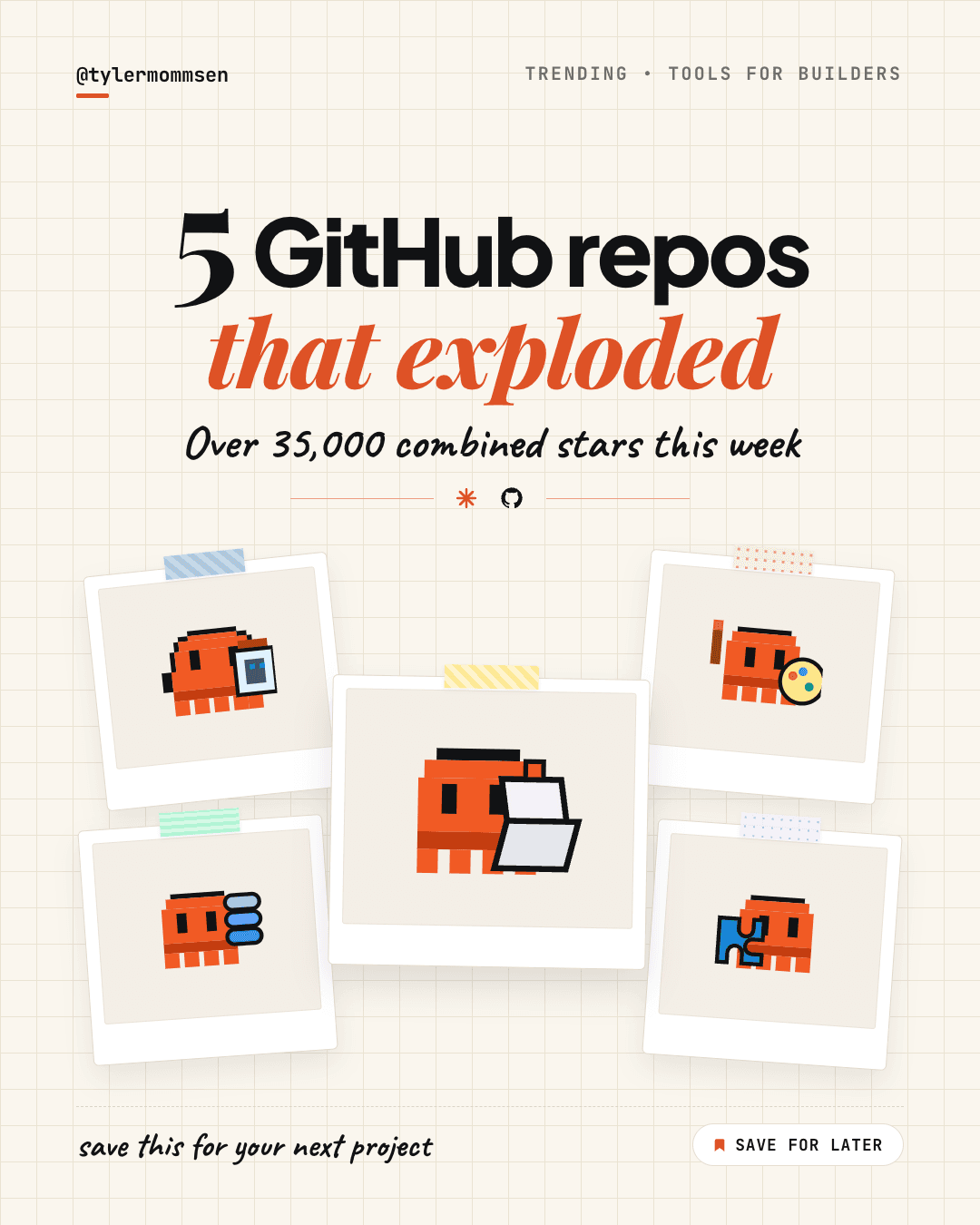
Slide 1/7
Click to expand
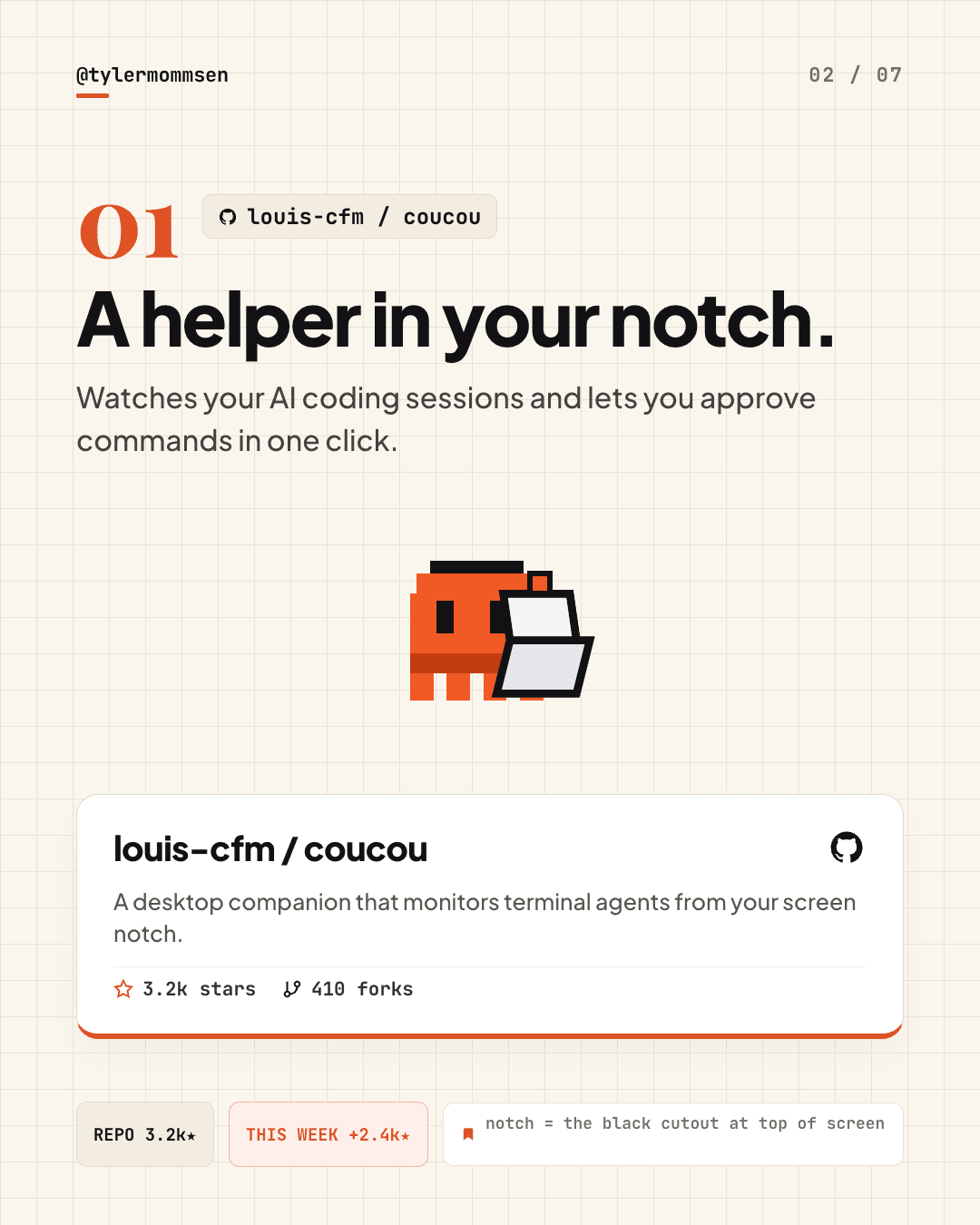
Slide 2/7
Click to expand
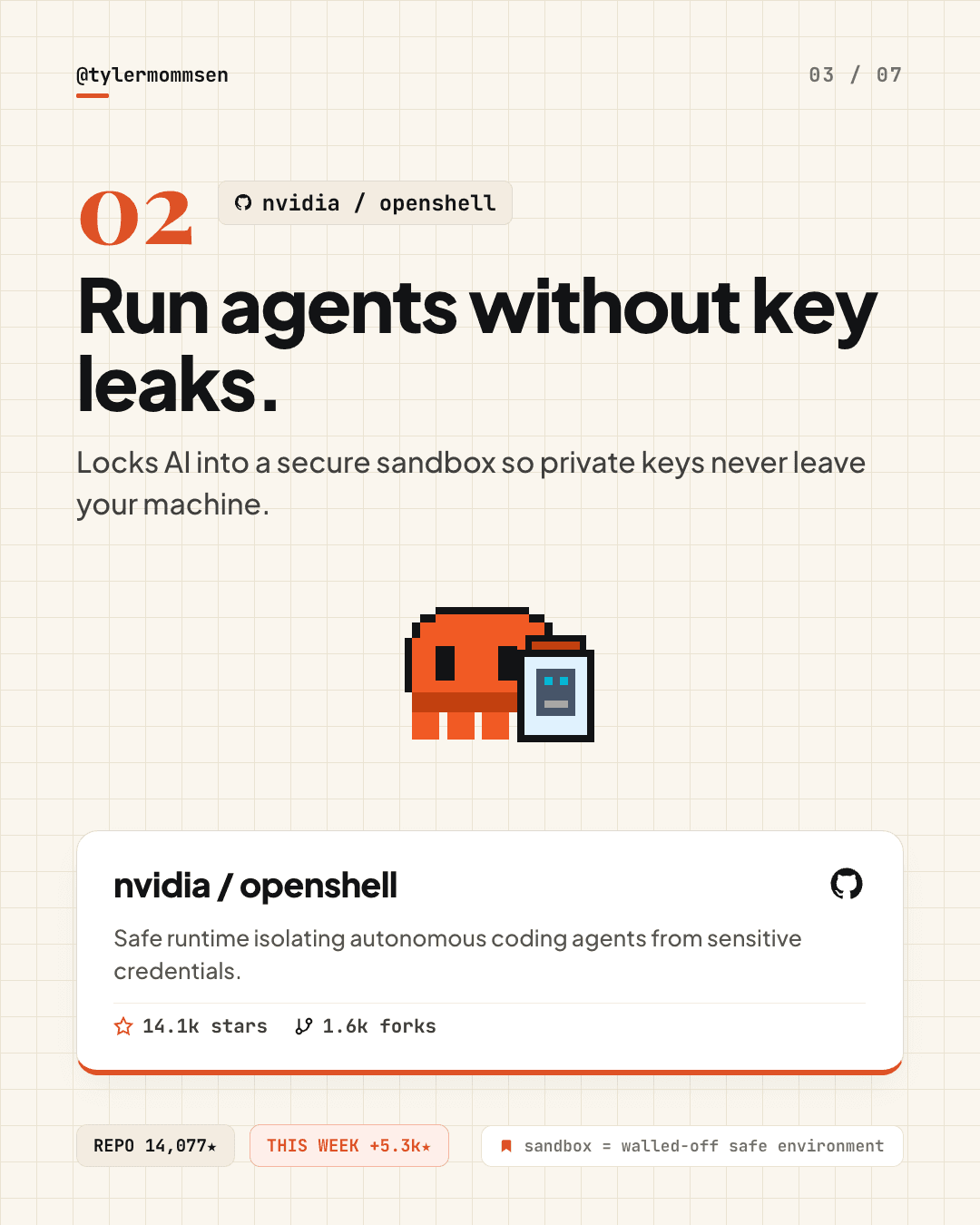
Slide 3/7
Click to expand
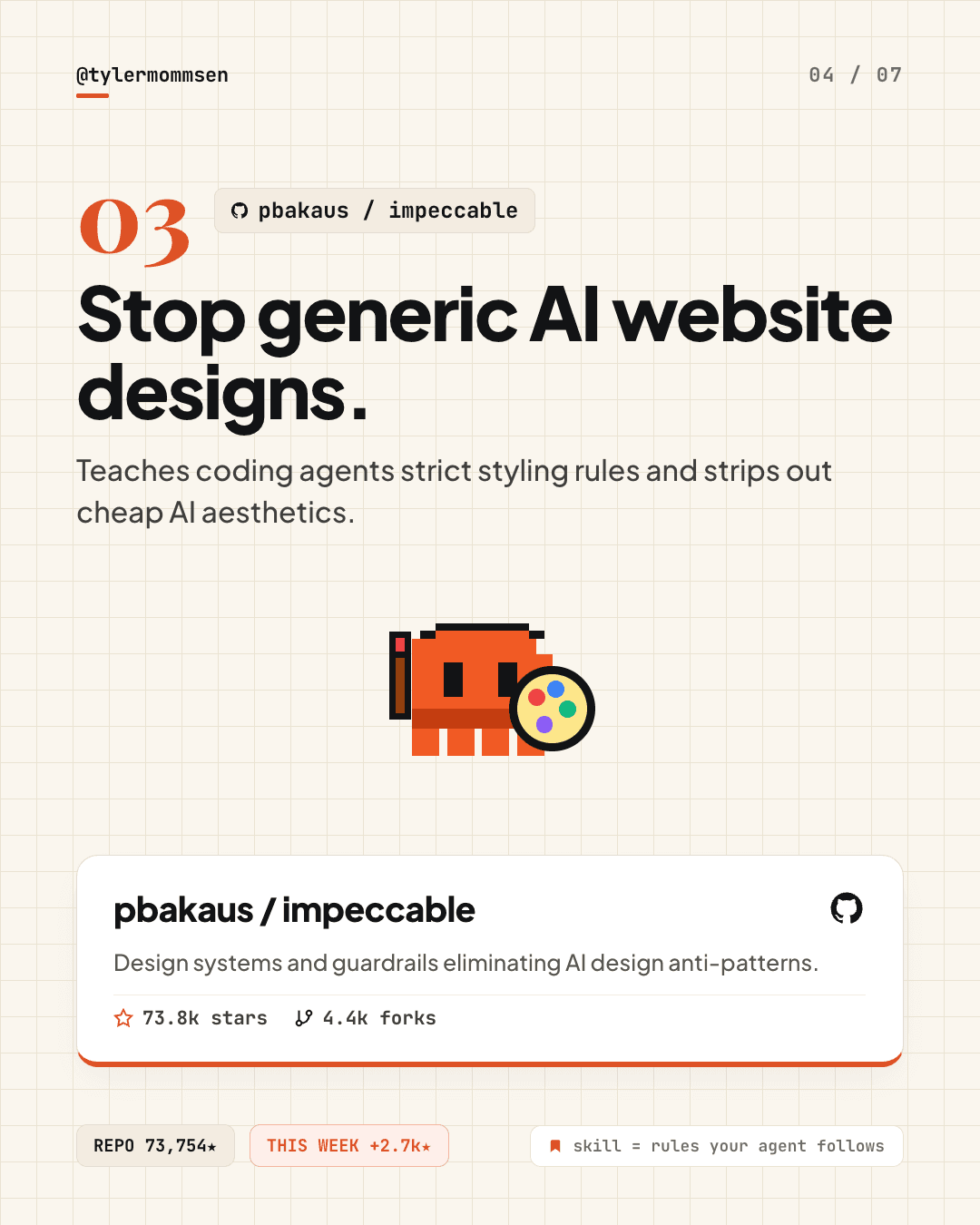
Slide 4/7
Click to expand
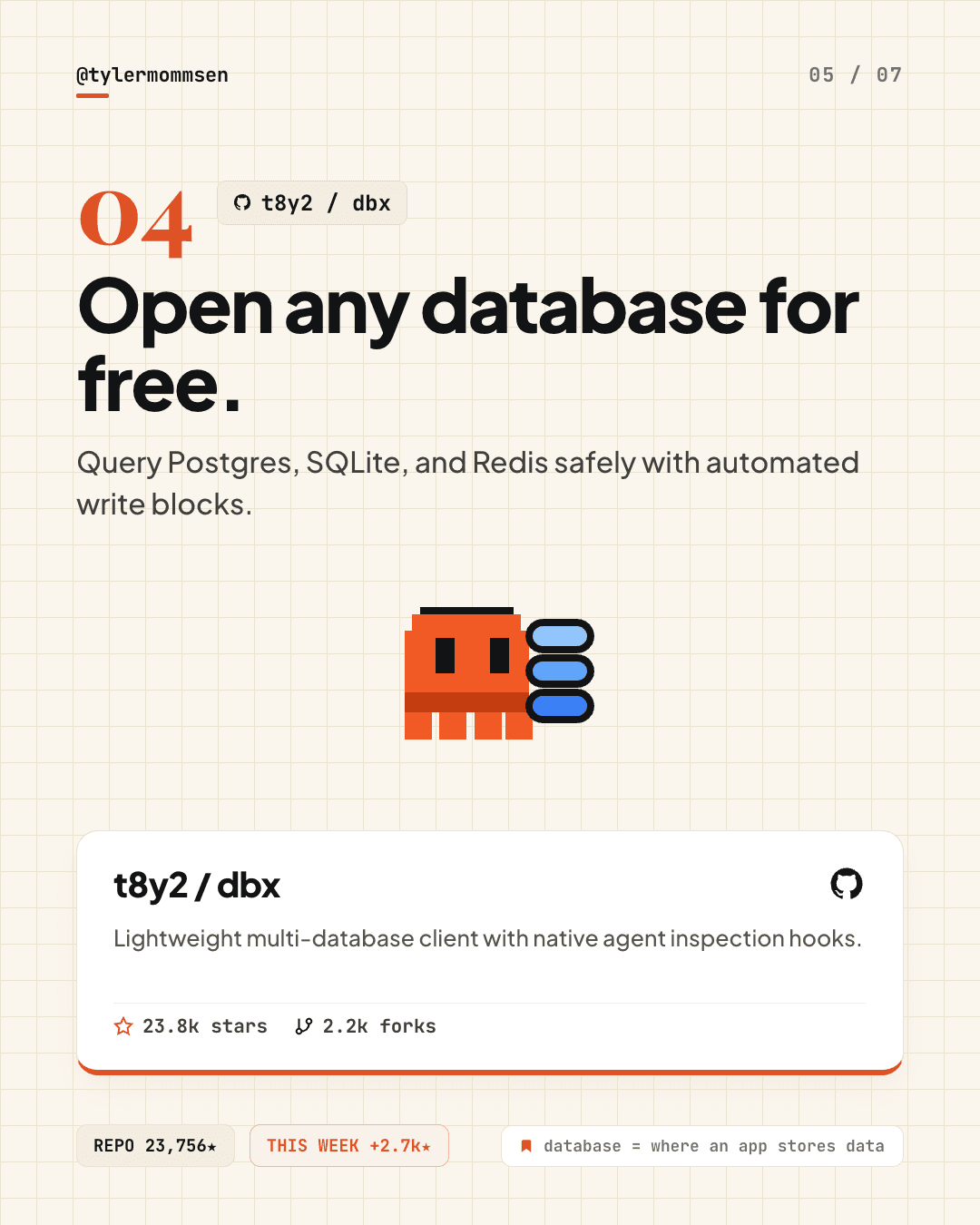
Slide 5/7
Click to expand
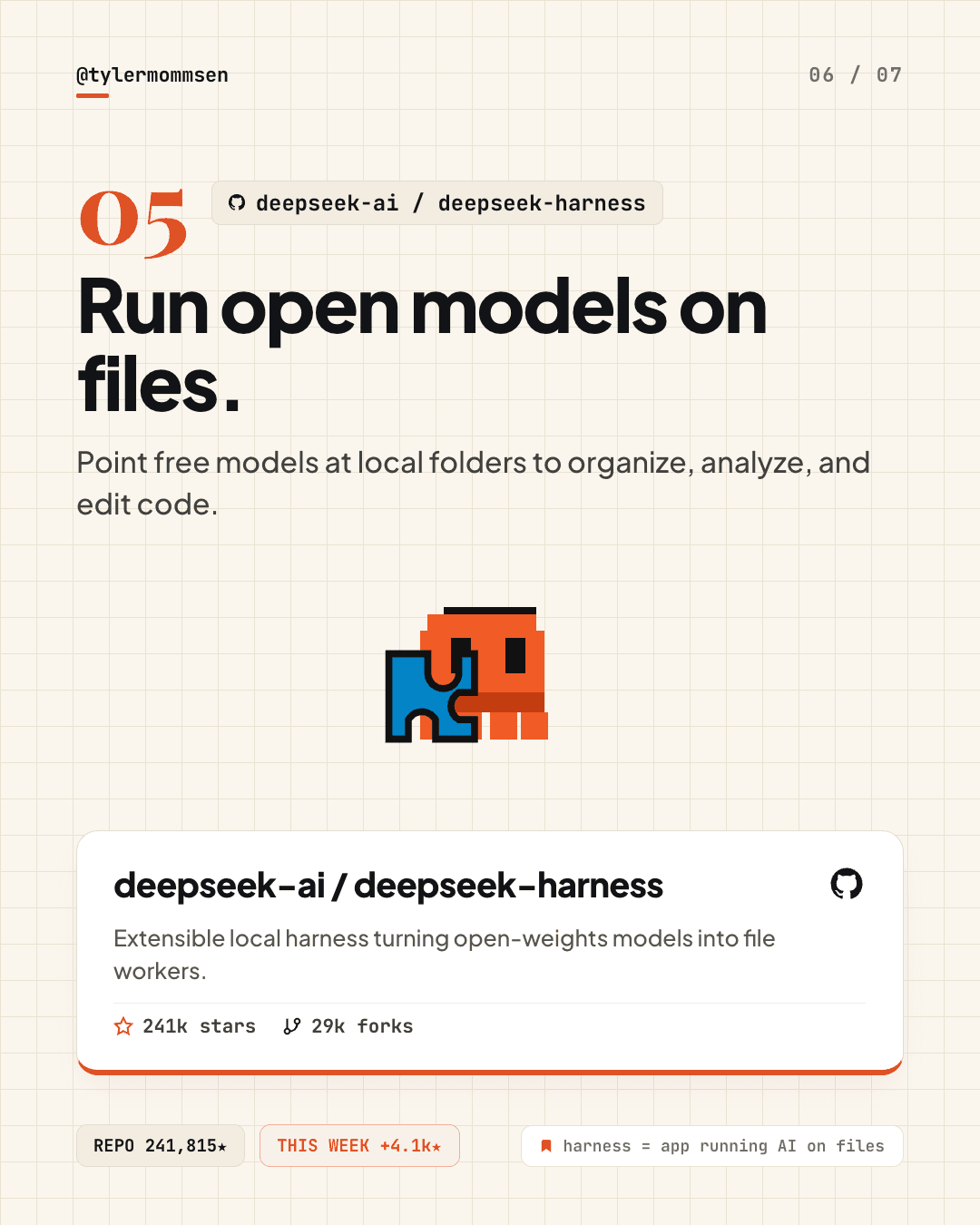
Slide 6/7
Click to expand
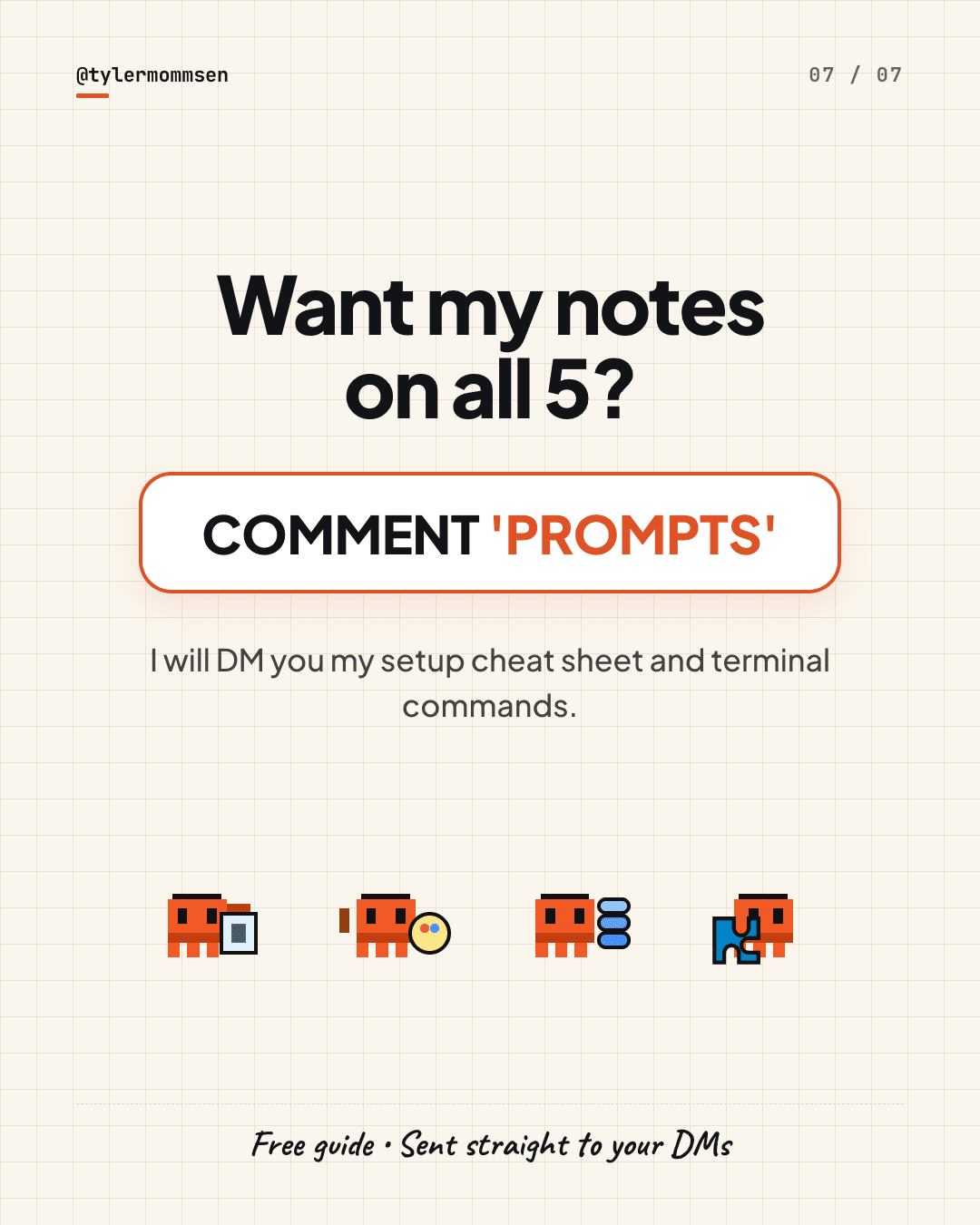
Slide 7/7
Click to expand
Slide 1/7
Click to expand
Slide 2/7
Click to expand
Slide 3/7
Click to expand
Slide 4/7
Click to expand
Slide 5/7
Click to expand
Slide 6/7
Click to expand
Slide 7/7
Click to expand
Slide 1/7
Click to expand
Slide 2/7
Click to expand
Slide 3/7
Click to expand
Slide 4/7
Click to expand
Slide 5/7
Click to expand
Slide 6/7
Click to expand
Slide 7/7
Click to expand
Slide 1/7
Click to expand
Slide 2/7
Click to expand
Slide 3/7
Click to expand
Slide 4/7
Click to expand
Slide 5/7
Click to expand
Slide 6/7
Click to expand
Slide 7/7
Click to expand
Native 1080×1350 (4:5) format · Continuous loop on scroll · Click any slide to inspectGenerate from $9/mo
The 8-Slide High-Retention Slideshow Formula
- Slide 1 (Hook): State the result or mistake clearly.
- Slide 2 (Context): Why most advice on this topic fails.
- Slides 3 to 6 (Value): Four clear, actionable steps or lessons.
- Slide 7 (Recap): A one-page summary checklist.
- Slide 8 (CTA): Follow for more tips and save for reference.
Mobile Formatting Rules
Over 70% of LinkedIn users browse on smartphones. Keep your slideshow readable:
- Use portrait 1080×1350 format.
- Limit text to 30 words per slide.
- Use high-contrast color palettes (white on dark violet or black).
- Add slide numbers (e.g. 02/08) to show progress.
90-Second Walkthrough
See How Slidecraft Generates a 7-Slide Carousel From One Prompt
No blank canvas. No manual kerning. Watch raw notes transform into publish-ready slides with viral hook psychology.

Demo: Prompt to LinkedIn & IG Deck1080 × 1350 (4:5)
01:30
Claude 3.5 Hook Engine
LinkedIn PDF & IG 4:5 Zip
Starting at $9/month
Generate Your First Carousel Now
No credit card required · Free instant test on homepage
Frequently Asked Questions
Common Questions About LinkedIn Carousels
What is a LinkedIn slideshow?
A LinkedIn slideshow is a document post uploaded as a PDF that users can flip through page by page directly in their LinkedIn feed.
How do I make a LinkedIn slideshow fast?
With Slidecraft, enter your core message into the prompt bar to generate an 8-slide PDF ready for LinkedIn in 90 seconds.